Introduction
In Web Host Manager, you can assign additional privileges to reseller accounts. Granting all privileges allows the reseller to access almost all WHM features similar to the root user.
Prerequisites
Before proceeding, ensure:
- Root access to WHM
- Existing reseller account created
- Understanding of WHM reseller privilege management
Implementation
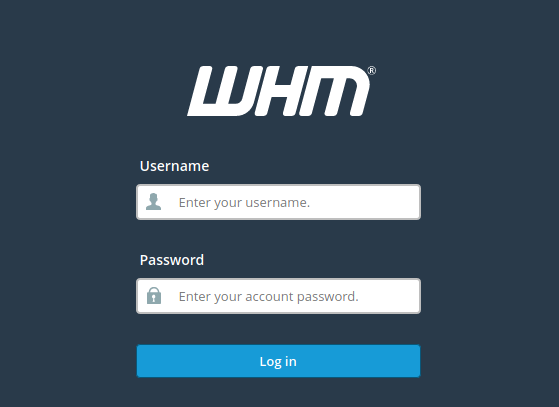
- Log in to the WHM as the root user
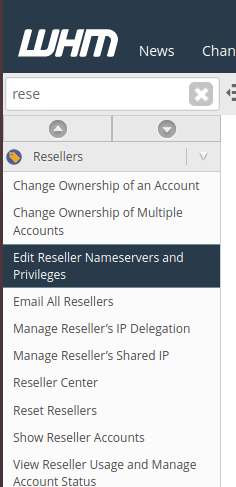
2. Go to Resellers and click on Edit Reseller Nameservers and Privileges.
3. Click the user you wish to alter the privileges on
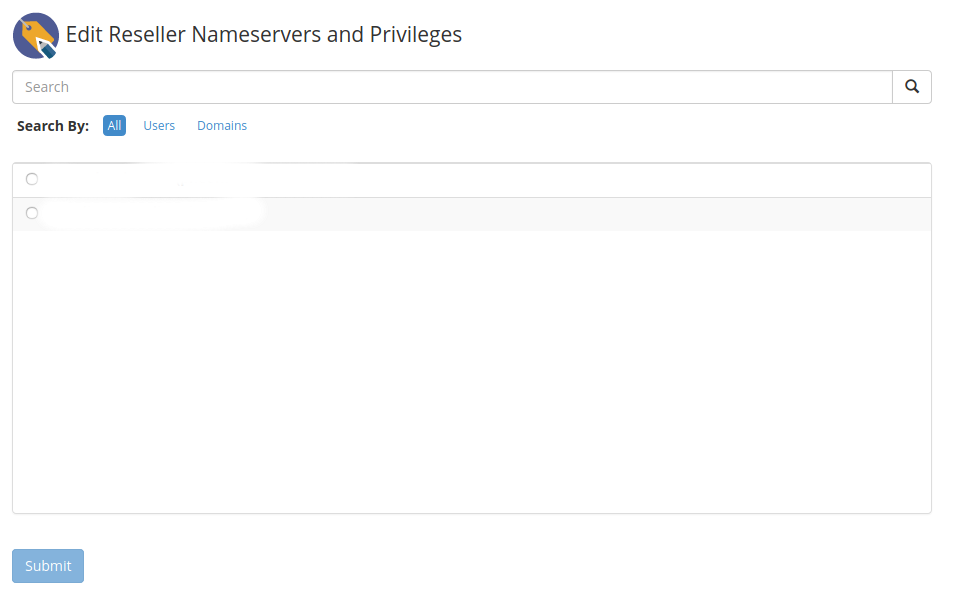
4. Click on Submit.
Note: This will grant this user to all features of the WHM and would be considered root.
Conclusion
Using Web Host Manager reseller privilege management, administrators can provide advanced WHM access to reseller users for server and account management tasks.