Introduction
Greylisting is an effective email security feature available in WHM that helps reduce unwanted spam emails. When Greylisting is enabled, the mail server temporarily rejects emails from unknown or suspicious senders on their first attempt. Legitimate mail servers will retry after a short delay, while most spam servers do not retry, resulting in automatic filtering of spam messages.
Prerequisites
1. WHM login access to the server.
2. Root-level permissions to manage email settings
3. The server must be using Exim (the default mail server in cPanel).
4. A working domain configured to receive emails.
5. Basic knowledge of navigating WHM menus.
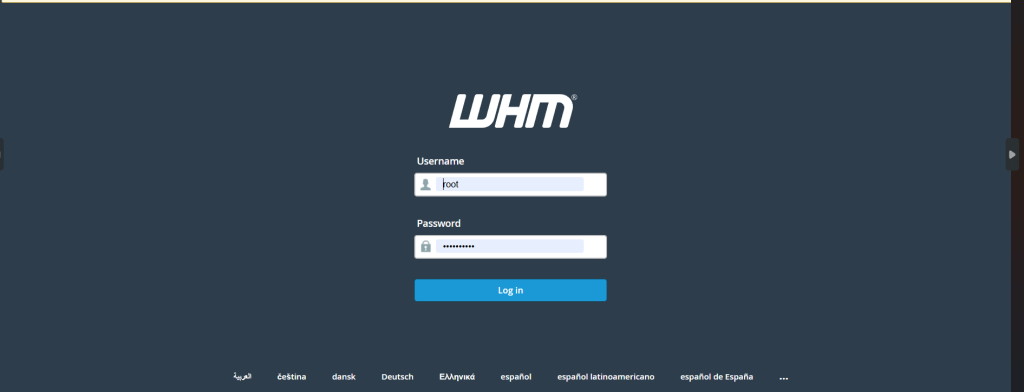
Step 1: Log in to WHM
Step 2:
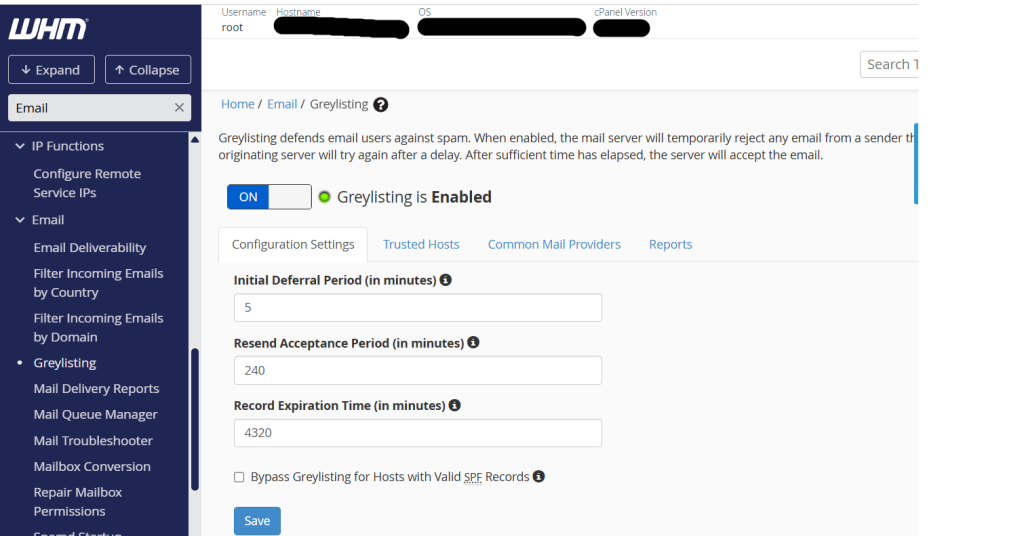
- In the left search bar, type “Greylisting.”
- Click “Greylisting” under the Email section.
- On the Greylisting page, click the Enable button
Step 3: Open Configuration Settings
Fill the details
1. Initial Deferral Period: This tells how long the server asks the sender to try again later. The default value (5 minutes) is recommended.
2. Resend Acceptance Period: This is the time period during which the server will accept a retry attempt. The default value (4 hours) is recommended.
3. Record Expiration Time: Set how long the server remembers a sender after the email is accepted. The default value (36 days) is recommended.
Once all the greylisting configuration details are filled, click Save to apply the settings.
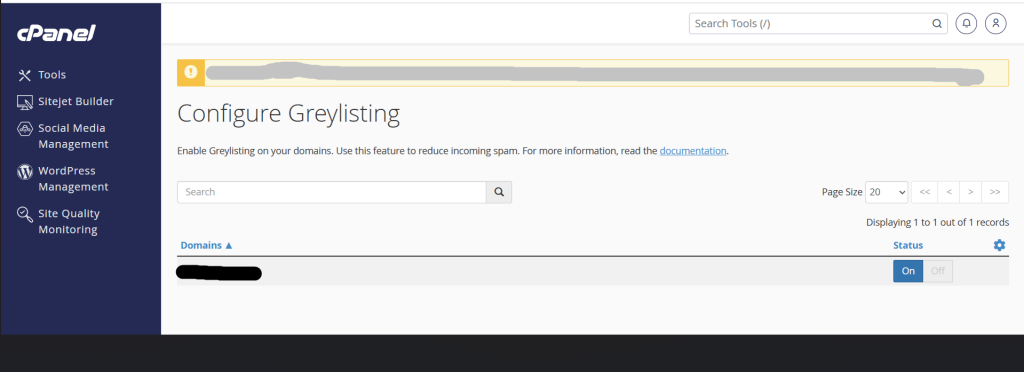
After enabling Greylisting in WHM, the feature is applied to the selected domain immediately.
Conclusion
Enabling Greylisting in WHM helps reduce spam by temporarily rejecting emails from unknown senders. The verified senders will retry sending their emails, and these messages are delivered successfully, while most spam is blocked automatically. Keeping the default greylisting settings is safe and effective for most servers. If needed, trusted hosts can be added to ensure that important emails are not delayed. Greylisting provides an extra layer of email security and helps maintain cleaner mailboxes, improving server performance and protecting users from unwanted messages.