Introduction:
Creating regular backups of your WordPress website helps protect your data and allows you to restore your site quickly in case of accidental changes or failures. One of the easiest ways to create a backup is by using the All-In-One WP Migration plugin.
Prerequisites
Before proceeding, ensure you have the following:
- WordPress administrator login credentials.
Implementation
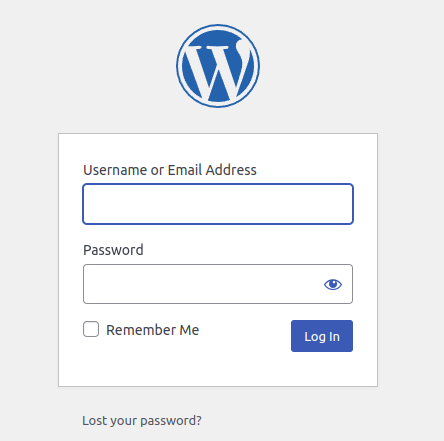
Step 1: Login to the WordPress with the admin credentials
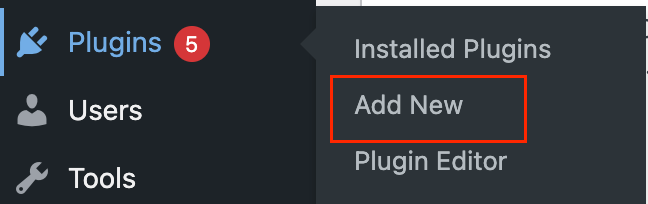
Step 2: On the Dashboard in the left sidebar, click Plugins, and then click Add New
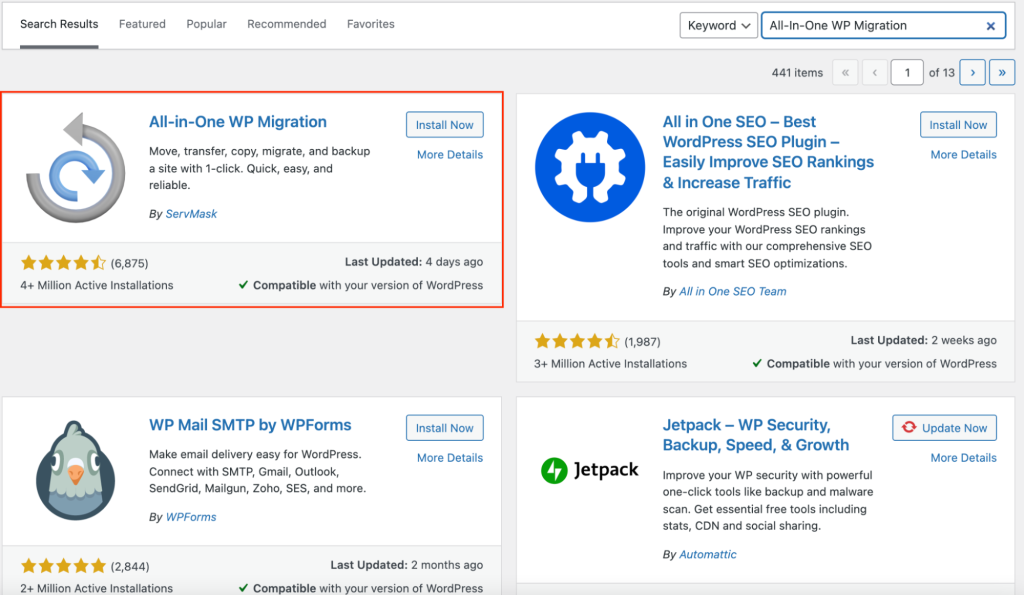
Step 3: Search for “All-In-One WP Migration” click Install Now, and then click Activate the plugin

Step 5: You will get this page like below, Click EXPORT TO and select FILE. It will start exporting, once it is done it shows the download button, Click the download button it will download to your local with the .wpress format.

Conclusion:
Using the All-In-One WP Migration plugin provides a simple and reliable way to back up your WordPress site. Keeping regular backups ensures that your website data can be restored quickly whenever needed.