
Introduction
This guide shows how to find the default gateway on CentOS 7 Minimal Server, using the command that actually works on a minimal install by default.
Implementation
I. Prerequisites
- A CentOS 7 server (Minimal install)
II. How Routing Lookup Works
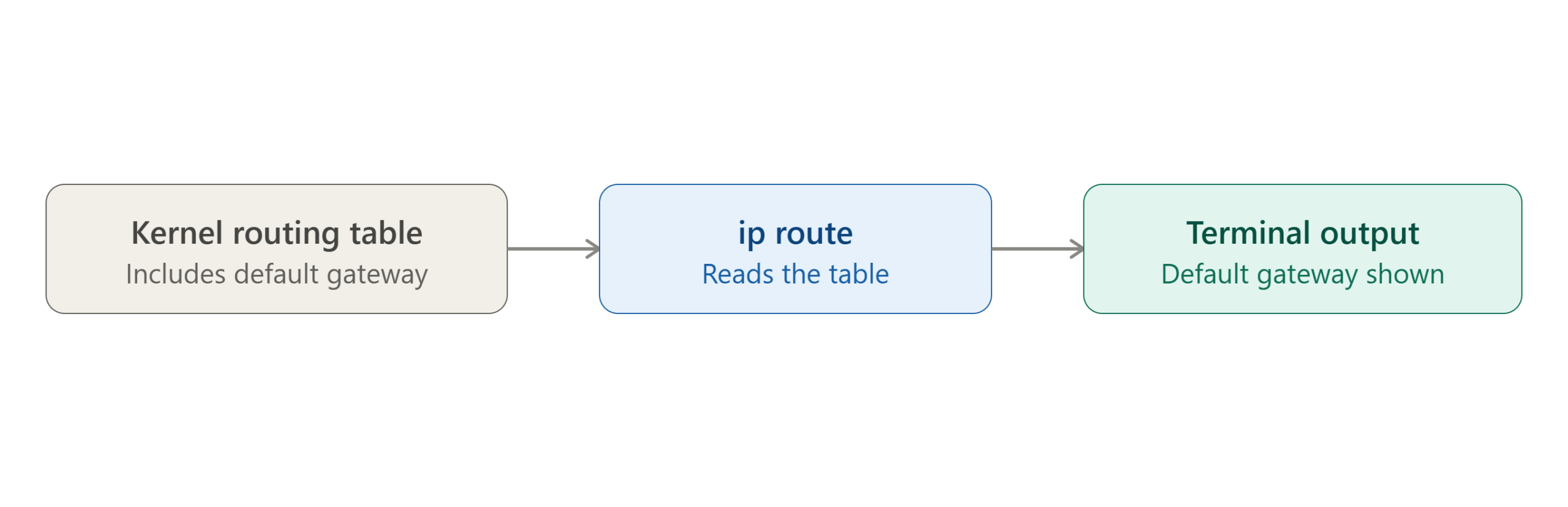
- The kernel keeps a routing table that decides where outgoing traffic goes
- The default gateway is the entry in that table used when no more specific route matches
- A command simply reads and displays this table — it doesn’t set or change anything on its own
III. Find the Default Gateway
On CentOS 7 Minimal, use:
ip route
The line starting with default shows your gateway:
default via 192.168.55.2 dev ens33
Note: The classic
route -ncommand is often shown for this instead, but it comes from thenet-toolspackage — which, likeifconfig, isn’t installed by default on CentOS 7 Minimal.ip routeis the modern equivalent and works out of the box.
IV. Filter for Just the Default Gateway (Optional)
If you only want the gateway line, without the rest of the routing table:
ip route | grep default
V. Conclusion
On CentOS 7 Minimal, use ip route to find your default gateway — it comes pre-installed, unlike route -n, which requires the net-tools package.
Frequently Asked Questions
Can I still use route -n if I prefer it? Yes — install it with yum install net-tools, then route -n will work the same way it does on other systems.
How is the default gateway different from my server’s own IP address? Your server’s IP address identifies your server on the network. The default gateway is the router your server sends traffic through to reach anything outside your local network.
Related Articles
Talk to Our Technology Experts
Need help with server networking or setup? Our team can help with server configuration, networking, and ongoing support.