
I got the opportunity to do a project related to mobile automation. I was happy, excited but also somewhat anxious and, frankly, I did not know what was awaiting me. But now I can say with a big gratitude, that everything went well even with the mistakes and issues that appeared.
Appium as the Tool for Mobile Automation
One more time like everybody else, I started working with Appium as the tool for mobile automation since it is one of the most famous tools out there.
Everything went well during the first steps: I managed to input into the email and password fields and to delete the input data. But suddenly I faced with something unexpected: some buttons could not be clicked.
Strange thing is that it seemed to me that everything is okay due to the fact that the logs were showing that the buttons were clicked.
The part where I kept trying
Initially, I thought that there must be something wrong with my script. Therefore, I examined it once again. And then I verified button attributes which appeared to be valid. I applied different techniques and approaches one by one. Nothing helped.
I should admit that there was a period when I seriously questioned my ability to overcome this challenge. However, I persevered, and I am happy that I have done so.
Finding Mobilewright
After much searching and reading I found out about an application called Mobilewright. It is a relatively new tool for mobile automation testing so I decided to give it a try.
It worked like a charm.
This experience clarified a lot of things for me. The problem was not connected with Appium or my script in any way, it was connected with those particular buttons which were developed in the app. Mobilewright could easily deal with it.
This was an important lesson for me. Sometimes the problem is in an unexpected place.
When buttons do not have enough attributes
The other thing is that our application lacked attributes on each button and field. In this case, it becomes difficult to instruct the testing tool about clicking certain things.

So I learned how to work with coordinates. It is quite an easy principle. You need to specify a particular point on your screen that should be clicked. It is not always the first option you choose, but it is very handy to fall back on when everything fails.
How to learn which attribute matches which method
During my whole learning process, I figured out which attribute suits each method. That helped me to write tests a bit faster. Here is the result:
| Attribute | Method name |
| hint | getByPlaceholder |
| resource-id | getByTestId |
| text | getByText |
| content-desc | getByText |
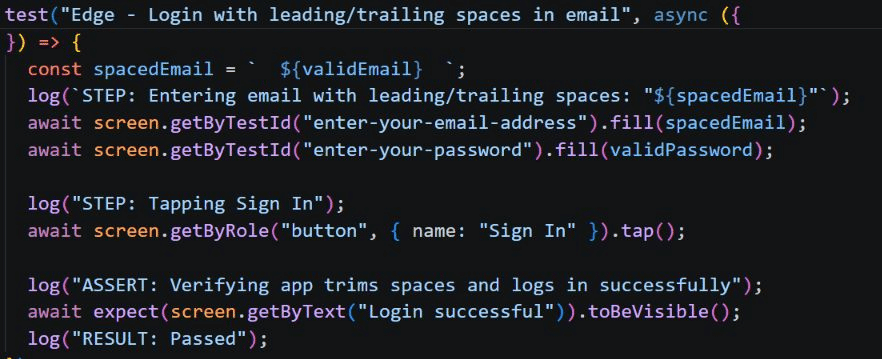
Although this may appear trivial, having known this proved invaluable when trying to do many things.
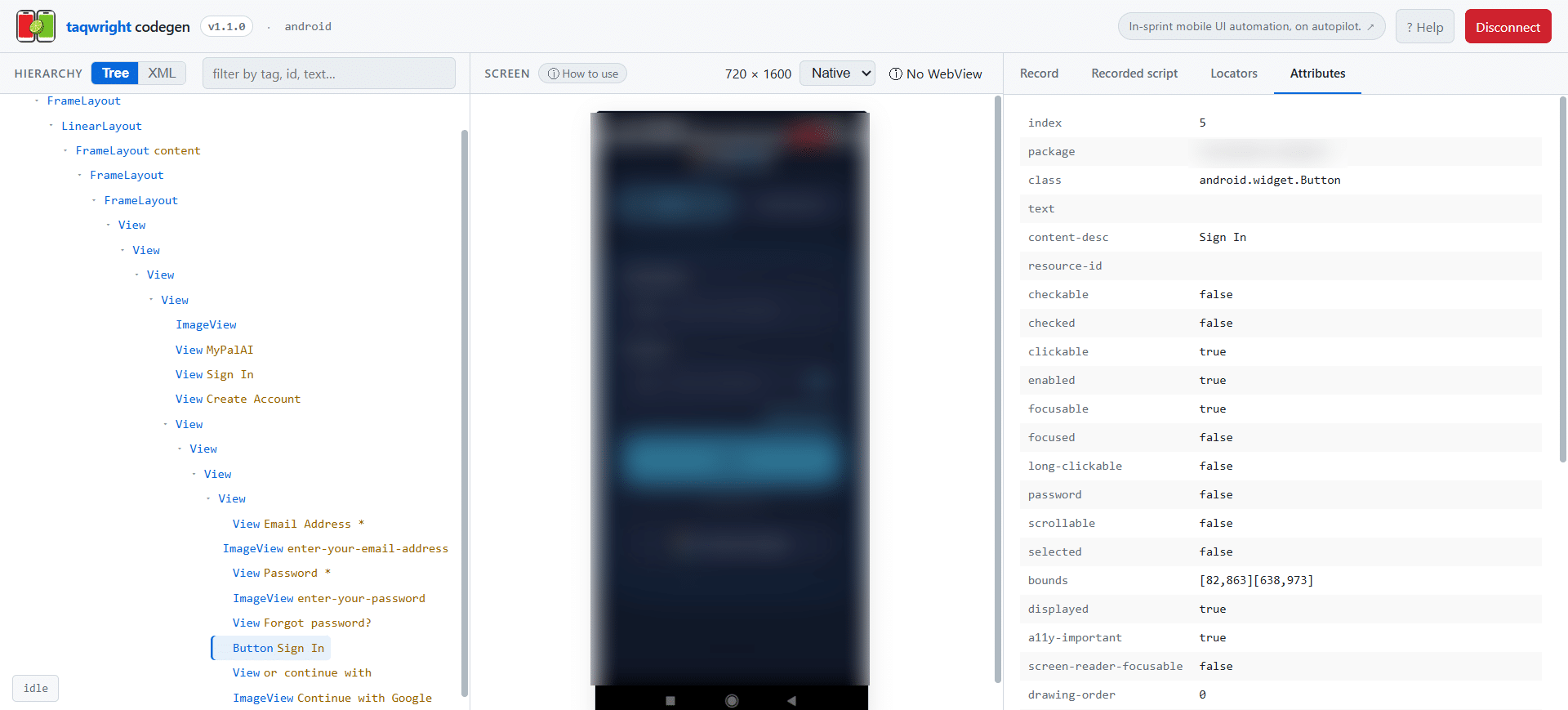
Some tools that made everything easier
The first one was Appium inspector which proved to be somewhat difficult to configure and find the right attributes. But then I found Taqwight. This is a modern solution which makes it much easier to find attributes of elements and helped greatly.
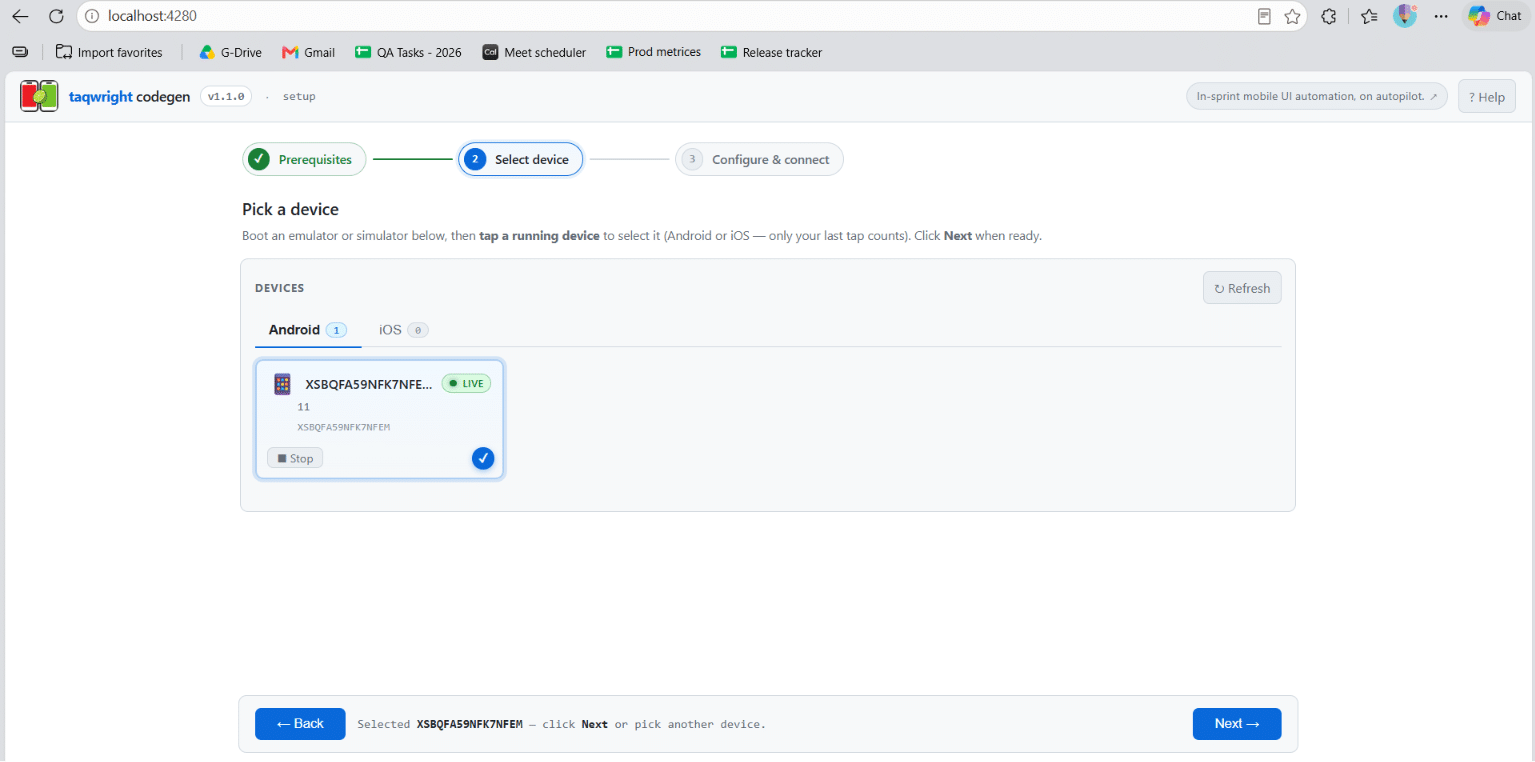
In addition, I started using Vysor. This application mirrors your smartphone screen to your computer so being able to monitor how tests run in real-time was very useful.
And I added my own log statements to the tests which I did out of curiosity and it proved to be extremely helpful.
From emulator to real device
The fact is that some tests failed in emulator mode so I tried to run them on an actual device. In turn, this brought its problems such as configuring USB debugging etc.
There was some back and forth in the process, but I managed to do everything on my own and get it all set up. It was satisfying.
What I’ve learned from this
To be brief and concise, if something is preventing you from achieving your goal, try to find other ways.
Because of one problem that I faced while using Appium, I was able to learn about two or three new tools that I was unaware of before.
I also learned that it requires some patience. There will be days when you’ll feel that you are not getting anywhere. However, give yourself some time and eventually things will start to become clear.
I am thankful for the experience that I have gained from this and for all of the difficulties that I encountered during the process. They have made me a better tester and a more curious one.
If you are a newbie in the world of mobile automation and you have come across an obstacle, don’t worry. It happens to everyone. Keep experimenting and trying until you overcome that barrier.
Thank you for taking your time to read my post. If you have had any similar experiences, share them.