
Introduction
A customer named “José” signs up, and your welcome email greets “José”. A product title is cut short and ends with a strange “�” symbol. A text message with a 👋 emoji arrives broken. These bugs all have the same cause: PHP code that treats text as bytes instead of characters.
Most of PHP’s classic string functions, like strlen(), substr(), and strtoupper(), work on bytes. That is fine for plain English. But in UTF-8, an accented letter takes two bytes, and an emoji takes four. Cut a string in the wrong place, and you get broken characters.
The fix is PHP’s mbstring extension (multibyte string). In this guide, we share 10 practical tips for handling UTF-8 and emoji safely in PHP, with examples you can paste into your code.
On This Page
Why UTF-8 Handling Matters in PHP
<?php
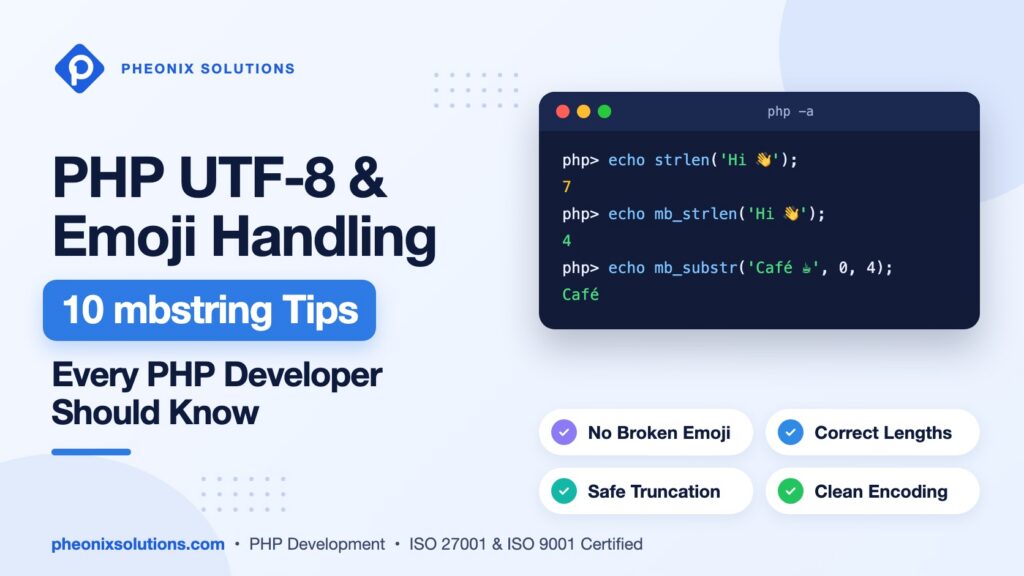
$text = 'Hi 👋';
echo strlen($text);     // 7  (bytes)
echo mb_strlen($text); // 4 (characters)- Broken text: cutting in the middle of a character creates invalid UTF-8.
- Wrong limits: a 50-character limit checked with
strlen()rejects valid names in Hindi, Tamil, or Chinese. - Database errors: invalid UTF-8 can fail to save, or be stored as question marks.
- Messaging costs: in SMS, one emoji changes the encoding and can double the number of message parts.
Prerequisites
- PHP 8.0 or newer (some tips need PHP 8.3 or 8.4, as noted).
- The
mbstringextension. Check withphp -m | grep mbstring. - The
intlextension for tip 9 (grapheme functions).
10 Tips for UTF-8 and Emoji Handling in PHP
1. Use UTF-8 Everywhere
Most encoding bugs happen at the edges: the browser, the database, or a file. Make UTF-8 the default at every step.
; php.ini
default_charset = "UTF-8"

// PDO connection: use utf8mb4, not utf8
$pdo = new PDO('mysql:host=127.0.0.1;dbname=app;charset=utf8mb4', $user, $pass);

// HTTP response
header('Content-Type: text/html; charset=UTF-8');
In MySQL, utf8 only stores up to three bytes per character, so it cannot store emoji. Always use utf8mb4 for tables and connections.
2. Count Characters with mb_strlen()
Use mb_strlen() for length limits and validation. Use strlen() only when you really need the size in bytes.
<?php
$name = 'Café';
strlen($name);     // 5
mb_strlen($name);  // 4

if (mb_strlen($name) > 50) {
    throw new InvalidArgumentException('Name is too long');
}
3. Cut Strings with mb_substr()
substr() can split an emoji or accented letter in half. mb_substr() always cuts between characters.
<?php
$title = 'Café ☕ Specials';
substr($title, 0, 7);     // "Café " plus one broken byte of ☕
mb_substr($title, 0, 6);  // "Café ☕"
4. Truncate for Display with mb_strimwidth()
For previews and table cells, mb_strimwidth() cuts by display width and adds an ending like “…”. It also knows that Chinese, Japanese, and Korean characters take up double width on screen.
<?php
echo mb_strimwidth('Welcome to our new online store', 0, 20, '…');
// "Welcome to our new …"
5. Change Case with mb_strtoupper() and mb_convert_case()
Since PHP 8, strtoupper() only changes ASCII letters. Use the mbstring versions for every language.
<?php
strtoupper('josé');                        // "JOSé"
mb_strtoupper('josé');                     // "JOSÉ"
mb_strtoupper('straße');                   // "STRASSE"
mb_convert_case('ravi kumar', MB_CASE_TITLE); // "Ravi Kumar"
6. Split into Characters with mb_str_split()
Need to loop over each character, for example to mask a value or check every letter? str_split() splits bytes. mb_str_split() splits characters.
<?php
print_r(mb_str_split('Hi👋'));
// ['H', 'i', '👋']
7. Validate Input with mb_check_encoding()
Never trust that incoming text is valid UTF-8. Check it at the edge of your app, before saving it or passing it on.
<?php
if (!mb_check_encoding($input, 'UTF-8')) {
    http_response_code(400);
    exit('Invalid text encoding');
}
8. Convert Old Encodings with mb_convert_encoding()
CSV exports from old systems often use Windows-1252 or ISO-8859-1. Convert them to UTF-8 as soon as you read them.
<?php
$line = mb_convert_encoding($line, 'UTF-8', 'Windows-1252');
9. Use Grapheme Functions for Complex Emoji
Some emoji are made of several characters joined together, like a family emoji or a flag. To a user it is one symbol, but mb_strlen() counts each part. The grapheme_* functions from the intl extension count what the user actually sees.
<?php
$family = '👨👩👧';
mb_strlen($family); // 5
grapheme_strlen($family); // 1
grapheme_substr('Hi 👨👩👧 there', 0, 4); // "Hi 👨👩👧"10. Add the /u Flag to Regular Expressions
Without the /u flag, preg_* functions work on bytes. With it, they understand UTF-8, and they fail safely on invalid input.
<?php
// Allow letters from any language, spaces, and hyphens
$valid = preg_match('/^[\p{L}\s-]{2,50}$/u', $name);
Bonus: Counting SMS Characters with Emoji
SMS messages with any character outside the basic GSM alphabet, including every emoji, are sent as UCS-2/UTF-16. Then one message holds 70 units instead of 160, and each emoji counts as two units. You can count UTF-16 units in PHP like this:
<?php
function utf16Units(string $text): int
{
    return intdiv(strlen(mb_convert_encoding($text, 'UTF-16BE', 'UTF-8')), 2);
}

utf16Units('Hi 👋'); // 5  (H, i, space, and 2 units for the emoji)
When you split long messages into parts, split between characters (or graphemes), never in the middle of an emoji. Otherwise the person receiving it sees broken symbols at the join.
Byte Functions vs Multibyte Functions
| Task | Avoid for UTF-8 | Use instead |
|---|---|---|
| Length | strlen() | mb_strlen() or grapheme_strlen() |
| Substring | substr() | mb_substr() or grapheme_substr() |
| Find position | strpos() | mb_strpos() |
| Upper/lower case | strtoupper(), ucfirst() | mb_strtoupper(), mb_ucfirst() (PHP 8.4) |
| Split | str_split() | mb_str_split() |
| Padding | str_pad() | mb_str_pad() (PHP 8.3) |
| Trimming Unicode spaces | trim() | mb_trim() (PHP 8.4) |
| Truncate for display | substr() + “…” | mb_strimwidth() |
Common UTF-8 Mistakes to Avoid
- Using MySQL
utf8instead ofutf8mb4. Emoji will fail to save. - Checking length with
strlen(). Non-English names will hit limits too early. - Running
utf8_encode()on text that is already UTF-8. This creates “é” style errors. The function is deprecated since PHP 8.2 anyway. - Cutting text with
substr()for previews. This leaves a broken “�” at the end. - Forgetting
/uin regex. Patterns quietly match the wrong things.
Conclusion
Good UTF-8 handling is not hard. Use UTF-8 and utf8mb4 everywhere, swap byte functions for their mb_ versions, validate input at the edges, and reach for grapheme functions when emoji matter. Your users’ names, languages, and emoji will come through exactly as they typed them.
FAQs
1. Why does strlen() return the wrong length for emoji?
strlen() counts bytes, not characters. Most emoji take 4 bytes in UTF-8, so strlen(‘👋’) returns 4. Use mb_strlen() to count characters.
2. What is the difference between mb_strlen() and grapheme_strlen()?
mb_strlen() counts Unicode code points. grapheme_strlen() counts what a user sees as one character, so a family or flag emoji counts as 1.
3. Why do I see é instead of é?
UTF-8 text was read as Latin-1 (ISO-8859-1) and then converted to UTF-8 again. Make sure every layer, from the database connection to the HTTP header, uses UTF-8.
4. Why can’t MySQL save my emoji?
The table or connection uses utf8 (3 bytes max). Switch both to utf8mb4.
5. Is mbstring installed by default?
It is included with PHP but is not always enabled. On Ubuntu, install it with sudo apt install php-mbstring and restart PHP-FPM or Apache.
Related Articles
- PHP PDO Prepared Statements: 8 Steps to Prevent SQL Injection
- Using PHP and Cron to Automate Kannel Status Monitoring
- PHP2Shell Vulnerability: How to Protect Your PHP Server
Official Documentation
Talk to Our PHP Experts
Broken characters make a product look careless, and encoding bugs in messaging can cost real money. At Pheonix Solutions, our PHP team builds multilingual web apps and messaging systems that handle every language and emoji correctly.
We can help you with:
- PHP and web development for multilingual sites, APIs, and SMS platforms.
- DevOps and cloud services to run PHP applications reliably.
- Software maintenance and support to fix encoding bugs in existing code and databases.
Seeing broken characters or emoji in your app? Talk to our PHP experts and get it fixed for good.