Introduction
Changing an email account password in cPanel is a simple yet important task to maintain account security. Whether you suspect unauthorized access or just want to update credentials, cPanel provides an easy interface to manage email passwords.
Prerequisites
Before proceeding, ensure:
- You have access to your cPanel account
- You know the email account for which the password needs to be changed
- Proper permissions to manage email accounts
Implementation
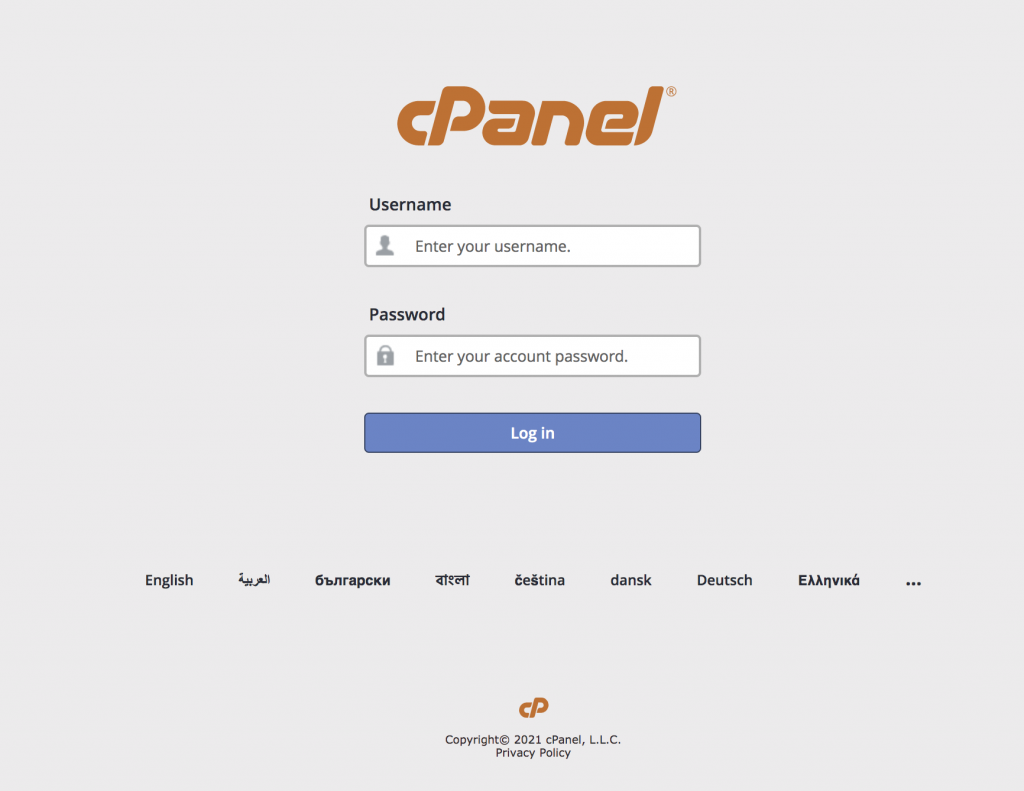
Step 1: Log into cPanel Account.
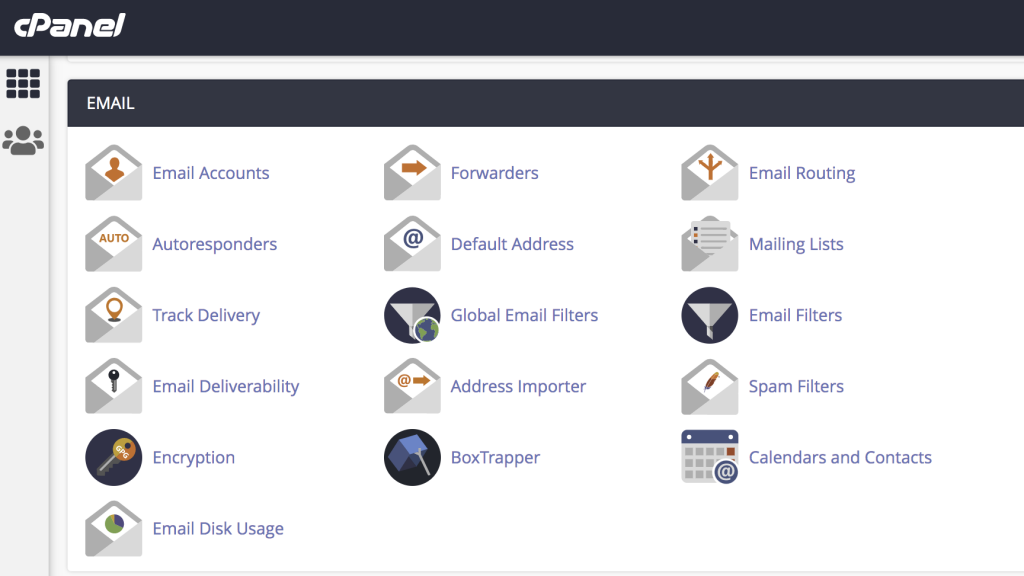
Step 2: Click on Email Accounts under theMail Section.
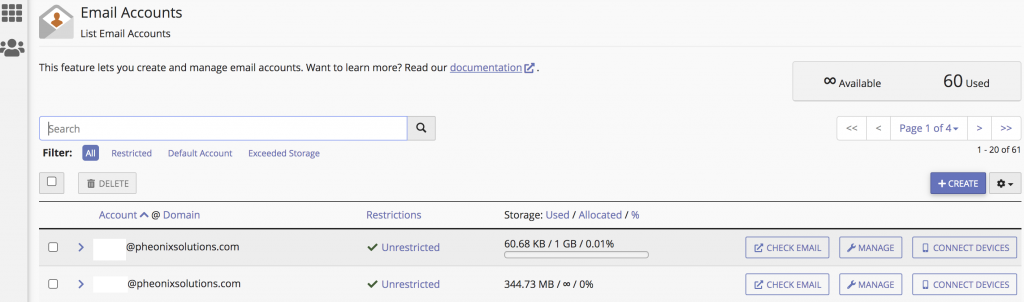
Step 3: Click MANAGE button on the right side of your email account.
Step 4: You can type a new password or click on GENERATE under the SECURITY.
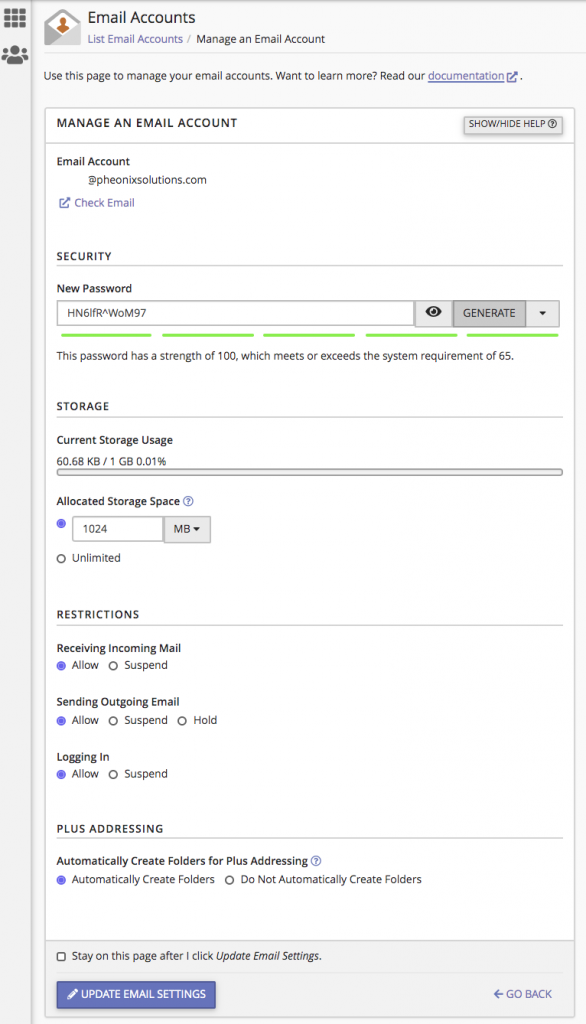
Step 5: Finally, Click on UPDATE EMAIL SETTINGS at the bottom.
Conclusion
Updating your email password in cPanel is quick and ensures better security for your email account. It’s recommended to use strong passwords and update them periodically to prevent unauthorised access.