Introduction
Domain parking allows you to point multiple domain names to the same website content. In WHM, administrators with root access can easily configure a parked domain for an existing account. This guide explains the steps required to park a domain using the WHM interface.
Prerequisites
Before proceeding, ensure that you have:
- Root access to the WHM account.
- A valid domain name to be parked.\
- The domain already added to the server’s DNS configuration.
- Access to the WHM login URL:
- https://server-hostname:2087
- https://IP-address:2087
Procedure
Step1:
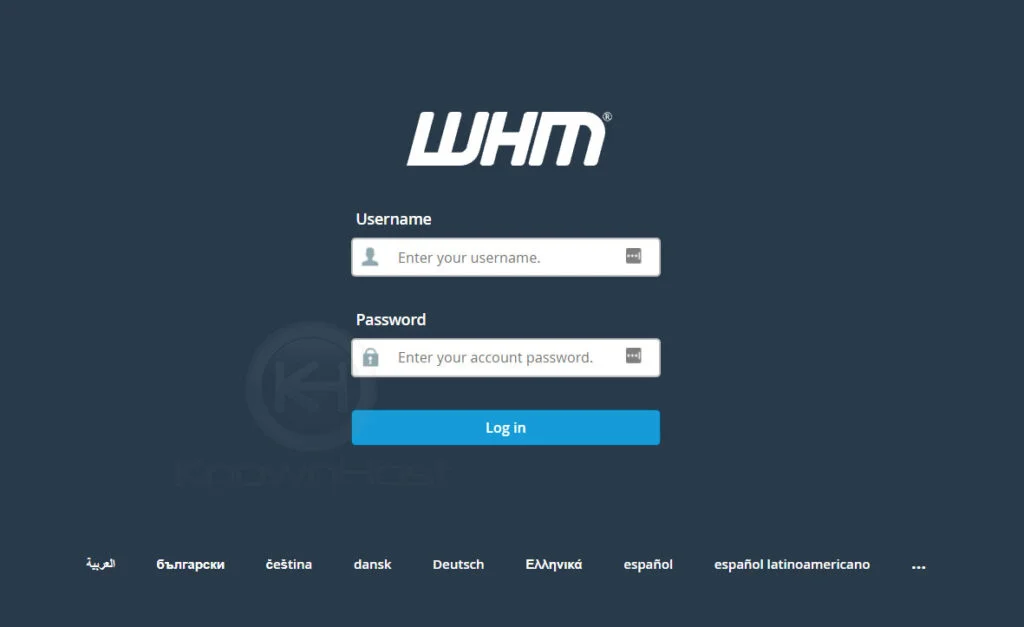
First, login into the WHM panel,
https://IP-address: 2087 or https://server-hostname: 2087.
Step2:
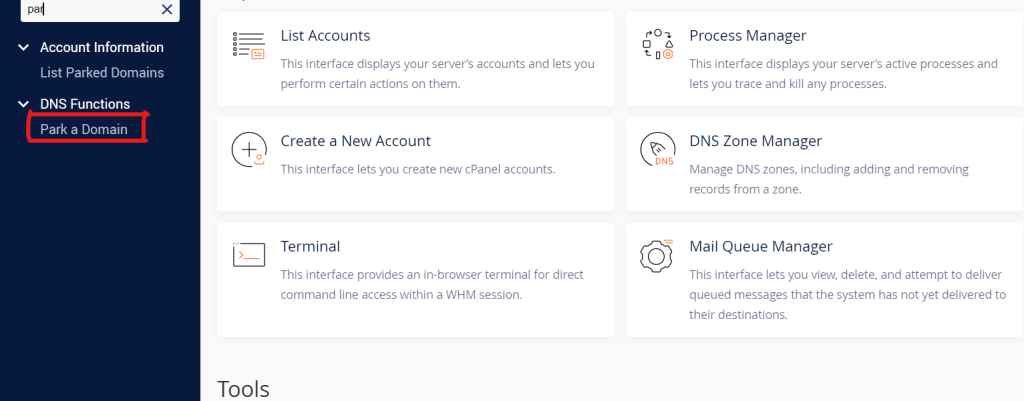
Navigate to DNS Functions → Park a Domain.
Step3:
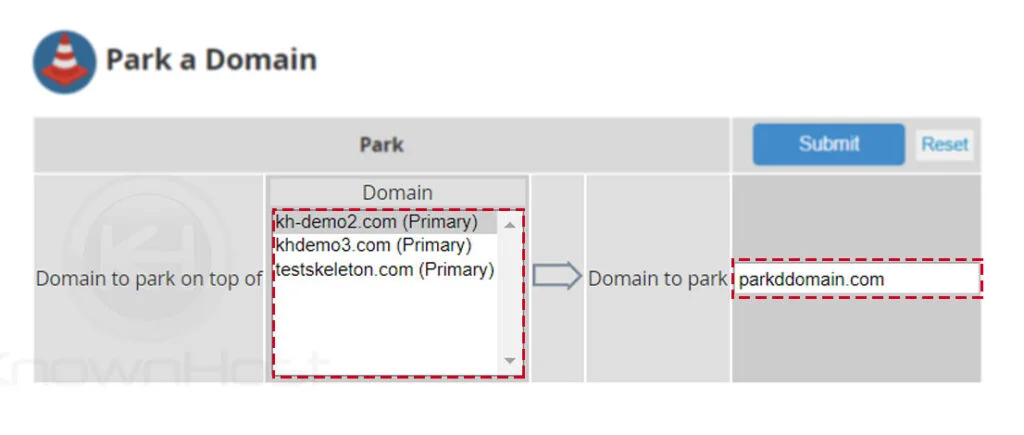
Next, select the domain name for which you would like to set up the parked domain → Enter the Park Domain.
Step4:
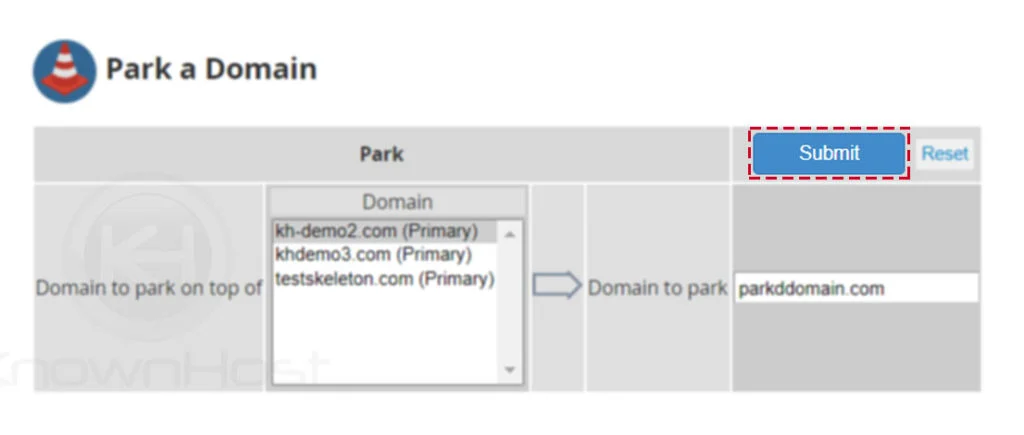
Finally, click on SUBMIT.
Step5:
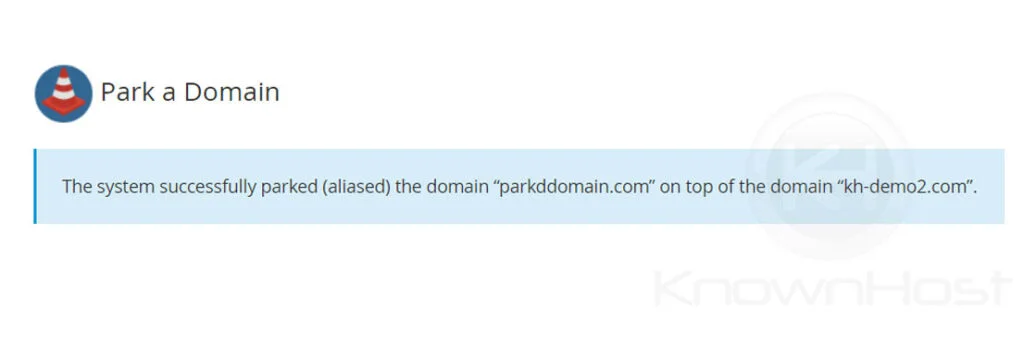
Congratulations! You have successfully configured the parked domain in the WHM panel.
Conclusion
You have successfully configured a parked domain in WHM. The parked domain will now point to the same website content as the primary domain, allowing visitors to access the site using either domain name.