Introduction:
Email IDs are used for communication purposes and for businesses to exchange messages, documents, and other digital content. Each email ID is unique, ensuring that messages are delivered to the correct recipient. You can create a new email in your cPanel account. Please follow this article to create a new email ID in your cPanel account.
Prerequisites:
- cPanel login credentials
Step 1:
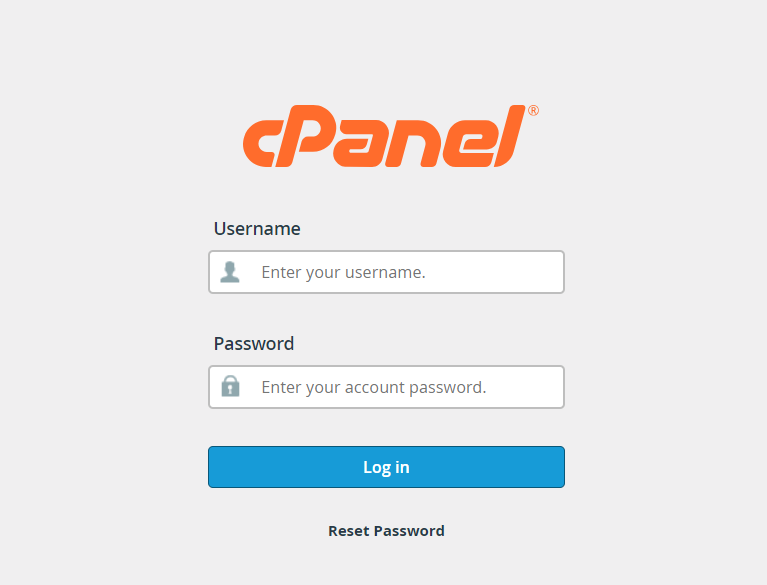
Log in to your cPanel account.
Step 2:
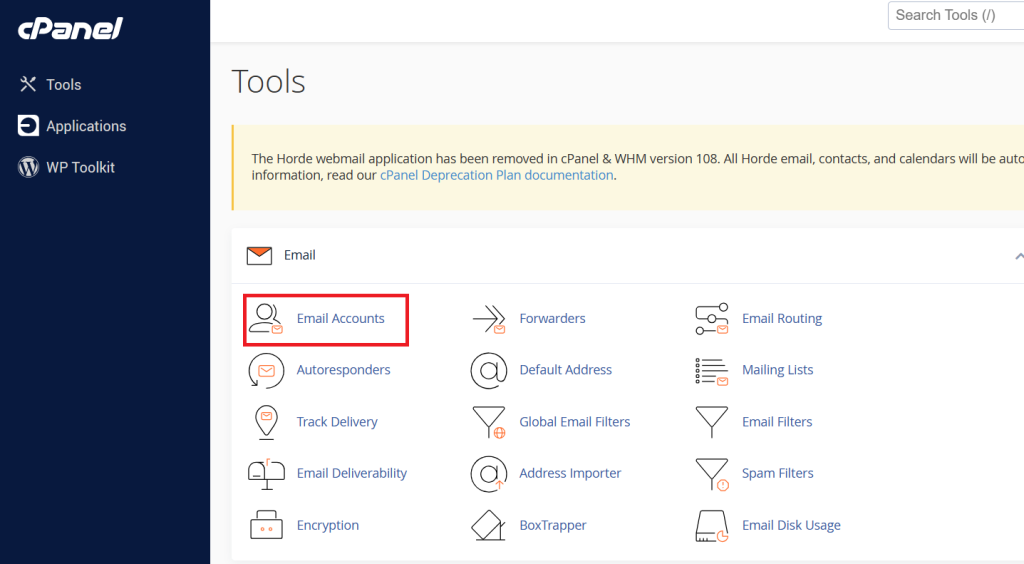
Click on the email account option.
Step 3:
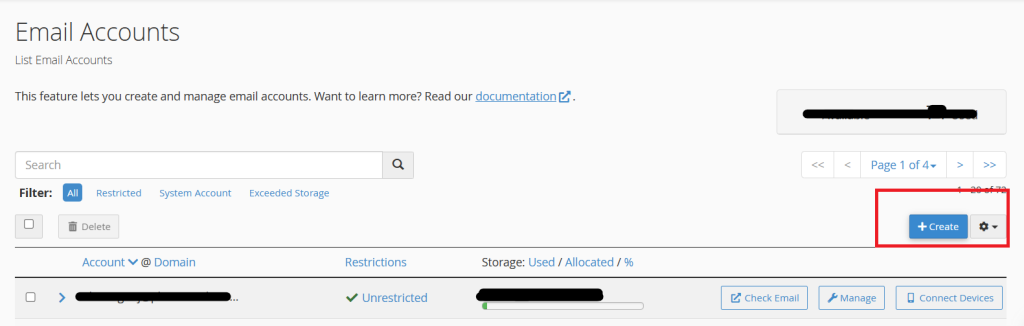
Click on Create to create a new email ID.
Step 4:
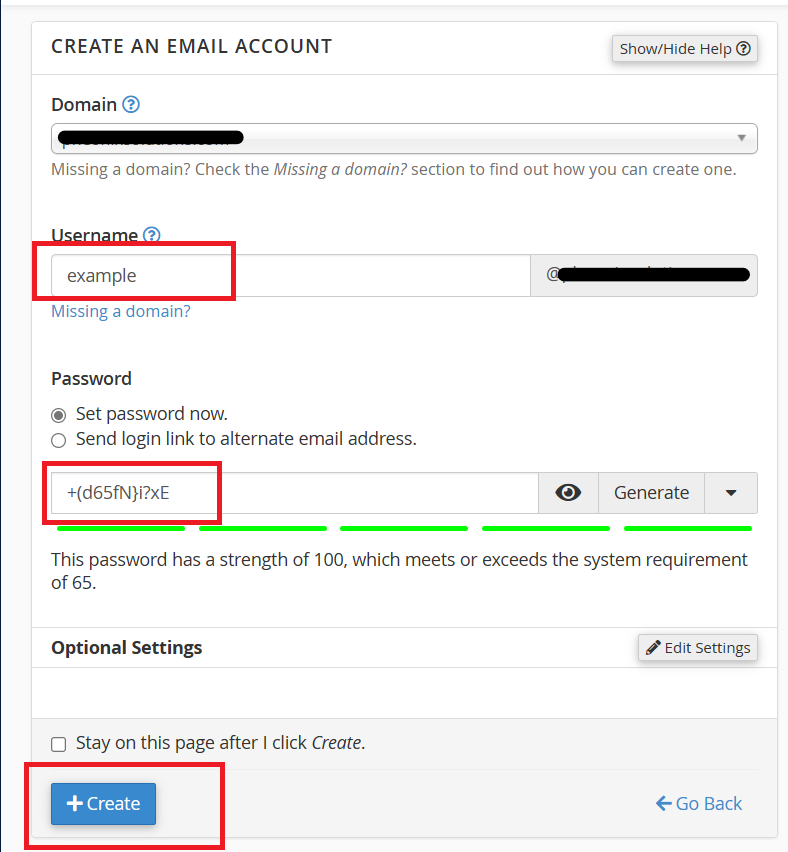
Enter the desired email ID and give a strong password to create an email account.
Step 5:
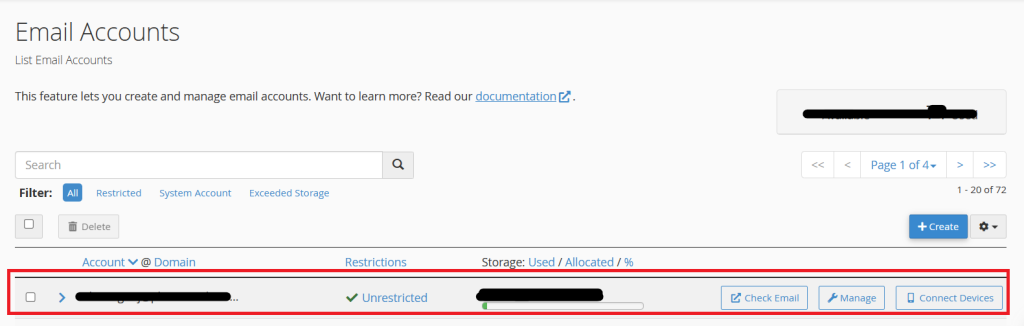
Verify the email ID created as mentioned below
Conclusion:
Now by following the above steps, we can create a new email ID in the cPanel account.