Introduction
“Tweak Settings” is a section within the WHM control panel that allows you to adjust various settings and configurations for your hosting environment
Prerequisites
- WHM access
- Addon domain name
Implementation
- The below error refers to the name server to be updated and it is not pointing to the hosting server while creating an addon domain

2. We can adjust the tweak setting to add the new addon domain without updating the name server
Note:
Disable “Allow remote domains” after creating the addon domain for the security issues.
(i) Log in to WHM
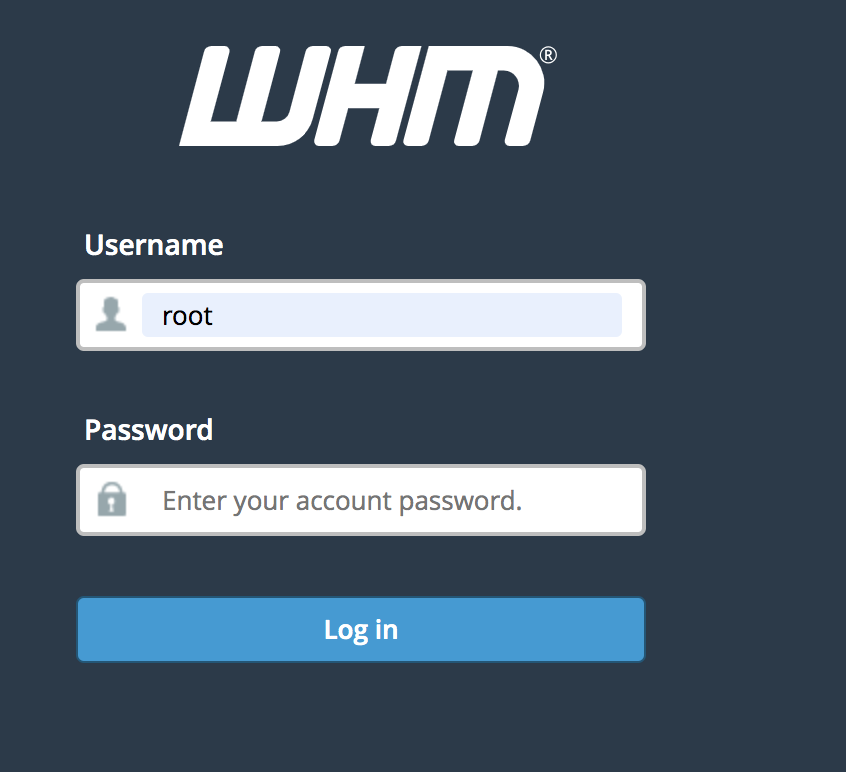
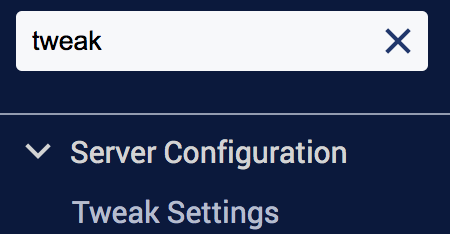
(ii) Navigate to Home >> Server Configuration >> Tweak Settings or search for the word “tweak” in the search bar
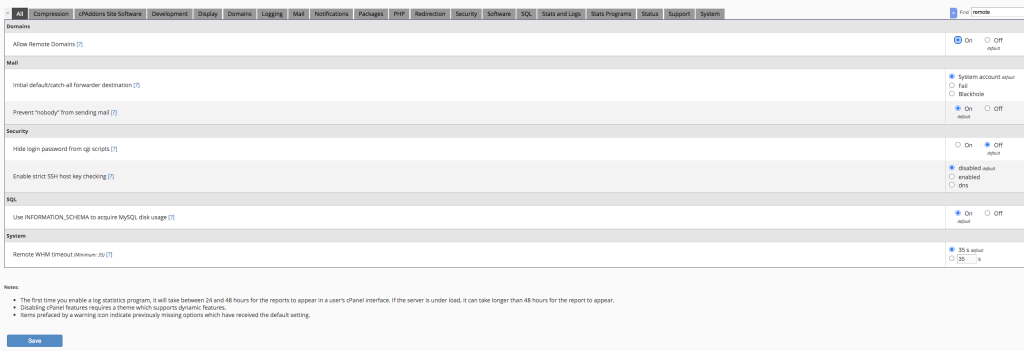
(iii) Search for Allow remote domains

(iv) Enable this option and select Save
Conclusion
By temporarily enabling the “Allow remote domains” option in WHM, you can create an add-on domain even if its nameservers are not yet pointing to the hosting server. Once the addon domain has been created successfully, it is recommended to disable this setting to maintain server security and prevent unauthorized use of remote domains.