Introduction
The language used in cPanel can greatly affect the user experience. cPanel allows users to change the interface language based on their preference. This helps users navigate the control panel more comfortably and manage hosting services easily.
Prerequisites
Before changing the language in cPanel, make sure you have:
- A valid cPanel account
- cPanel login URL
- Correct cPanel username and password
- Access to the Preferences section in cPanel
Steps to Change the Language of a cPanel Account
Step 1: Log in to cPanel
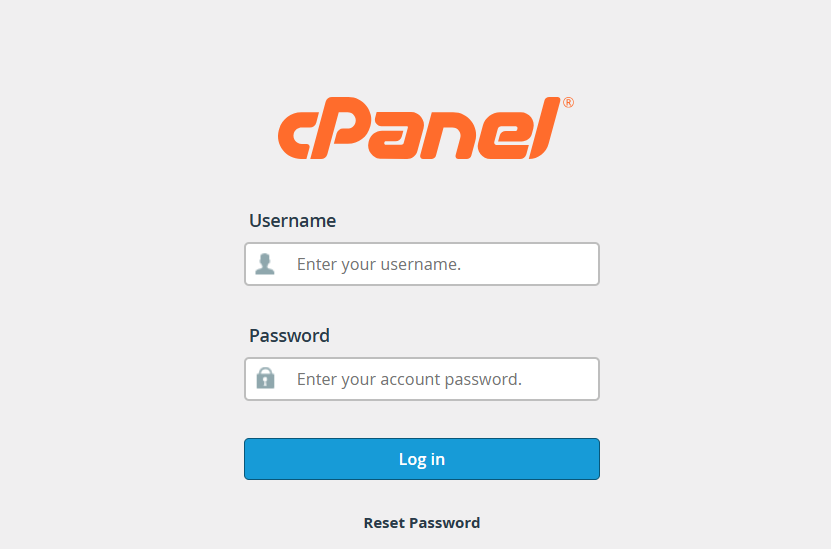
Log in to your cPanel account using your cPanel URL, username, and password.
Step 2: Go to Change Language
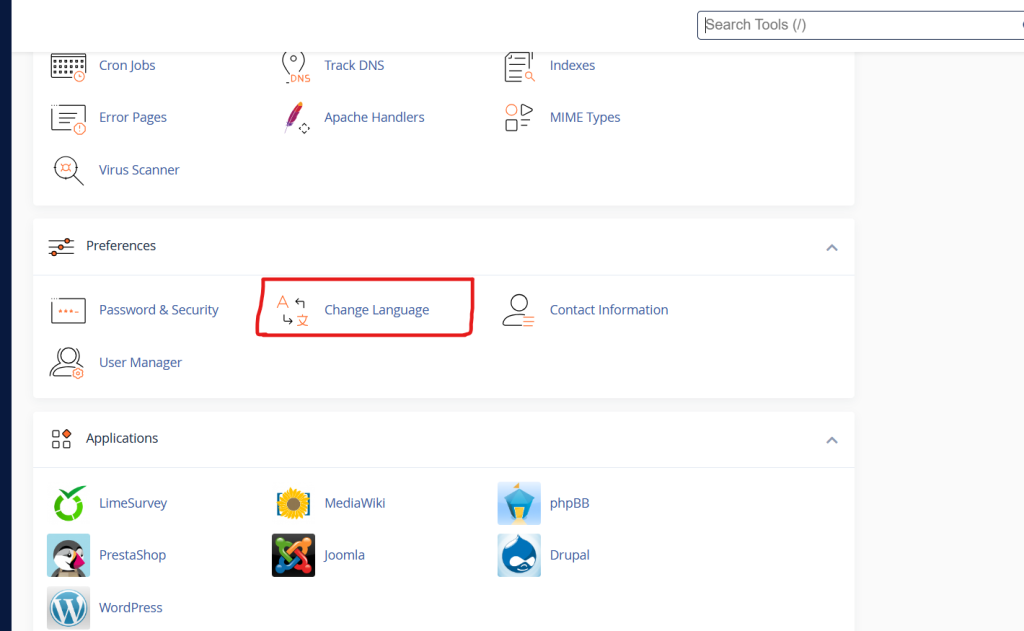
After logging in, go to the Preferences section.
Click on Change Language.
Step 3: Select the Language
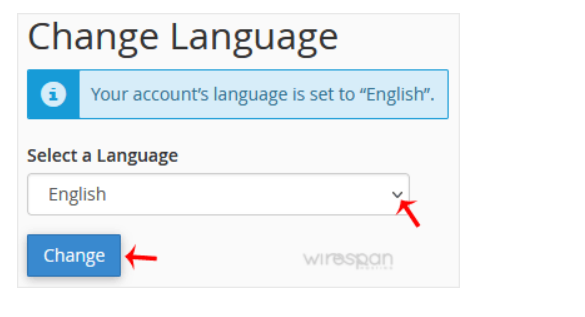
Select the required language from the drop-down menu.
Then click on Change.
Step 4: Verify the Language Change
Once the change is applied, the cPanel interface will be displayed in the selected language.
Conclusion
Changing the language of a cPanel account is a simple process. It helps users access and manage cPanel features in their preferred language, improving usability and overall experience.