Introduction
ModSecurity (also known as mod_security) is a Web Application Firewall (WAF) module for Apache, LiteSpeed, and NGINX. It helps protect web applications from common attacks such as SQL injection, XSS, brute force attempts, and malicious bots.
In a cPanel/WHM environment, ModSecurity adds an extra layer of security to hosted websites.
Prerequisites
Before proceeding, ensure:
- You have root access to WHM.
- cPanel/WHM is properly installed.
- Apache is installed and running.
- The server is updated (
yum updateordnf updaterecommended)
Implementation
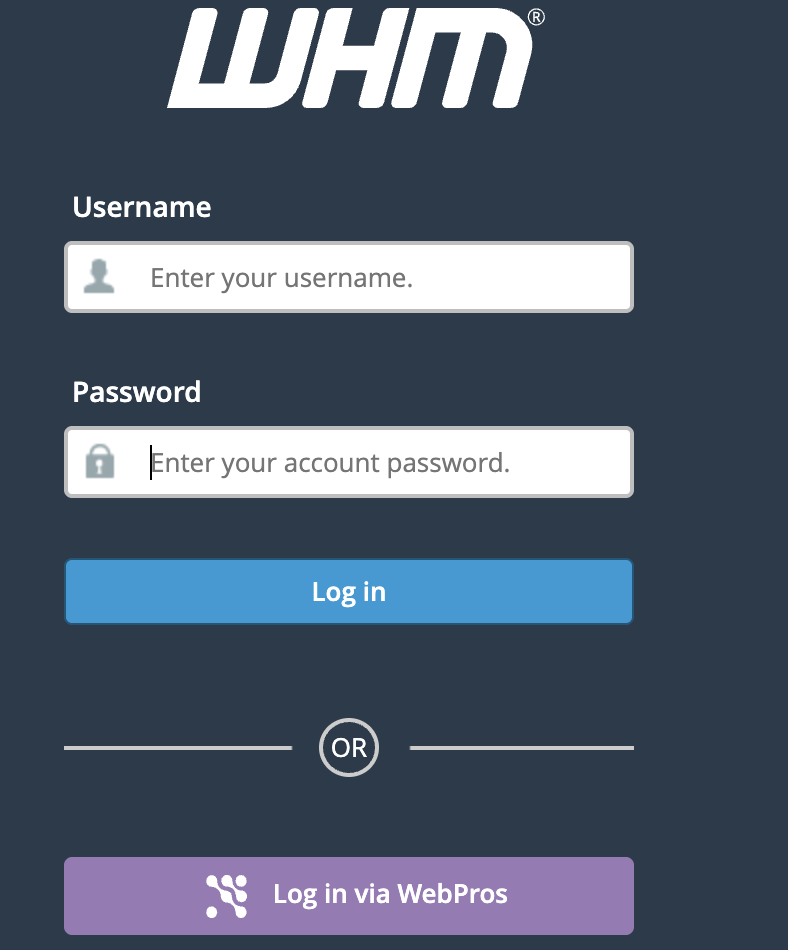
Step 1: Login to WHM
Steps 2: Enable ModSecurity
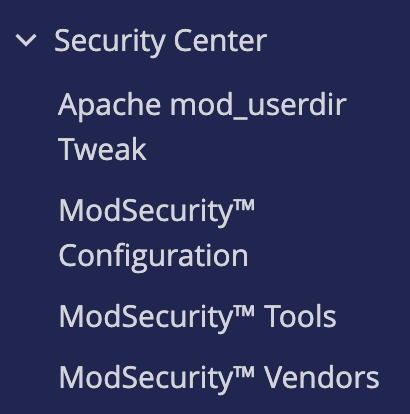
(1) In WHM, go to:
Home → Security Center → ModSecurity™ Vendors
(2) If ModSecurity is not enabled:
Go to:
Home → Security Center → ModSecurity™ Configuration
Click Enable ModSecurity.
Step 3: Install ModSecurity Rule Set
ModSecurity without rules will not protect your server effectively.
- Go to:
Home → Security Center → ModSecurity™ Vendors - You will see available vendors such as:
- OWASP
- Comodo
- Atomic (if configured)
- Click Install next to a vendor rule set.
The most commonly used rule set is from:
OWASP (OWASP Core Rule Set – free and widely trusted)
Step 4: Confirm Installation
To verify:
- Go to:
Home → Security Center → ModSecurity™ Tools - Check:
- Rule sets installed
- Status: Enabled

You can also verify via SSH:
$ apachectl -M | grep security
Expected output:
security2_module (shared)
Conclusion
Installing ModSecurity in WHM significantly strengthens server security by protecting hosted websites from common web attacks. Always install a trusted rule set such as OWASP and monitor logs regularly to avoid false positives.
Proper configuration ensures maximum protection without impacting legitimate traffic.