Introduction
Website security is a top priority for every website owner. If your website contains password-protected directories, there’s always a risk that authorized users may share their login credentials with others. This can lead to unauthorized access, bandwidth abuse, and security concerns.
Fortunately, cPanel provides a built-in security feature called Leech Protection that helps prevent users from sharing their login credentials. In this guide, we’ll explain what Leech Protection is, why it’s important, and how to enable it in cPanel.
Prerequisites
Before enabling Leech Protection, ensure that:
- You have access to your cPanel account.
- A password-protected directory has already been created.
- You have administrative privileges to manage website security settings.
How to Enable Leech Protection in cPanel
Follow these simple steps:
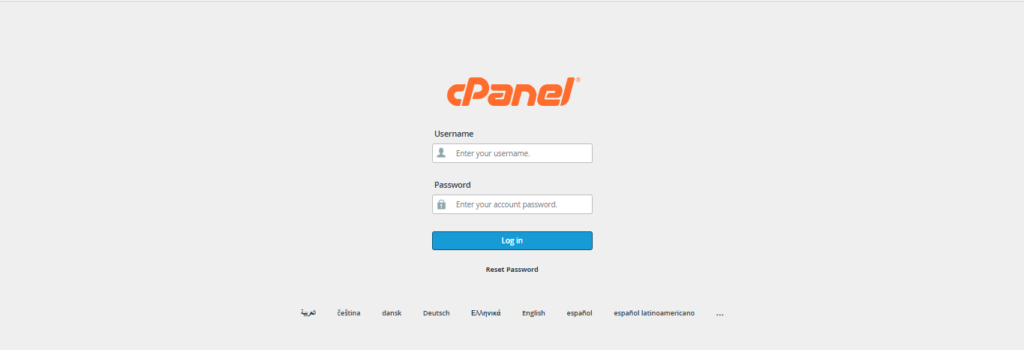
Step 1: Log in to cPanel
Access your cPanel account using your hosting credentials.
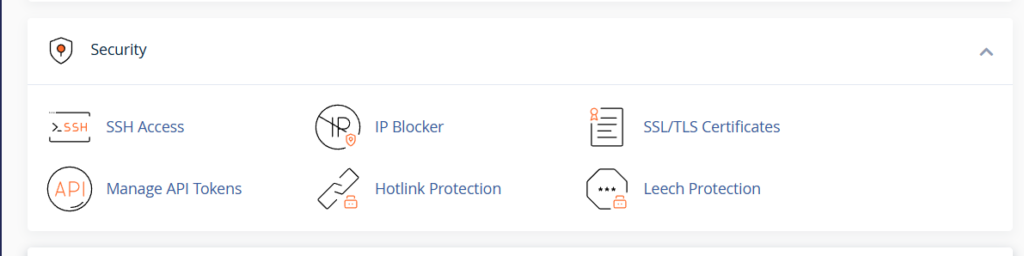
Step 2: Open the Security Section
From the cPanel dashboard, navigate to the Security section.
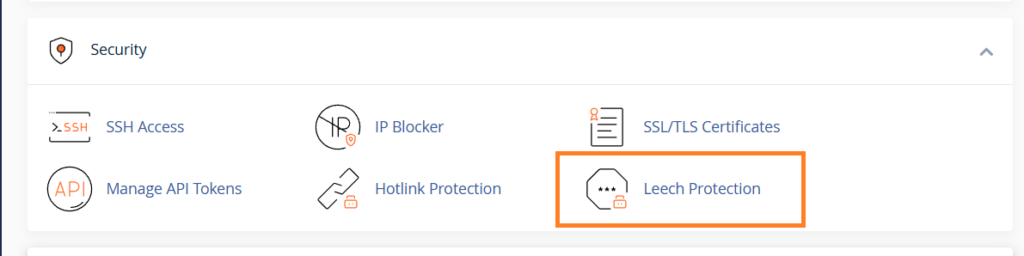
Step 3: Click on Leech Protection
Locate and select Leech Protection from the available security tools.
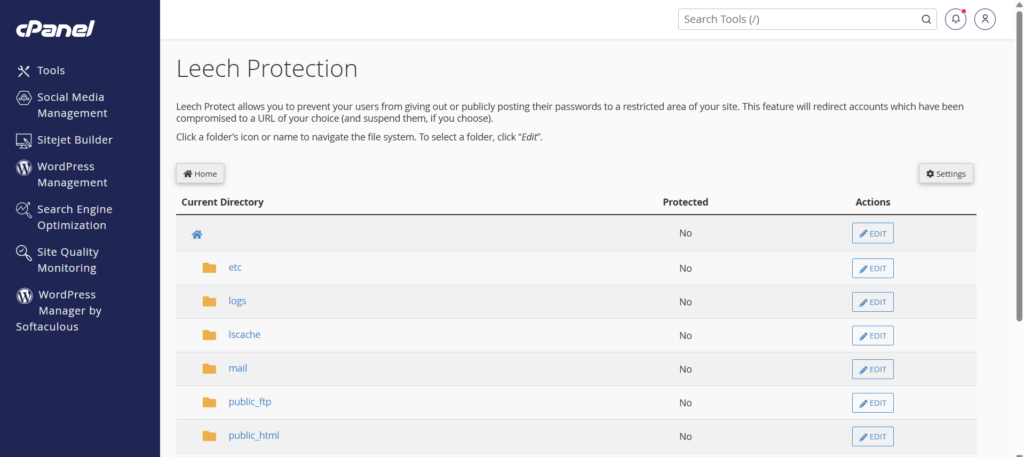
Step 4: Select a Protected Directory
Browse the directory structure and choose the password-protected folder you want to secure.
Step 5: Configure Protection Settings
After selecting the directory, configure the following options:
Number of Logins Allowed Per Username
Specify how many login attempts are permitted within a two-hour period.
Example:
- Enter “3” to allow a maximum of three logins per user within two hours.
Redirect URL
Provide a URL where blocked users will be redirected if suspicious activity is detected.
Example:
https://yourdomain.com/access-denied
Email Notifications
Enable email alerts and enter the email address where notifications should be sent.
Example:
admin@yourdomain.com
Step 6: Enable Leech Protection
Click the Enable button to activate the feature.
A confirmation message will appear once Leech Protection has been successfully enabled.
Conclusion
Leech Protection is a valuable security feature in cPanel that helps prevent password sharing and unauthorized access to protected directories. By monitoring login activity and restricting suspicious behavior, it strengthens website security while giving administrators greater control over user access.
If your website relies on password-protected content, enabling Leech Protection is a simple yet effective step toward safeguarding your resources and maintaining secure access for authorized users.