Introduction
Email delivery issues can occur due to misconfigured DNS, mail server settings, or client-side errors. Web Host Manager provides a built-in Mail Troubleshooter tool that helps trace the path of an email and identify where the issue occurs.
Prerequisites
Before proceeding, ensure:
- Access to WHM (root or reseller level)
- The email address experiencing issues
- Basic understanding of DNS and mail flow
Implementation
- Open WHM in your browser.
- Type ‘Mail Troubleshooter’ into the search box.
- click “Mail Troubleshooter”.
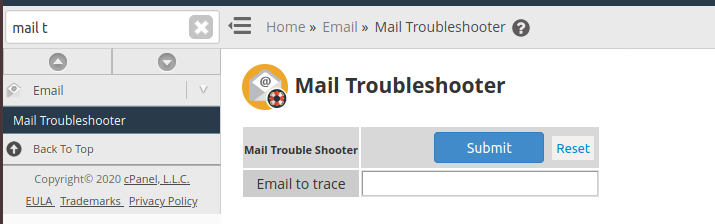
4. Enter the Email address you wish to trace here.
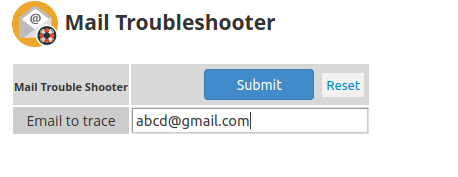
5. Once you click Submit, you will be on the results page.
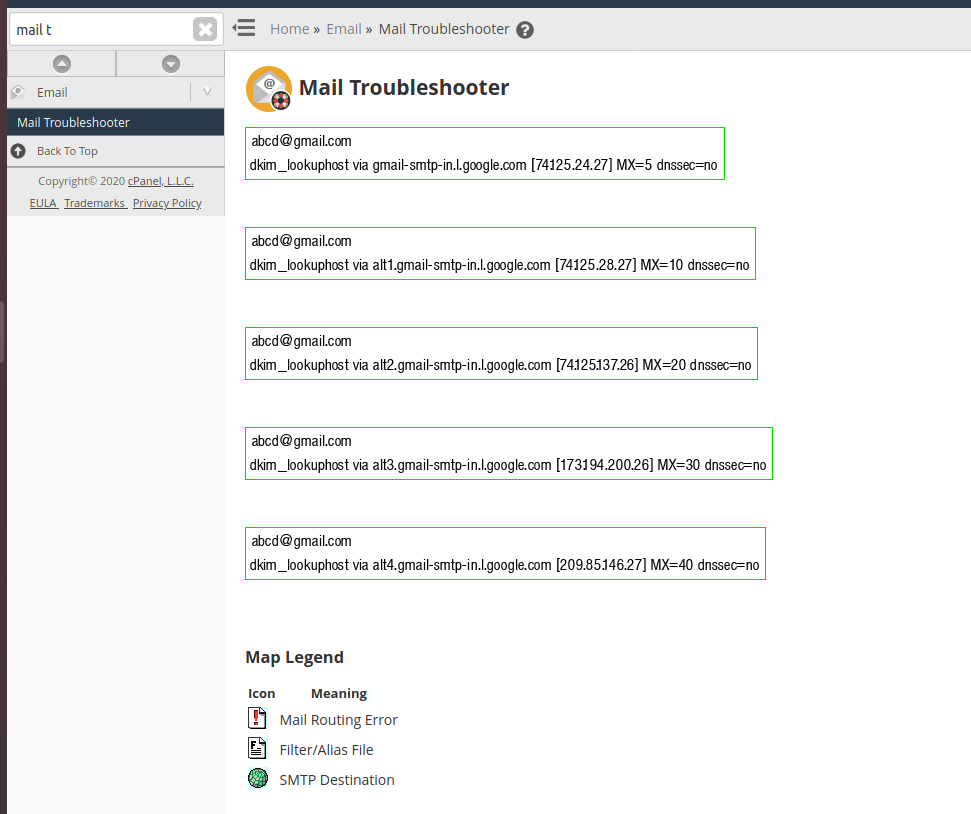
Results
1. No Errors (Working Configuration)
- Email routing is correct
- Issue may be related to:
- Incorrect email client settings
- Authentication issues
- Spam filtering
2. DNS Resolution Errors
- Domain cannot be resolved
- Possible causes:
- Missing or incorrect DNS records
- Domain not pointing to correct nameservers
3. Mail Routing Issues
- MX records misconfigured
- Local vs remote mail exchanger conflict
4. Server Rejection / Blocking
- Remote server rejecting emails
- Possible blacklisting or SPF/DKIM issues
Next Steps Based on Results
- Verify DNS records (A, MX, SPF, DKIM)
- Check email client configuration
- Test SMTP connectivity
- Check blacklist status
- Review mail logs:
/var/log/exim_mainlogNotes
- Always test with both sending and receiving addresses
- Use external tools (like Gmail) for comparison
- Ensure firewall is not blocking mail ports (25, 465, 587)
Conclusion
The Mail Troubleshooter in Web Host Manager is a quick and effective way to diagnose email delivery problems. By analysing the results and taking appropriate action, most email issues can be identified and resolved efficiently.