
Install PHP 7.2-mcrypt Module on Ubuntu 18.04
Date: 01-01-2021
Introduction:
The PHP mcrypt module has been deprecated in PHP 7.2 so it’s not available by default. PHP 7.2-mcrypt package is missing in Ubuntu server. You need to follow the below steps to install this module for PHP 7.2.
Step 1: Run the below command to install PHP 7.2.# apt install php-7.2
Step 2: Run the below command to install the required packages on Ubuntu.# apt install php-dev php-pear libmcrypt-dev
Step 3: Run the below commands to install PHP mcrypt module on Ubuntu by using pecl channel.# pecl channel-update pecl.php.net# pecl install mcrypt-1.0.1
Step 4: You should get below message after running the above commands. It’s showing mcrypt has installed successfully.
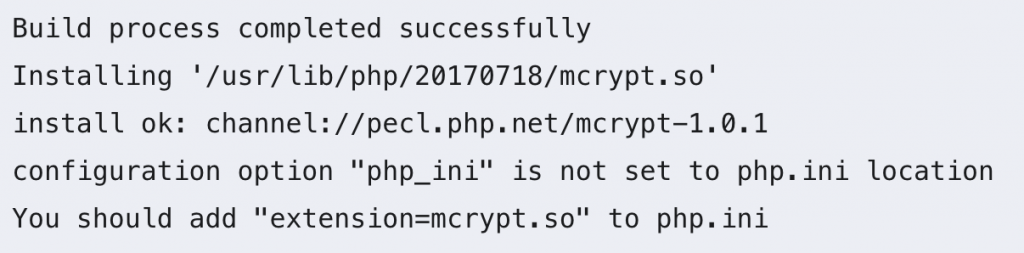
Step 5: You need to add the below line into the php.ini file for the web server.extension=mcrypt.so
If you are using Apache2 web server, use below command.# nano /etc/php/7.2/apache2/php.ini
If you are using Nginx web server, use below command. # nano /etc/php/7.2/fpm/php.ini
Step 6: Finally, Restart the web server by using below commands.
For Apache2:# systemctl restart apache2
For Nginx:# systemctl restart nginx
Thank you!
Step 1: Run the below command to install PHP 7.2.
# apt install php-7.2