
If you want to speed up WordPress, you’re not alone. Page speed affects how Google ranks your site and whether visitors stay. Google’s research shows that when load time goes from 1 to 3 seconds, the chance of a visitor bouncing rises by 32%. In this guide, we’ll go through 12 practical steps our team at Pheonix Solutions uses to speed up WordPress sites for clients and pass Core Web Vitals.
Why WordPress Speed Matters
Speed is about more than how the site feels. A faster WordPress site:
- Ranks better. Core Web Vitals (LCP, INP and CLS) are part of Google’s page experience signals.
- Converts more. Every second of delay lowers conversions and engagement.
- Costs less to run. An optimized site uses less server CPU and bandwidth.
Before making changes, measure your baseline with Google PageSpeed Insights or GTmetrix. Then you’ll know which fixes made the biggest difference.
1. Choose Fast, WordPress-Optimized Hosting
The first step to speed up WordPress is your hosting, because it sets the limit on how fast the site can ever be. Cheap shared hosting often has a slow Time to First Byte (TTFB). Look for:
- PHP 8.2 or higher
- NVMe SSD storage
- Server-level caching (LiteSpeed, NGINX FastCGI or Varnish)
- HTTP/2 or HTTP/3 support
2. Use a Lightweight Theme
Heavy, feature-packed themes load scripts you don’t need. Lightweight themes such as Astra, GeneratePress or Kadence load in under 50 KB and work well with page builders like Elementor.
3. Install a Caching Plugin
Caching is the quickest way to speed up WordPress. It saves a static copy of each page, so WordPress doesn’t rebuild it from PHP and the database on every visit. Popular choices:
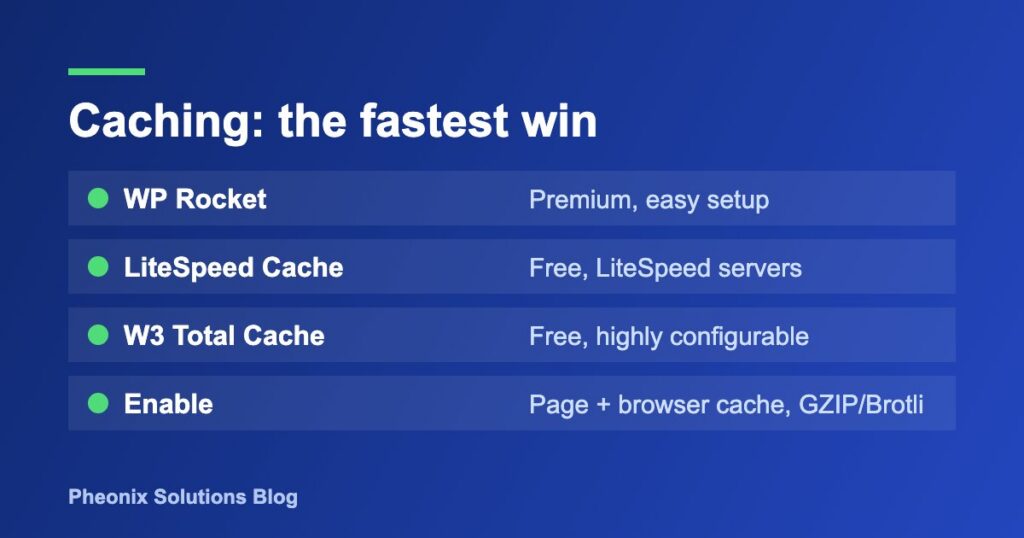
- WP Rocket (premium, easy setup)
- LiteSpeed Cache (free, best on LiteSpeed servers)
- W3 Total Cache (free, very configurable)
Turn on page caching, browser caching and GZIP or Brotli compression.
4. Optimize and Compress Images
Images are often the biggest files on a page. To speed up WordPress:
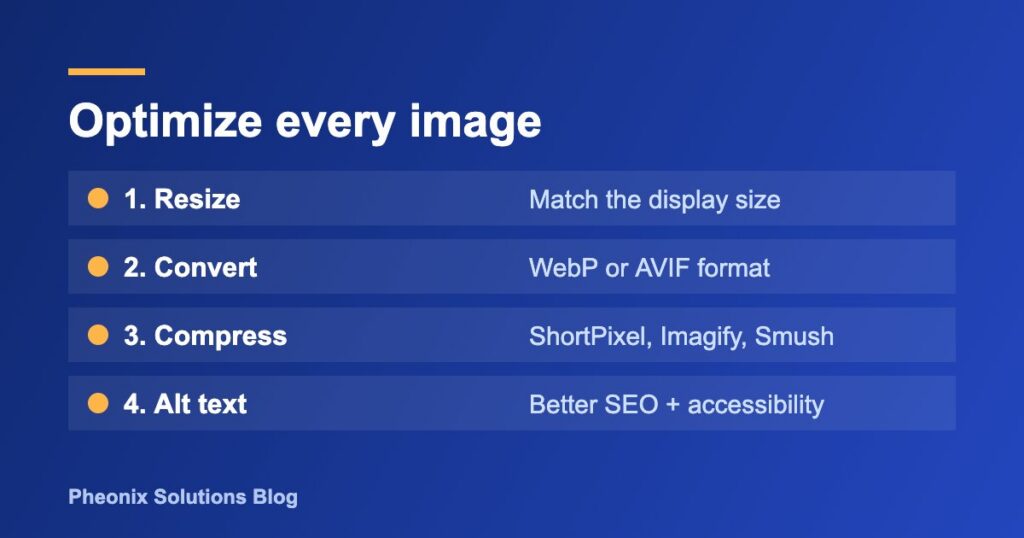
- Resize images to the size they actually display at before uploading.
- Convert them to WebP or AVIF.
- Compress them with a plugin such as ShortPixel, Imagify or Smush.
- Add descriptive alt text to help both SEO and accessibility.
5. Enable Lazy Loading (Carefully)
WordPress lazy-loads images by default. But don’t lazy-load the hero or LCP image, because that slows down Largest Contentful Paint. Exclude above-the-fold images and add fetchpriority="high" to the main image.
6. Use a Content Delivery Network (CDN)
A CDN is one of the easiest ways to speed up WordPress for a global audience. It serves your files from servers close to each visitor. Cloudflare, BunnyCDN and QUIC.cloud all integrate easily with WordPress and cut latency for visitors around the world.
7. Minify and Combine CSS and JavaScript
To speed up WordPress further, remove whitespace and comments from CSS, JS and HTML. Then:
- Defer JavaScript that isn’t critical.
- Delay third-party scripts (chat widgets, trackers) until the user interacts with the page.
- Generate critical CSS and load the rest asynchronously.
These steps directly improve INP and First Contentful Paint.
8. Remove Unused Plugins
Every active plugin can add database queries, scripts and stylesheets. Audit your plugins every few months:
- Deactivate and delete anything you don’t use.
- Replace multiple single-purpose plugins with one well-coded alternative.
- Use Query Monitor to find slow plugins.
If a plugin conflict ever takes your site down, follow our guide on how to fix the WordPress white screen of death.
9. Clean Up and Optimize the Database
Over time, your database collects post revisions, spam comments, transients and orphaned data. Clean it with WP-Optimize or Advanced Database Cleaner, and cap revisions in wp-config.php:
define( 'WP_POST_REVISIONS', 5 );
10. Optimize Fonts
Web fonts can block rendering. To speed up WordPress text loading:
- Host Google Fonts locally.
- Use
font-display: swap. - Load only the font weights you actually use.
- Preload your main font file.
11. Fix Core Web Vitals Issues
Focus on the three metrics Google measures:
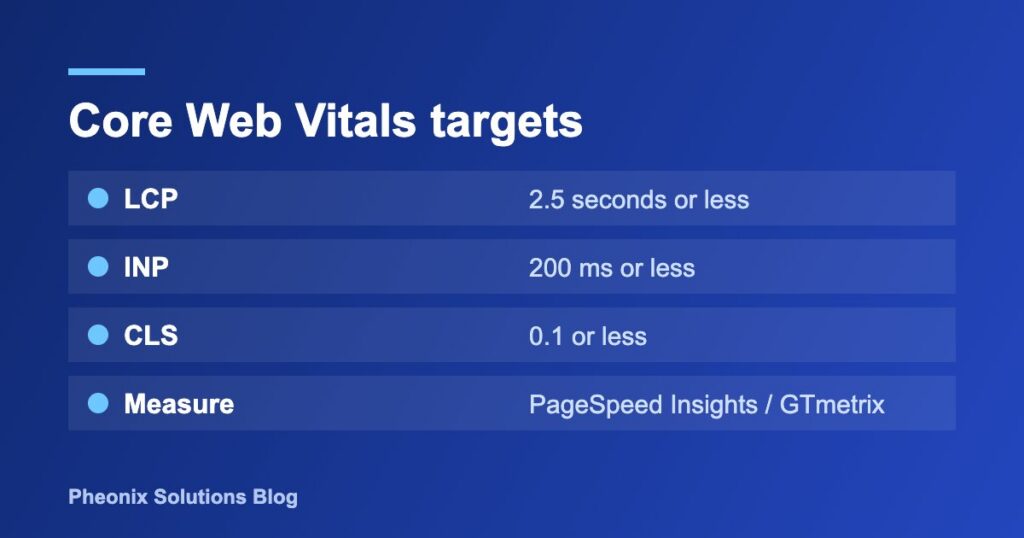
| Metric | Good score | Common WordPress fix |
|---|---|---|
| LCP (Largest Contentful Paint) | ≤ 2.5s | Preload the hero image, better hosting, caching |
| INP (Interaction to Next Paint) | ≤ 200ms | Delay JS, fewer plugins, lighter page builder output |
| CLS (Cumulative Layout Shift) | ≤ 0.1 | Set image dimensions, reserve space for ads and embeds |
12. Keep WordPress, Themes and PHP Updated
Each new WordPress core and PHP release includes performance improvements. Keep everything up to date, and always take a backup first (UpdraftPlus or WPvivid). A secure site is a fast site too, so also protect your forms from spam bots. See how to install reCAPTCHA in WordPress.
Quick Checklist to Speed Up WordPress
- ✅ Fast hosting with PHP 8.2+
- ✅ Lightweight theme
- ✅ Page caching enabled
- ✅ WebP images, compressed and resized
- ✅ CDN active
- ✅ CSS/JS minified and deferred
- ✅ Unused plugins removed
- ✅ Database cleaned
- ✅ Fonts optimized
- ✅ Core Web Vitals passing
Frequently Asked Questions
Why is my WordPress site so slow?
The most common causes are poor hosting, no caching, large uncompressed images, too many plugins and render-blocking scripts.
What is the best plugin to speed up WordPress?
WP Rocket is the easiest premium option. LiteSpeed Cache is the best free option if your host runs LiteSpeed. Pair either one with an image optimizer and a CDN.
Does Elementor slow down WordPress?
Elementor adds some overhead. Enable its built-in performance features (optimized DOM output, improved asset loading), pair it with a light theme like Astra, and use caching, and an Elementor site can still score 90+ on PageSpeed.
How fast should a WordPress site load?
Aim for under 2.5 seconds for LCP and a fully loaded time under 3 seconds on mobile.
Conclusion
To speed up WordPress, you need fast hosting, a lightweight theme, caching, optimized media and clean code. Start with the steps that make the biggest difference (hosting, caching and images), then work through the rest of the checklist. You’ll see better rankings, lower bounce rates and more conversions.
Need help? Pheonix Solutions offers WordPress speed optimization and Core Web Vitals audits. Contact our team to get your site loading in under 2 seconds.