
Introduction
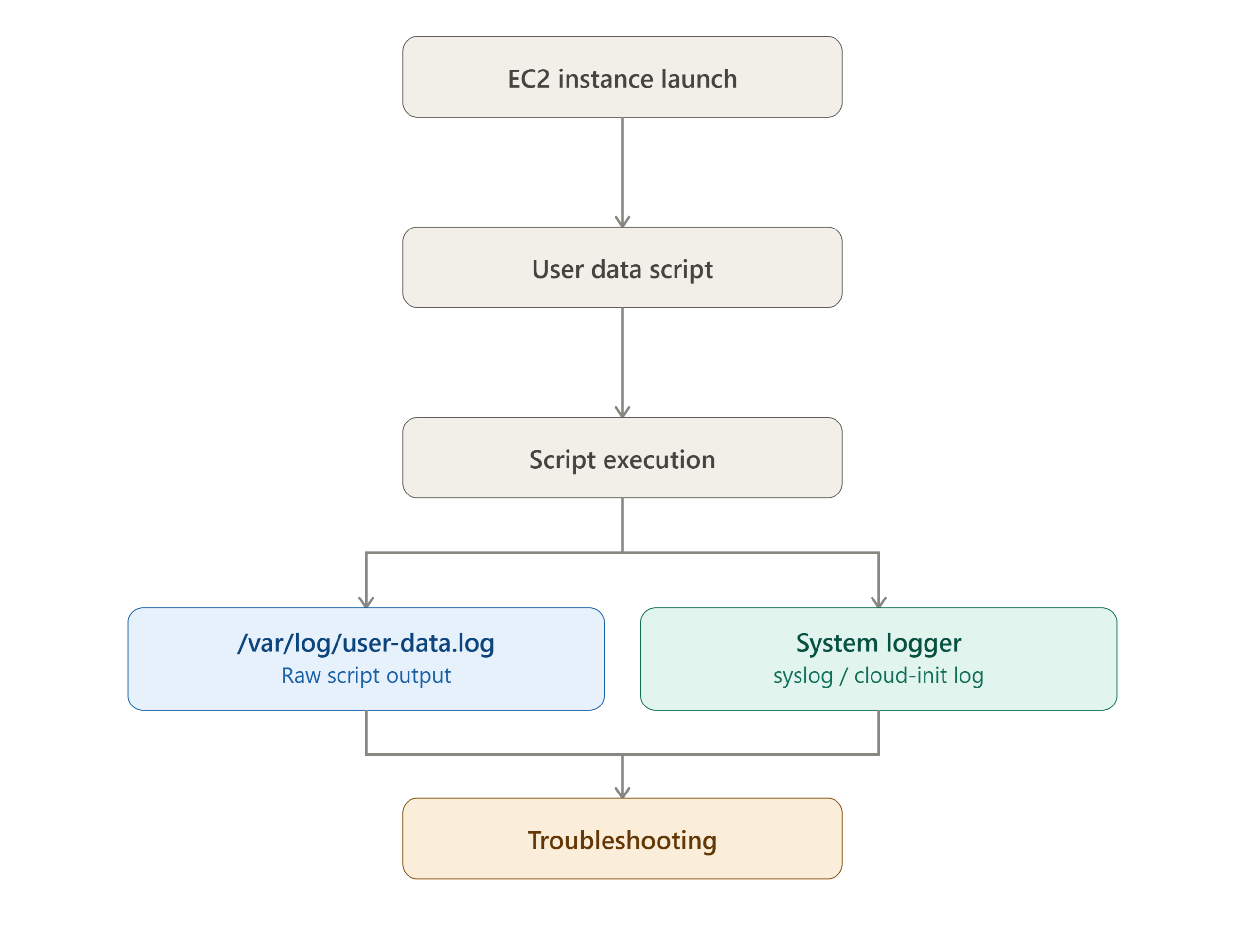
When launching Amazon EC2 instances through Ansible automation, troubleshooting startup issues can sometimes be difficult because the output of the user_data script is not always visible. Logging the execution of the user-data script helps administrators verify that initialization tasks have run successfully and quickly identify any errors during instance provisioning.
This guide explains how to capture and store EC2 user-data script output in a log file for easier monitoring and debugging.
Why Log User-Data Output?
User-data scripts are commonly used to:
- Install software packages
- Configure services
- Create users and permissions
- Register instances with monitoring tools
- Perform application deployments
Without proper logging, identifying failures during instance initialization can be time-consuming. By redirecting script output to a log file, administrators gain visibility into every step executed during instance startup.
Configure User-Data Logging
Create or edit your user-data script:
vi user_data.sh
Add the following code at the beginning of the script:
#!/bin/bash -e
exec > >(tee /var/log/user-data.log | logger -t user-data -s 2>/dev/console) 2>&1

echo BEGIN
hostname
echo END
Explanation
| Command | Purpose |
|---|---|
#!/bin/bash -e | Stops script execution if any command fails. |
exec > >(tee ...) | Redirects all output to a log file and system logger. |
tee /var/log/user-data.log | Writes output to a dedicated log file. |
logger -t user-data | Sends messages to the system log. |
2>&1 | Redirects error messages to the same output stream. |
How It Works
Verify the Log
After the EC2 instance is launched, connect to the server using SSH and check the generated log file:
cat /var/log/user-data.log
Example output:
BEGIN
server.phoenixsolutions.com
END
You can also inspect cloud-init logs for additional troubleshooting:
cat /var/log/cloud-init-output.log
Benefits
- Easier troubleshooting of startup scripts
- Faster identification of provisioning failures
- Improved visibility during automated deployments
- Helpful for CI/CD and Infrastructure-as-Code workflows
- Simplifies auditing and operational support
Best Practices
- Always enable logging for production deployments.
- Use meaningful log messages within your scripts.
- Log both standard output and errors.
- Avoid logging sensitive information such as passwords or API keys.
- Review cloud-init logs alongside user-data logs when debugging.
Conclusion
Logging EC2 user-data script output is a simple but highly effective practice for infrastructure automation. By redirecting script output to /var/log/user-data.log and the system logger, administrators can easily monitor initialization activities, diagnose failures, and ensure successful instance provisioning through Ansible and AWS automation workflows.
Implementing this approach improves reliability, reduces troubleshooting time, and provides better visibility into your EC2 deployment process.
Frequently Asked Questions (FAQ)
1. Where is the EC2 user-data script output stored?
The output is stored in:
/var/log/user-data.log
It can also be sent to the system logger and console depending on the configuration.
2. How can I troubleshoot if my user-data script fails?
Check the following logs:
cat /var/log/user-data.log
cat /var/log/cloud-init-output.log
These logs contain execution details and error messages.
3. Can I use this logging method with Ansible-launched EC2 instances?
Yes. Whether the EC2 instance is launched manually, through Ansible, Terraform, CloudFormation, or the AWS Console, the same user-data logging technique works effectively.
Related Articles
- How to add swap memory on AWS/EC2 linux instance
- Resetting the Windows administrator password using EC2Config
- SSH access through IAM with EC2 instance connect.
Talk to our experts
Looking for the right technology solution for your business? Our team of experts can help you with development, cloud, DevOps, design, and a wide range of other technology needs. Get in touch with our team here.