Introduction:
Sometimes, while working with web applications, you may encounter errors that require modifying PHP configuration values (such as memory_limit, upload_max_filesize, or max_execution_time).
Instead of manually editing the php.ini file via SSH and restarting services, WHM (Web Host Manager) provides a simple and user-friendly way to update these values directly from the interface.
Prerequisites:
Before proceeding, ensure you have:
- Root access to WHM
- WHM login URL (e.g.,
https://your-server-ip:2087) - Basic understanding of PHP configuration parameters
- The PHP version in use on your server
Implementation:
Follow the steps below to update PHP parameters using WHM:
Step 1:
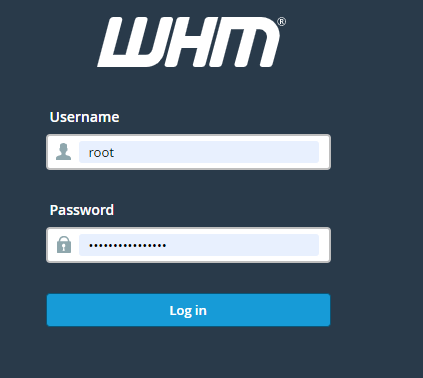
Login to your WHM using root credentials.
Step 2:
In the search bar, search for php. List of options will be displayed.
Select MultiPHP INI Editor option which is under Software section
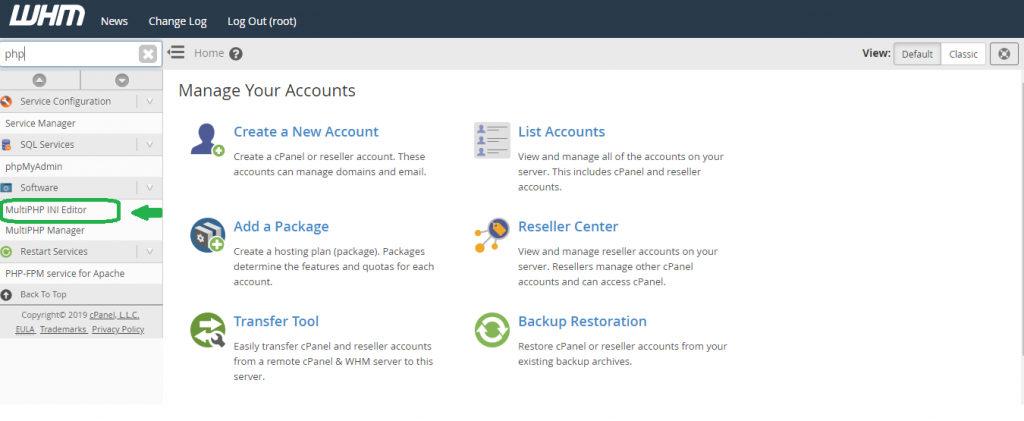
On selecting it, a new interface will be opened.
Step 3:
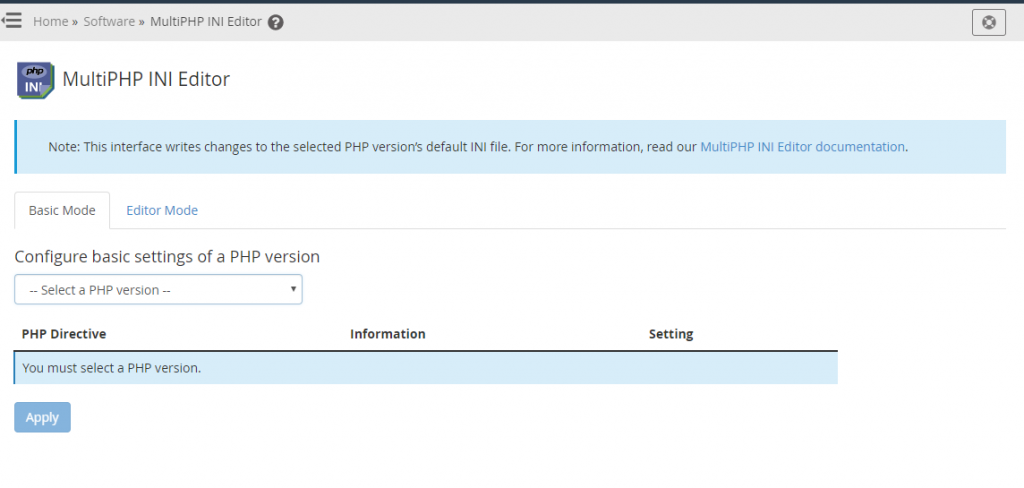
In the new interface opened, there will be a dropdown --Select a PHP Version-- . Choose your server’s PHP version from the dropdown.
Step 4:
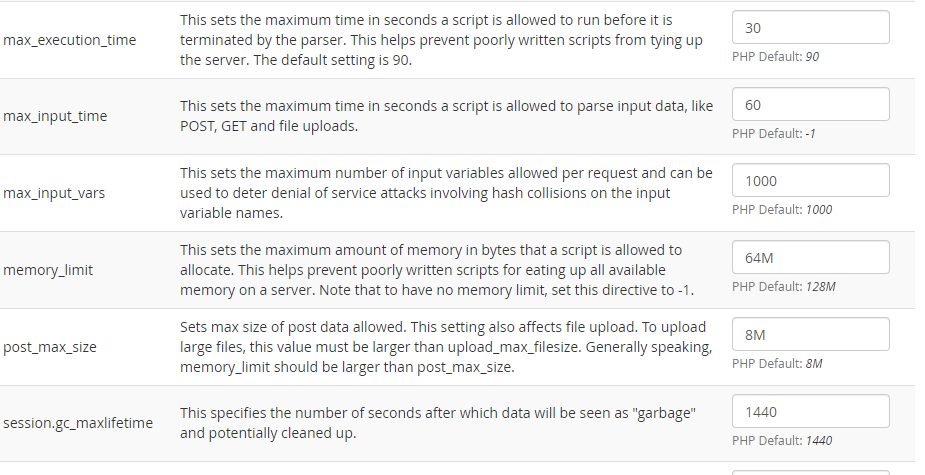
On selecting the php version, it will list you all the php.ini parameters.
Step 5:
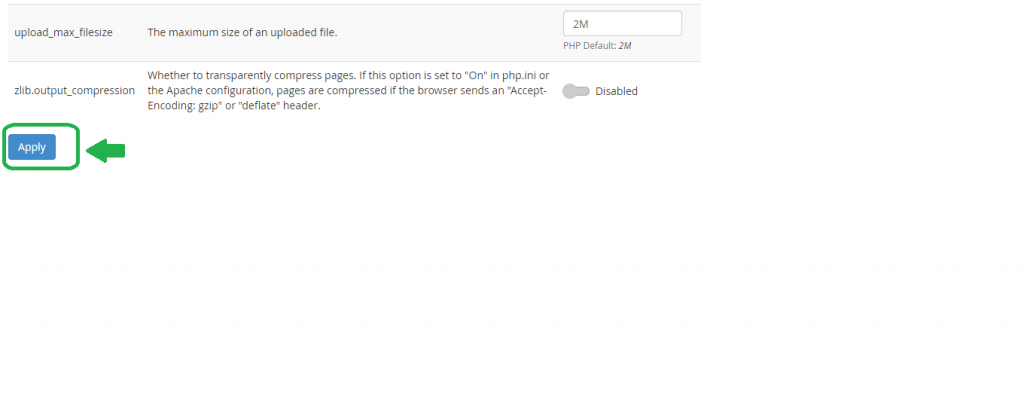
Edit the value of the php ini parameter value which you want to change and click on the Apply button at the end for the changes to get reflected.
Conclusion:
Using the MultiPHP INI Editor in WHM is the easiest and safest way to modify PHP configuration values without accessing server files manually.
This method:
- Saves time
- Eliminates risk of editing wrong files
- Applies changes instantly
It is highly recommended for administrators managing multiple PHP versions or shared hosting environments.