Introduction
WHM allows administrators to manage PHP versions for different domains using the MultiPHP Manager. This helps in maintaining compatibility for websites that require specific PHP versions.
Prerequisites
Before proceeding, ensure you have:
- WHM access (root or reseller)
- Domain already created in cPanel/WHM
- MultiPHP Manager enabled
Implementation
Step – 1:
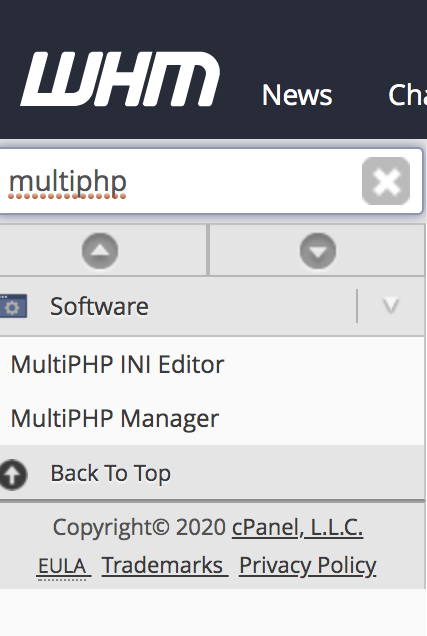
Log into WHM and type MultiPHP Manager on upper left search box.
Step – 2:
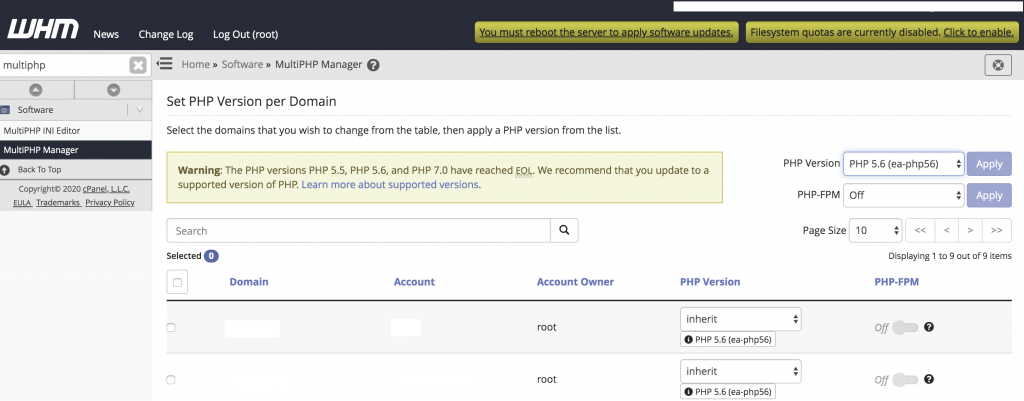
Select the domain you want to change the PHP version.
Step – 3:
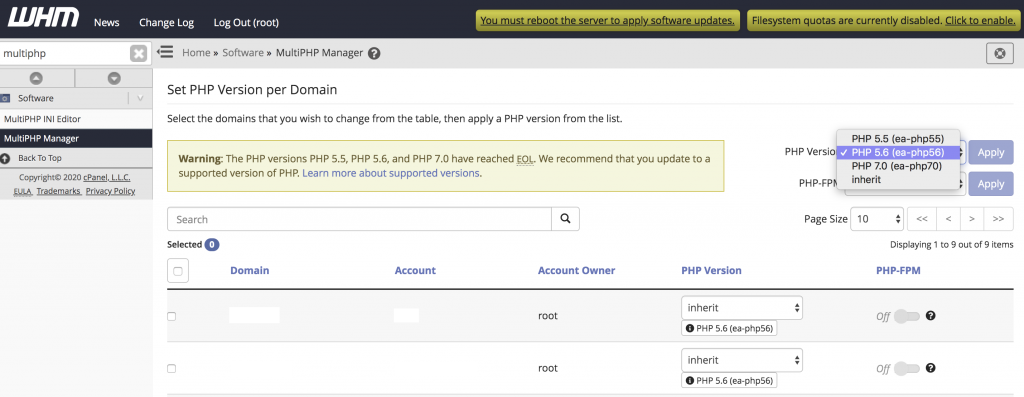
Select the version of PHP drop down in the PHP version on the upper right side. Click the Apply button.
Conclusion
Using MultiPHP Manager in WHM, you can easily change the PHP version for any domain. This ensures better compatibility and performance for different applications running on your server.