Introduction
WHM is a powerful server management panel used by administrators to manage hosting accounts, services, and databases on a server. It provides centralized control over all cPanel accounts.
phpMyAdmin is a web-based tool used to manage MySQL/MariaDB databases easily through a graphical interface. Accessing phpMyAdmin from WHM allows administrators to manage databases quickly without logging into individual cPanel accounts.
Prerequisites
- Root access to WHM
- WHM installed on server
- MySQL/MariaDB running
- phpMyAdmin installed
IMPLEMENTATION
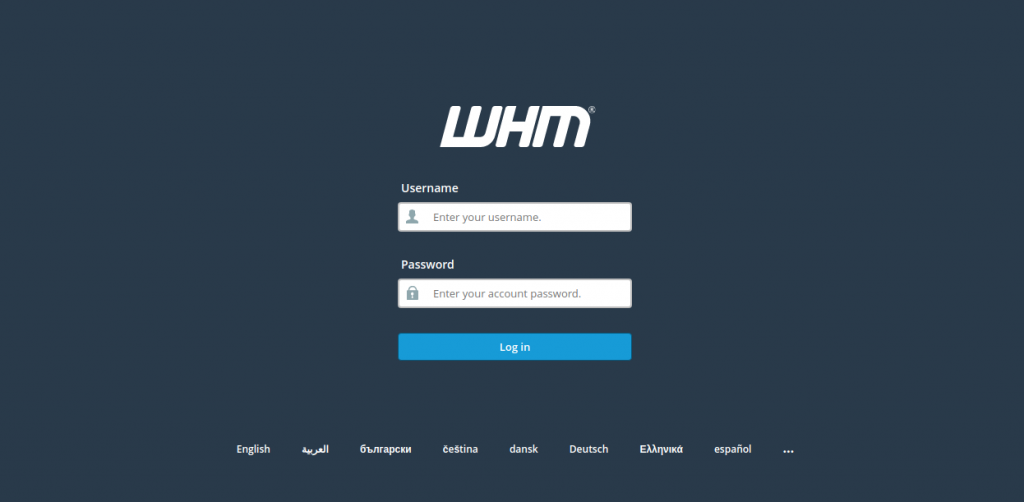
You can access an account’s databases using phpMyAdmin by logging into their cPanel account. Or, access every database on your system from WHM when logged in as root.
STEP 1:
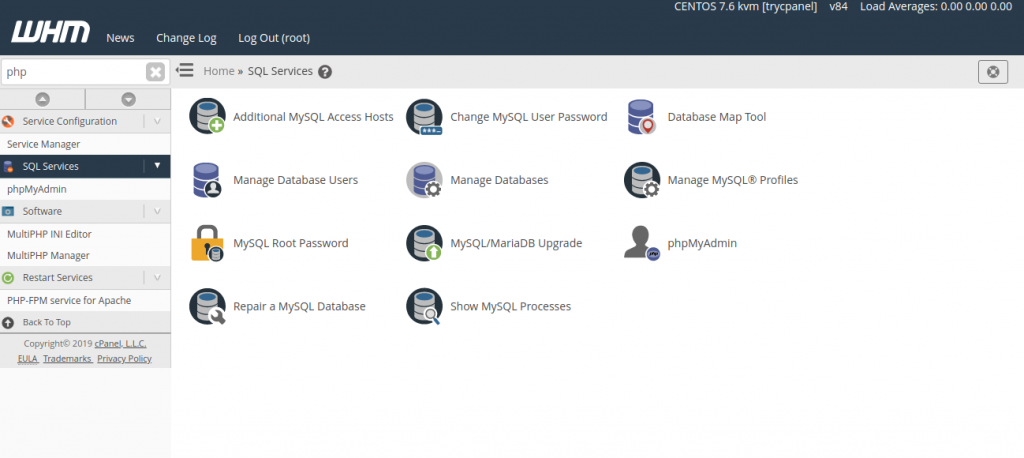
To access phpMyAdmin from WHM, find the SQL Services section of the menu.
STEP 2:
Click phpMyAdmin.
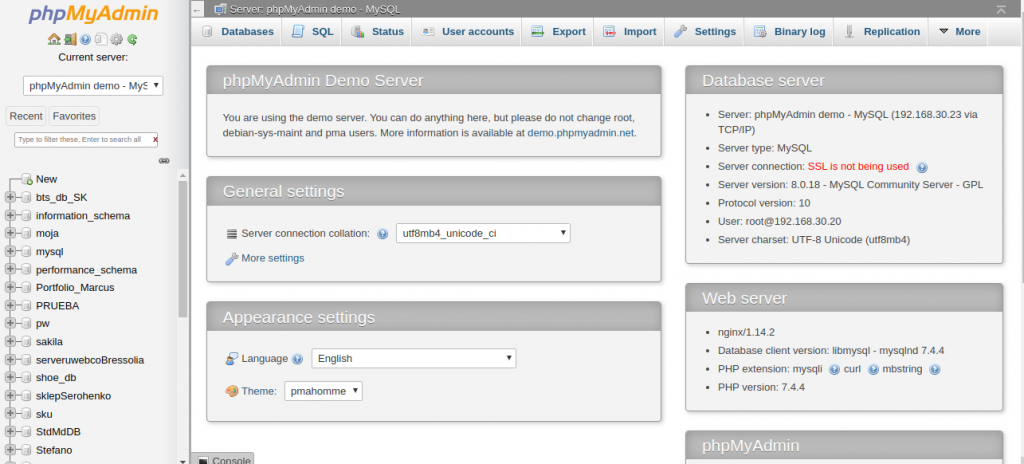
As you can see, all databases on the system are available in the list at left.
One privilege that you have in the root phpMyAdmin that isn’t available when accessing it from a cPanel account is the ability to add new databases. cPanel users must do so from cPanel, not phpMyAdmin.
Now you can access, phpMyAdmin.
Conclusion
Accessing phpMyAdmin through WHM provides a simple and centralized way to manage databases on a server. It improves efficiency, saves time, and makes database administration easier for server administrators.