Introduction
FTP (File Transfer Protocol) accounts allow users to securely upload, download, and manage files on a server. In VestaCP, creating FTP accounts is straightforward and helps in managing access for different users or applications without sharing the main server credentials.
Prerequisites
Before creating an FTP account, ensure the following:
- You have access to the VestaCP admin panel.
- A domain is already added to VestaCP.
- You have the necessary permissions to modify web domain settings.
- Basic understanding of FTP usage (optional but helpful).
Steps to Create FTP Account
- Login to VestaCP
Access your VestaCP control panel using your credentials.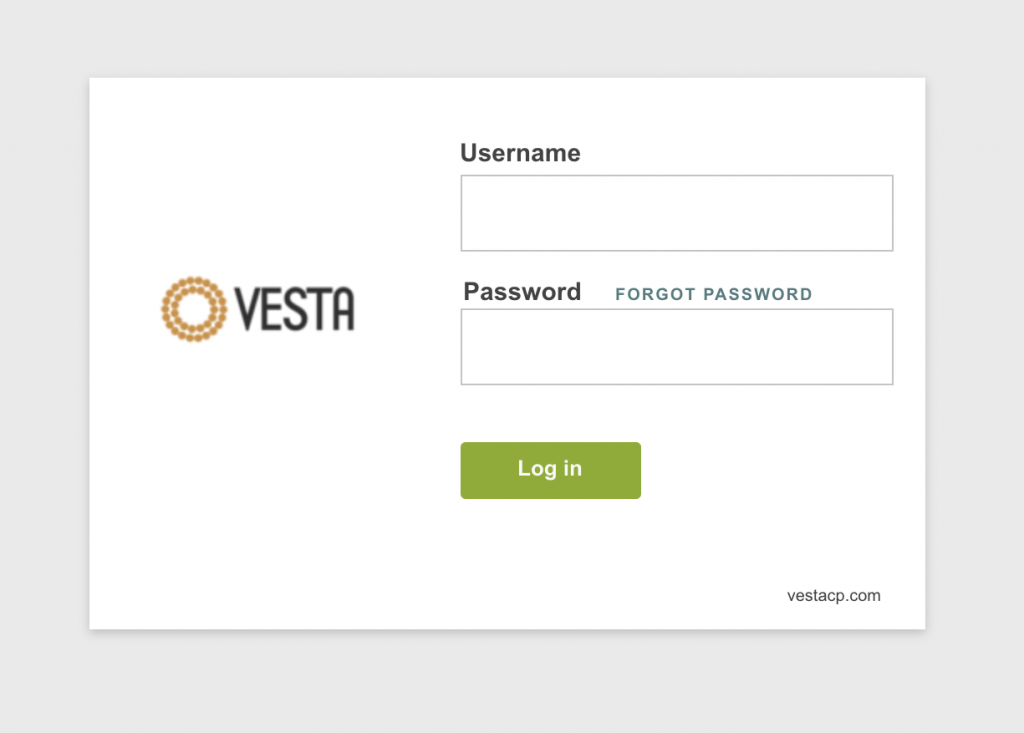
- Navigate to Web Section
Click on the Web tab from the top menu.
- Select Domain
Choose the domain for which you want to create the FTP account and click Edit. - Enable Additional FTP
Scroll down and check the Additional FTP option. - Enter FTP Details
Fill in the required information:- Username: Desired FTP username
- Password: Strong password for security
- Path: (Optional) Restrict access to a specific directory
- Send FTP credentials to email: Provide an email to receive login details
- Save Configuration
Click Save to create the FTP account.
Conclusion
Creating FTP accounts in VestaCP is a simple process that enhances security and access control. By assigning separate credentials and limiting directory access, you can efficiently manage file operations for different users or projects.