Introduction:
WHM packages allow administrators to define hosting account limits and features such as disk space, bandwidth, email accounts, databases, and FTP access. Packages help standardize hosting plans and simplify cPanel account management.
Prerequisites:
Before proceeding, ensure the following:
- Root access to WHM
- WHM installed on the server
- Appropriate hosting privileges
- Existing server resources available for package creation
Implementation:
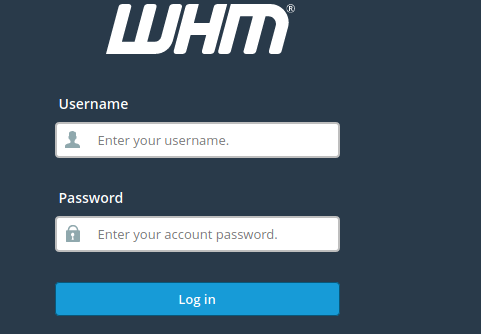
- Log in to WHM
2. Goto Packages>>add a package, edit a package, delete a package

3. If you want to edit or delete a package, click on edit or delete and choose the package and edit or delete.
4. Here, I want to add a package. I am clicking on “Add a package”.

5. Fill the fields with your requirements and click on “Add”.
Conclusion:
WHM package management makes it easy to create standardized hosting plans and manage server resources efficiently. Administrators can quickly add, edit, or delete packages based on customer or business requirements.