Introduction
Web Host Manager Feature Manager allows administrators to control which features are available in the cPanel interface. Feature lists can be assigned to hosting packages or reseller accounts to customize user access.
Prerequisites
Before proceeding, ensure:
- Root or reseller access to WHM
- Basic understanding of cPanel feature management
Implementation
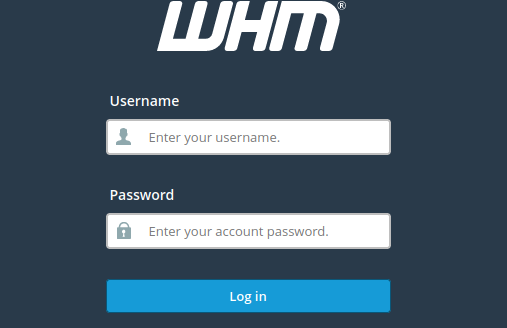
1) Log into WHM.
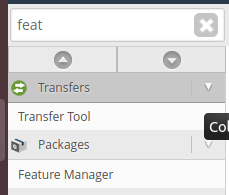
2) Navigate to Feature Manager.
3) Under “Add a new feature list,” input a name for the feature list.
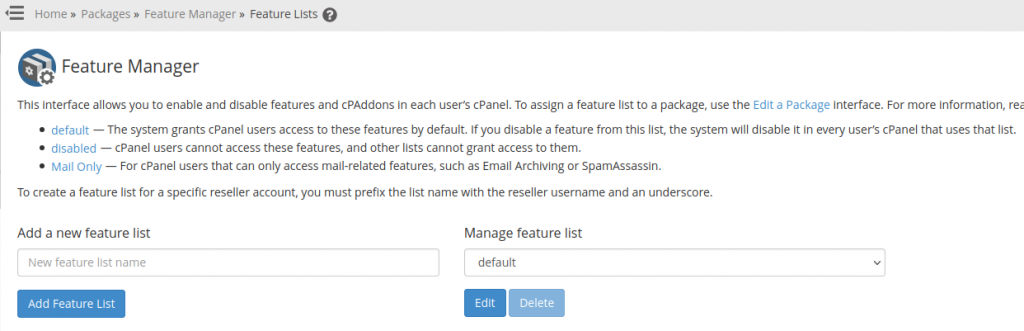
4) Click Add Feature List. Select the desired features.
5) Click Save to create the feature list.
Conclusion
Using Web Host Manager Feature Manager, administrators can easily customise the features available to cPanel users and improve account management flexibility.