Introduction
Zone file templates in WHM allow administrators to define the default DNS records that are automatically created whenever a new DNS zone is added to the server. Editing these templates helps standardize DNS configurations and automate the creation of custom DNS records for newly created accounts and domains.
Prerequisites
Before proceeding, ensure that:
- You have root-level access to WHM.
- DNS services are running properly on the server.
- You understand the DNS records you plan to modify.
- A backup of the existing DNS template is available in case you need to revert changes.
Implementation
Step1:
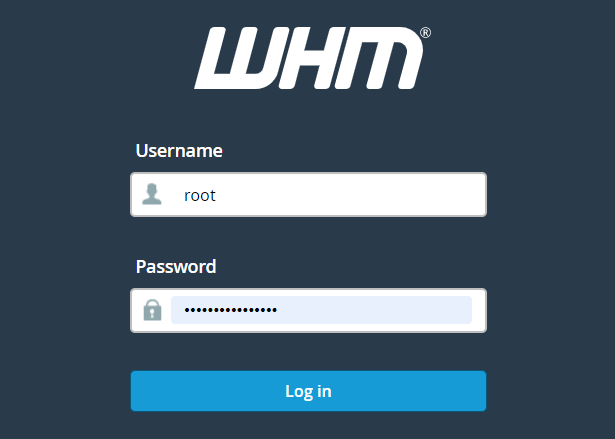
Login to WHM as the root user.
Step2:
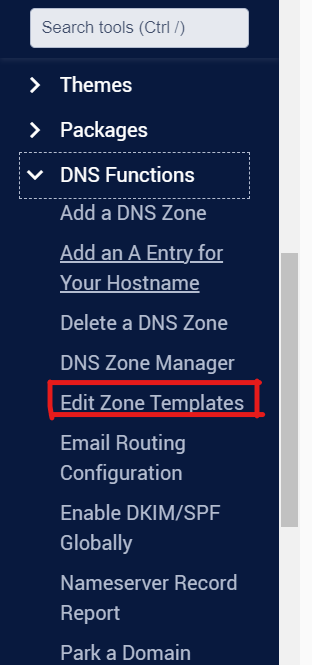
Navigate to Home »DNS Functions »Edit Zone Templates.
Step3:
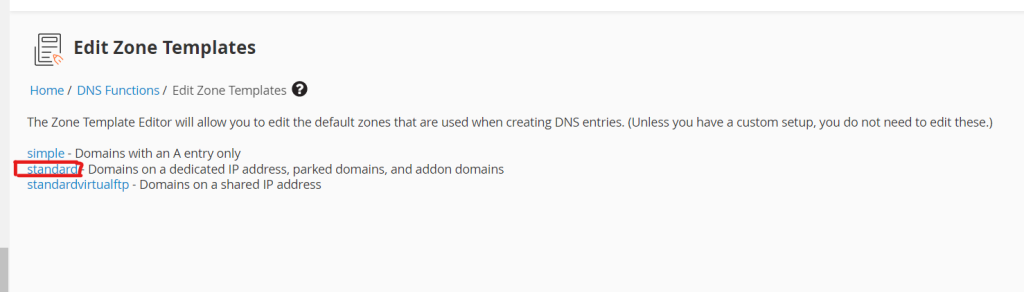
Click on the Standard template.
Step4:
Add or adjust the DNS entries to match the template you wish to use.
Step5:
Click the blue Save button.
Conclusion
Editing zone file templates in WHM allows administrators to automate DNS record creation and maintain consistency across hosted domains. By customizing the DNS templates, you can ensure that all newly created zones include the required DNS records without manual intervention.