Introduction
ClamAV is an antivirus solution that can be installed on cPanel servers to scan files and email attachments for malware. If ClamAV is no longer required, it can be removed directly through WHM using the plugin management interface.
Prerequisites
- Root access to WHM
- ClamAV is installed on the server
Implementation
Step 1
Log in to WHM as the root user.
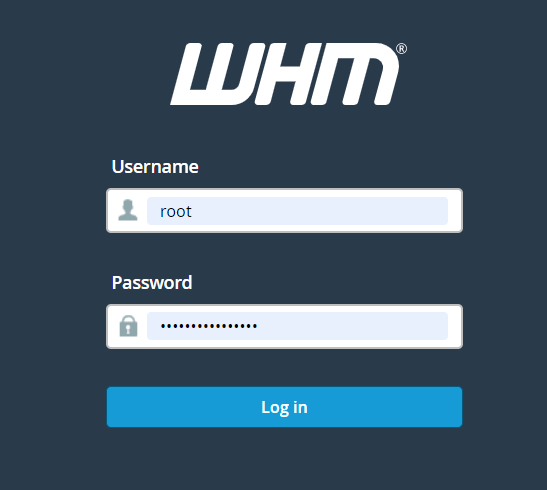
Log in to WHM as the root user.
Step 2
Navigate to:
Manage Plugins
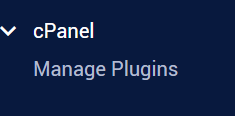
Manage Plugins
Step 3
Locate ClamAV in the list of installed plugins and untick the corresponding checkbox.

Step 4
Click Uninstall ClamAV Connector.
Step 5
Wait for the uninstallation process to complete successfully.
Conclusion
You can uninstall ClamAV from your cPanel server through the WHM Manage Plugins interface. Once the ClamAV Connector is removed, the plugin will no longer be available on the server.