Introduction
By default, cPanel sets the maximum PHP file upload size to 2MB. This limit may not be enough when uploading large files such as images, videos, backups, themes, plugins, or application files. To allow larger uploads, you can increase the PHP upload limit from WHM using the MultiPHP INI Editor.
Prerequisites
Before starting, make sure you have:
- WHM root login credentials.
- Access to the server where the website is hosted.
- The PHP version used by the website.
- Basic knowledge of WHM/cPanel navigation.
Procedure
Step 1:
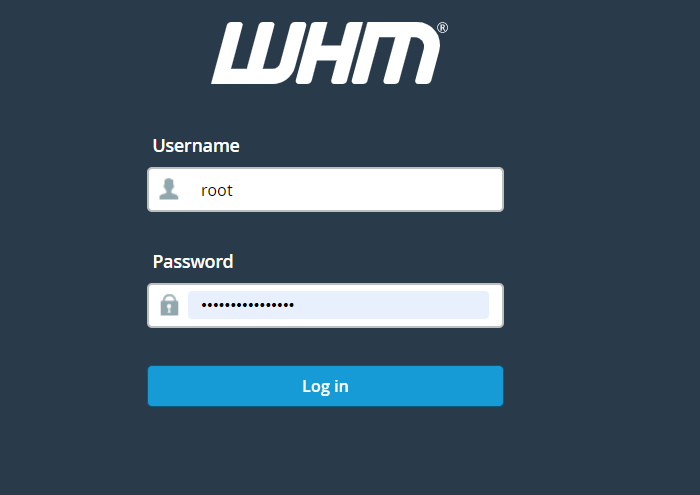
Log in to WHM using your root credentials.
Step 2:
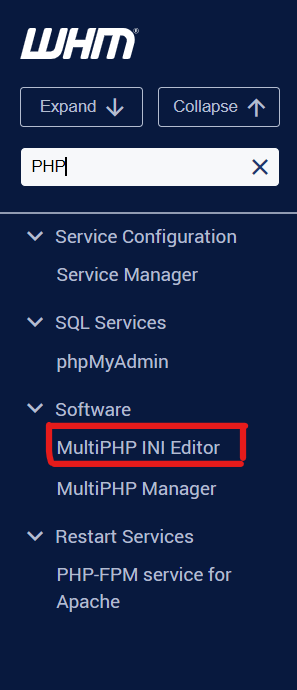
Navigate to MultiPHP INI Editor.
Step 3:
Select the PHP version used by your website.
Step 4:
Increase the following PHP values:
upload_max_filesize
Sets the maximum allowed size for uploaded files.post_max_size
This should be greater than or equal toupload_max_filesize.memory_limit
This should be greater than or equal topost_max_size.max_execution_time
Optional, but useful to prevent timeout errors while uploading large files.
Step 5:
Click Apply to save the changes.
Conclusion
Increasing the PHP upload size limit in WHM helps websites upload larger files without errors. After updating the required PHP values, test the file upload again from the website or application. Make sure the values are configured properly, especially post_max_size and memory_limit, to avoid upload failures or timeout issues.