Introduction
Sometimes, you may face issues while accessing your website, cPanel, WHM, or server. One possible reason is that your IP address may have been blocked by the server firewall.
IP blocking usually happens due to security reasons such as multiple failed login attempts, suspicious activity, or repeated access attempts within a short period. If your server uses ConfigServer Security & Firewall (CSF), you can easily check whether an IP address is blocked and unblock it if required.
Prerequisites
Before proceeding, make sure you have the following:
- WHM login access
- Root or reseller-level permission to access CSF
- The IP address that needs to be checked
- CSF firewall installed on the server
Steps to Check If Your IP Is Blocked
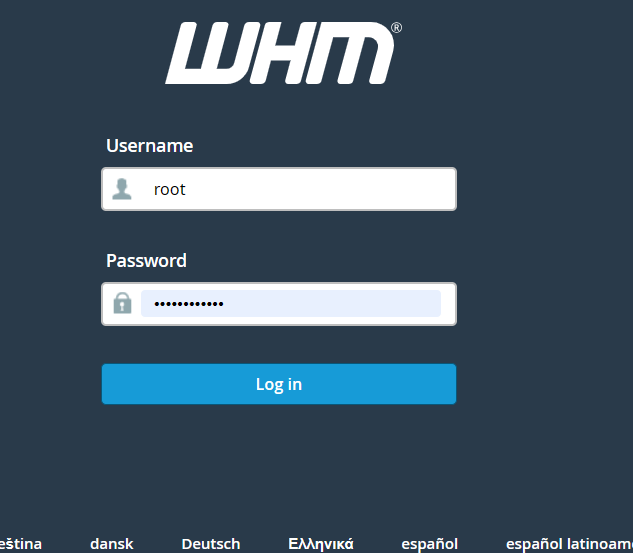
Step 1: Log in to WHM
Open your browser and access WHM using one of the following URLs:
https://your-server-ip-or-domain/whm
or
https://your-server-ip-or-domain:2087
Enter your WHM username and password to log in.
Step 2: Search for ConfigServer Security & Firewall
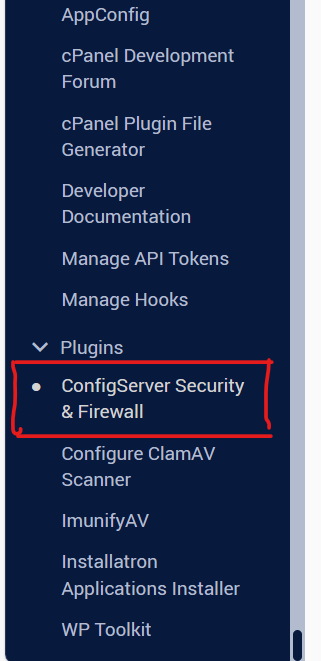
Once you are inside the WHM dashboard, use the search bar on the left side and search for:
ConfigServer Security & Firewall
Step 3: Open CSF Firewall
Click on ConfigServer Security & Firewall from the search results.
This will open the CSF firewall management page.
Step 4: Search for the IP Address
In the CSF interface, locate the Search for IP section.
Enter the IP address that you want to check and click the Search button.
CSF will display whether the IP address is currently blocked or allowed.

Step 5: Unblock the IP Address
If the IP address is blocked, you will see an option to unblock it.
Click the Unblock button next to the blocked IP address.
Confirm the action if prompted.
After unblocking, the user should be able to access the website, cPanel, WHM, or server again.
Conclusion
Checking whether an IP address is blocked in WHM using CSF is a simple and useful troubleshooting step. If a user is unable to access the server or website, verifying the IP block status can help identify and resolve the issue quickly.
By following the above steps, you can search for a blocked IP address in CSF and unblock it safely if required.