Introduction
An API token in cPanel allows you to securely authenticate API requests without using your cPanel username and password. API tokens are useful for developers, administrators, and automation tools that need to interact with cPanel services such as file management, email account administration, database operations, DNS management, and backups. Using API tokens improves security by allowing you to revoke or regenerate access without changing your account password.
Prerequisites
Before creating an API token, ensure you have the following:
- A valid cPanel account with login credentials.
- Access to the cPanel dashboard.
- Permission to create API tokens (available on supported cPanel versions).
- A clear understanding of the application’s purpose for using the API token.
- A secure location (such as a password manager or secrets vault) to store the generated token, as it is displayed only once.
Steps to Create an API Token for cPanel
Step 1: Log in to cPanel
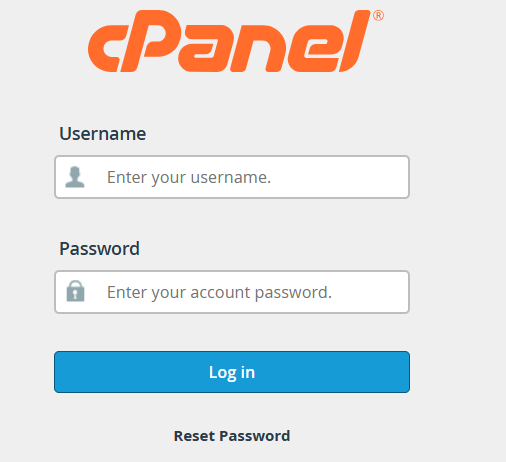
Sign in to your cPanel account using your username and password.
Step 2: Open the Manage API Tokens Page
After logging in, use the search bar at the top of the cPanel dashboard to search for Manage API Tokens. Alternatively, locate it under the Security section.

Step 3: Access the API Token Management Page
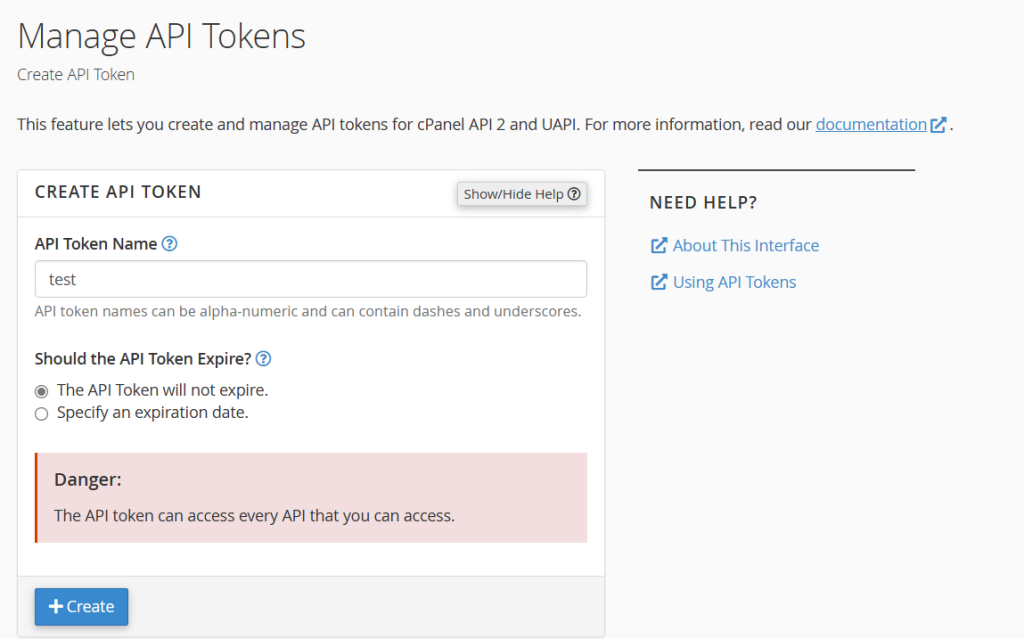
Click Manage API Tokens to open the token management interface. Here, you can view existing tokens or create a new one.
Step 4: Enter a Token Name
Provide a descriptive name for the API token. Use a meaningful name that identifies its purpose, such as:
- Backup Automation
- Website Deployment
- DNS Management
- Email Integration
This helps distinguish the token from others in the future.
Step 5: Create the API Token
Click the Create button. cPanel will generate a new API token for your account.
Step 6: Copy and Securely Store the Token
Once the token is created, cPanel will display the API token only once.
Copy the token immediately and store it in a secure location such as:
- A password manager
- A secure secrets management system
- An encrypted configuration file
Important: If the token is lost, it cannot be viewed again. You will need to generate a new one.
Conclusion
Creating an API token in cPanel is a simple and secure way to enable programmatic access to your hosting account. API tokens eliminate the need to expose your account password while allowing applications and scripts to perform administrative tasks securely. Always store your API tokens safely, use separate tokens for different applications when possible, and revoke unused tokens to maintain the security of your cPanel account.