Introduction
cPanel is a widely used web hosting control panel that allows users to manage websites, domains, emails, databases, and server settings through a graphical interface. Logging into cPanel is the first step to accessing and managing your hosting environment.
Prerequisites
- cPanel login username
- cPanel password
- Domain name (or server access)
- Hosting account details provided by your hosting provider
Implementation
I. Login to cPanel
Step 1:
Load your cPanel website as <domain_name>:2083 (or) <domain_name>/cpanel for secured connection.
For example,
pheonixsolutions.com:2083 (or) pheonixsolutions.com/cpanel
Step 2:
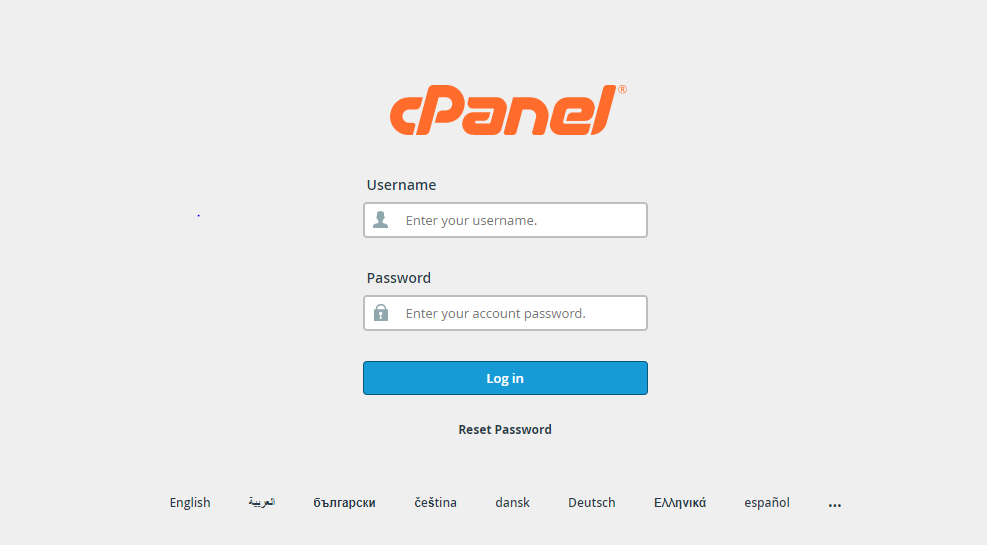
Login page will be displayed as below.
Step 3:
Enter your user name and password and click on Log in
Step 4:
Home page will be loaded as below.
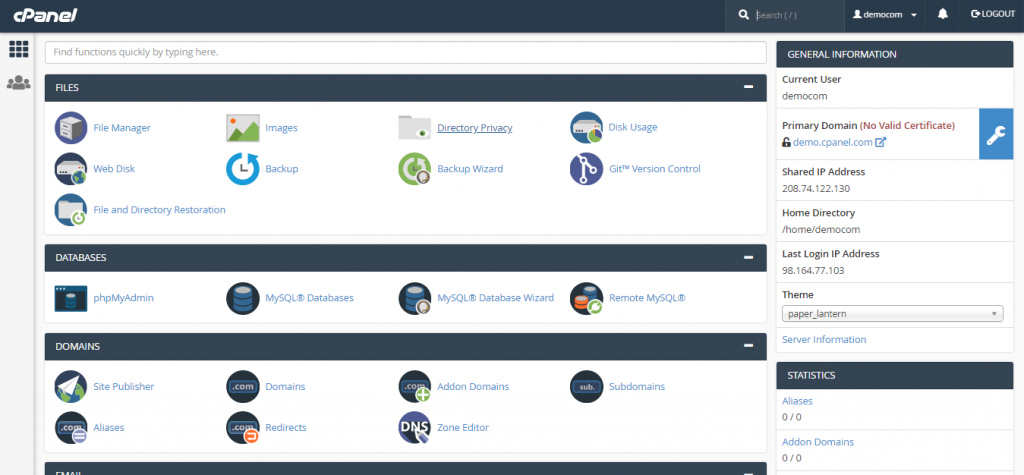
Now you have successfully logged into your cPanel account!
II. Changing cPanel account Password
On the first time logging into your cPanel account, the first step you have to do is to change your account’s password for security purpose.
Here, Let us see the steps to be followed to change your account password.
Step 1:
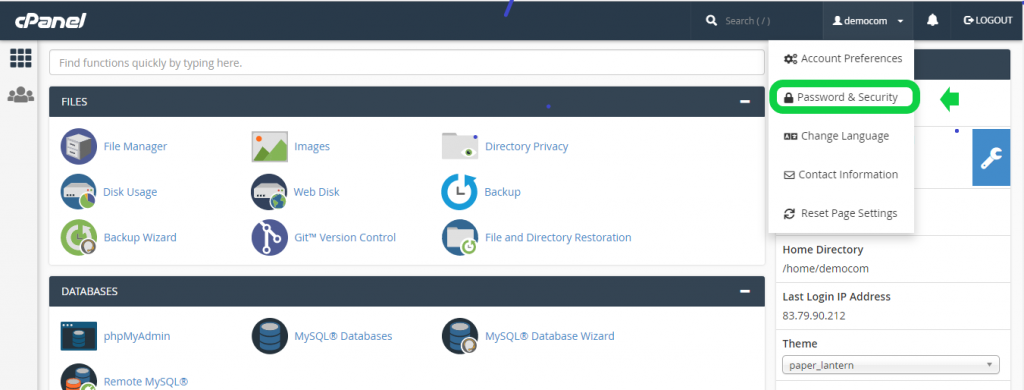
On the right top of the dashboard, your user account name will be displayed. On clicking your username,a drop down will be displayed.
Step 2:
Click Password & Security Option from the drop down.
Step 3:
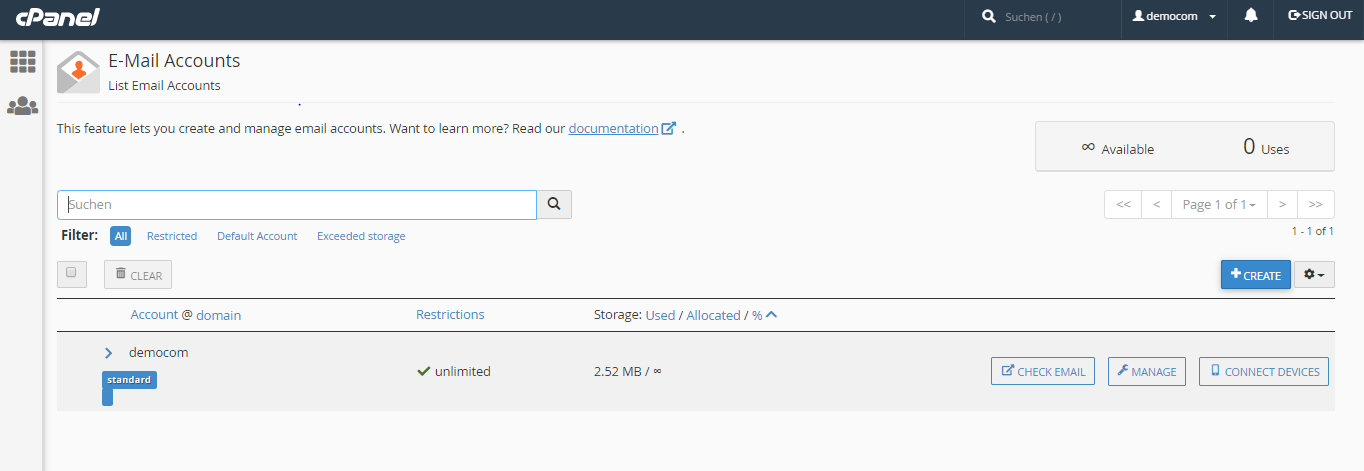
Now a page will be displayed to change your password.
Step 4:
—> Enter your old password and then provide new password twice as it is required for confirmation. Else generate new password using Password Generator button. Make sure your password is strong.
—> Then click on Change your password now!
You will be automatically logged out now. Login again with your new password.
Perfect!!! You have successfully changed your account password now !!!
Conclusion
Logging into cPanel is a simple process using your domain and login credentials. Once you access the dashboard, you can manage all your hosting services efficiently. For better security, it is highly recommended to change your password during the first login and ensure you use a strong password to protect your account.