Introduction
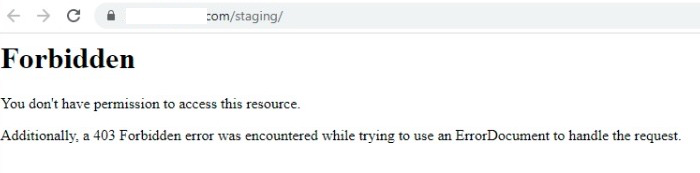
A 403 Forbidden error occurs when the web server understands the request but refuses to allow access to the requested directory or file. This issue commonly appears when trying to access a subdirectory through a browser, especially on Apache or Nginx web servers hosted on cPanel/WHM servers.
The error may occur due to:
- Incorrect file or folder permissions
- Missing index files
- Improper
.htaccessrules - Disabled directory listing
- Ownership issues
- Security restrictions from ModSecurity or server configuration
This guide explains how to identify and resolve the 403 Forbidden error while accessing subdirectories through a browser.
Pre-Requisites
Before proceeding, ensure you have:
- Access to cPanel File Manager or SSH
- Correct domain/subdomain configured
- Basic understanding of Linux file permissions
- Backup of website files and configuration
- Access to Apache/Nginx configuration if required
IMPLEMENTATION
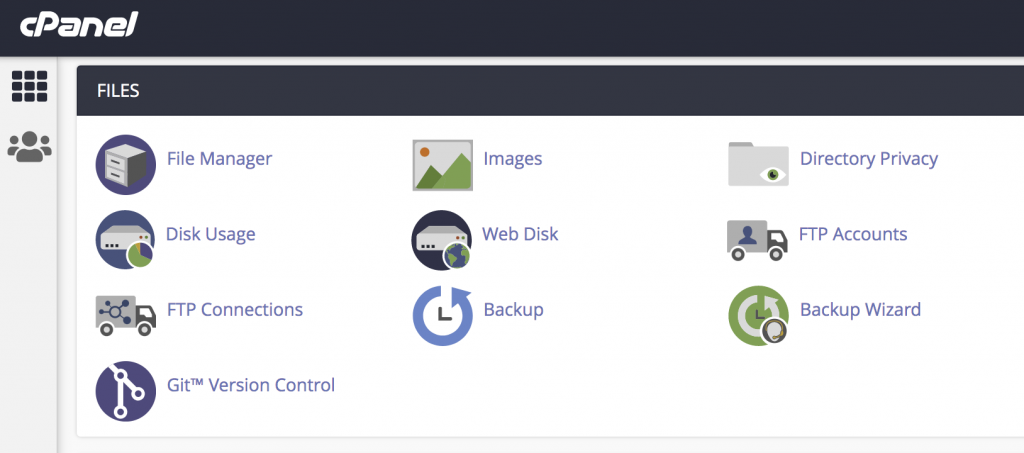
Step 1: Login to cPanel and open File Manager in the FILES section.
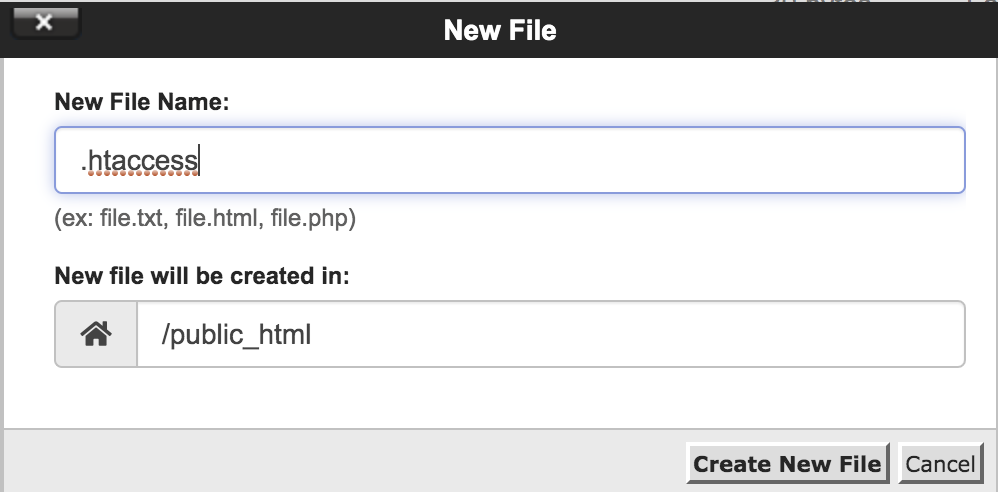
Step 2: Create .htaccess file in the public_html directory and enter the below content in that file.DirectoryIndex index.php index.html index.htm
Options +Indexes
Now you can access the subdirectories.
Conclusion
The 403 Forbidden error while accessing a subdirectory is usually caused by permission issues, restrictive .htaccess rules, missing index files, or server security settings. By systematically checking permissions, ownership, Apache configuration, ModSecurity, and server logs, the issue can be identified and resolved effectively. Always maintain backups before modifying server configurations or security settings on production environments.