Introduction
Transferring cPanel or reseller accounts between two WHM servers is commonly required during server migration, hosting upgrades, or load balancing. WHM provides a built-in Transfer Tool that allows secure and efficient migration of accounts with minimal downtime.
Prerequisites
Before starting the transfer, ensure the following:
- Root access to both source and destination WHM servers
- Valid IP address / hostname of the source server
- SSH access enabled between servers (port 22 or custom SSH port)
- Sufficient disk space on the destination server
- cPanel accounts are active and not suspended (recommended)
- Firewall allows WHM transfer connections between servers
- Stable network connectivity
Steps to Transfer Account
- Login to WHM
- Access the destination server WHM panel using root credentials.
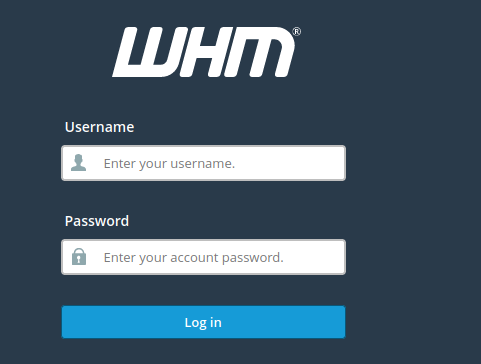
- Access the destination server WHM panel using root credentials.
- Open Transfer Tool
- Navigate to:
WHM → Transfers → Transfer Tool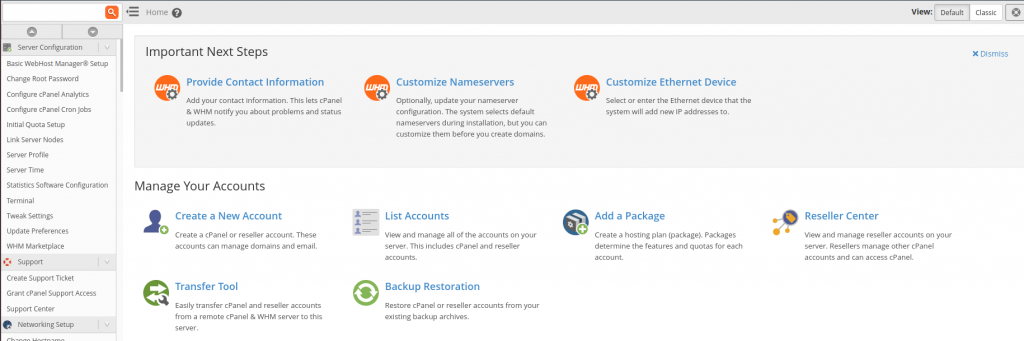
- Navigate to:
- Enter Source Server Details
- Provide the following:
- Source server IP address or hostname
- SSH port number (default: 22)
- Root username (usually “root”)
- Root password or SSH key authentication
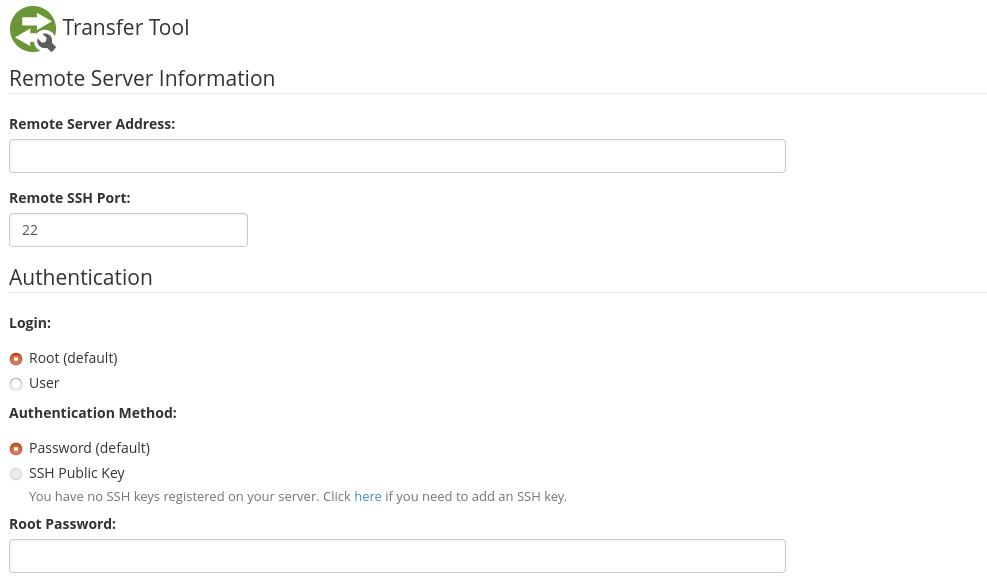
- Provide the following:
- Scan Remote Server
- Click on “Scan Remote Server”
- WHM will connect and list all available accounts
- Select Accounts to Transfer
- Browse or search for the required cPanel/reseller account
- Select the account(s) you want to migrate
- Start Copy Process
- Click on “Copy”
- WHM will begin transferring files, databases, email accounts, and configurations
Conclusion
Once the transfer is completed, WHM will automatically configure the migrated accounts on the destination server. It is recommended to verify websites, databases, and email services after migration to ensure everything is functioning correctly. DNS updates may also be required if nameservers or IP addresses have changed.