Introduction:
To configure reseller account resource limits and overselling permissions in WHM, follow the steps below. This setup allows you to control the disk space and bandwidth allocated to reseller accounts while optionally permitting resource overselling based on your hosting requirements.
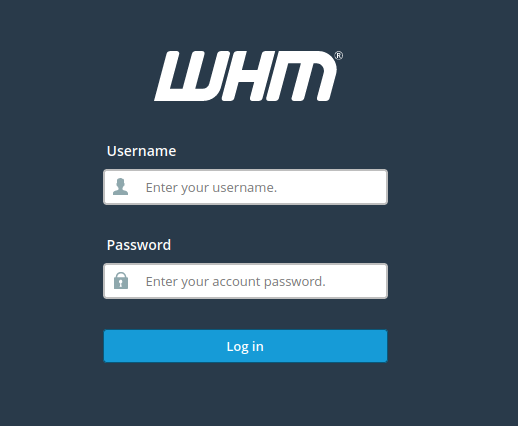
1. Log into WHM.
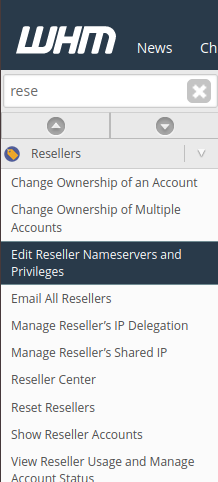
2. Go to Edit Reseller Nameservers and Privileges.
3. Select the reseller in question and click “Submit”.
4. Click the checkbox for “Limit accounts that reseller can create by Resource Usage.”
5. Specify your preferred value for both “Maximum Allowed Disk Space” and “Maximum Allowed Bandwidth”.
6. Click the checkbox for “Allow overselling” for either disk space, bandwidth, or both.
7. Click “Save All Settings” at the bottom.
Conclusion:
Once these settings are applied, the reseller account will be configured with the defined resource limits and overselling permissions. This helps ensure better resource management, flexibility, and control over reseller account provisioning within WHM.