Introduction
WHM allows server administrators to manage hosting packages for cPanel accounts. You can modify an existing package to increase or decrease limits such as disk space, bandwidth, email accounts, databases, and other resources. This guide explains the steps to update a package’s values in WHM.
Prerequisites
Before proceeding, ensure you have:
- Root or reseller access to WHM
- An existing hosting package already created in WHM
- Basic knowledge of WHM navigation
Implementation:
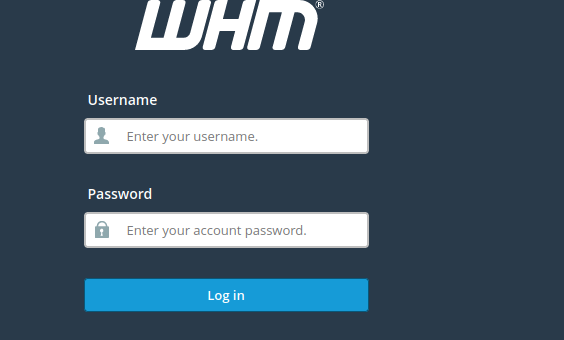
- Log into WHM
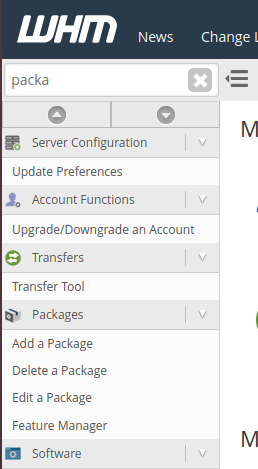
2. Access into Packages and click edit a package
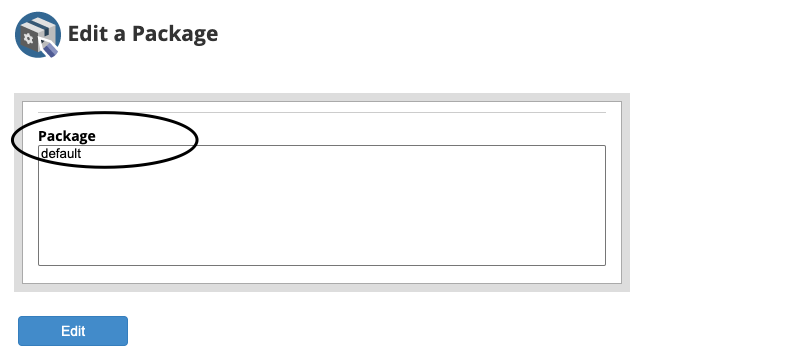
3. Select the package
4. Adjust whatever value you need to adjust
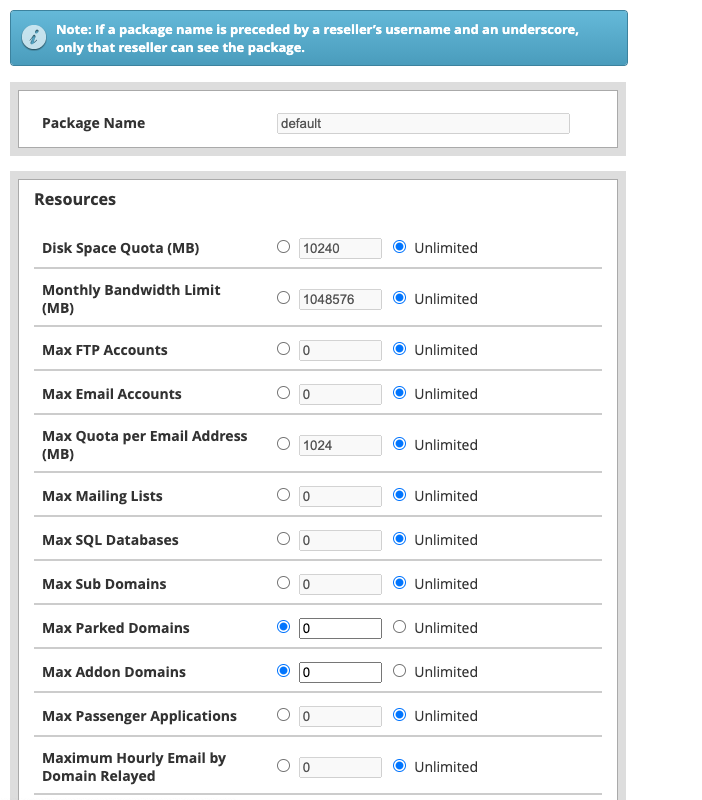
5. Click Save Changes at the bottom
Conclusion
Updating package values in WHM is a simple process that helps administrators efficiently manage hosting resources for cPanel accounts. By modifying package limits, you can easily upgrade or optimize hosting plans based on customer requirements.