Introduction
WHM provides administrators with the ability to control who can directly access cPanel accounts through the “Login to cPanel” option in the WHM List Accounts interface. This setting helps improve account security and allows server administrators to define whether root users, resellers, or only cPanel users can access cPanel accounts directly.
Prerequisites
Before making changes to this setting, ensure the following requirements are met:
- Root access to WHM
- WHM/cPanel installed and running properly
- Administrative privileges to modify server-wide settings
- Basic understanding of reseller and cPanel account permissions
Steps to Enable or Disable the cPanel Login Button from WHM List Accounts
Date: June 26, 2021
Step 1:
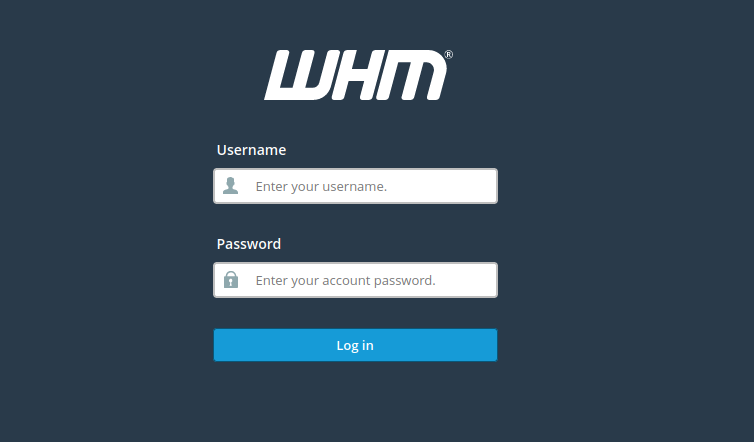
Log in to WHM as the root user.
Step 2:
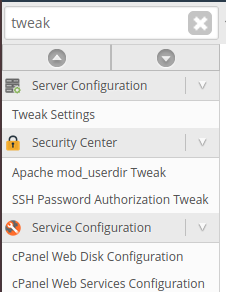
From the WHM dashboard, navigate to Tweak Settings using the left sidebar menu.
Step 3:
Select the System tab.

Step 4:
Locate the setting named “Accounts that can access a cPanel user account.”
Step 5:
Choose the appropriate option based on your requirement:
- Root, Account-Owner, and cPanel User
Enables the cPanel login button for both the root user and the reseller who owns the account. - Account-Owner and cPanel User Only
Enables the cPanel login button only for the reseller who owns the account and the cPanel user. - cPanel User Only
Disables the cPanel login button entirely for root and resellers, allowing access only to the actual cPanel account user.
Step 6:
Click Save to apply the changes.
Conclusion
By configuring the “Accounts that can access a cPanel user account” setting in WHM, administrators can control direct cPanel access permissions for root users and resellers. Properly managing this option helps strengthen server security and ensures access is granted only to authorized users.