Introduction
This guide explains how to review active transfer and restore sessions in WHM using root access. Following these steps will help you monitor ongoing migrations, backups, or account restore operations from the WHM interface.
Steps to Review Running Transfer Sessions in WHM
Step1:
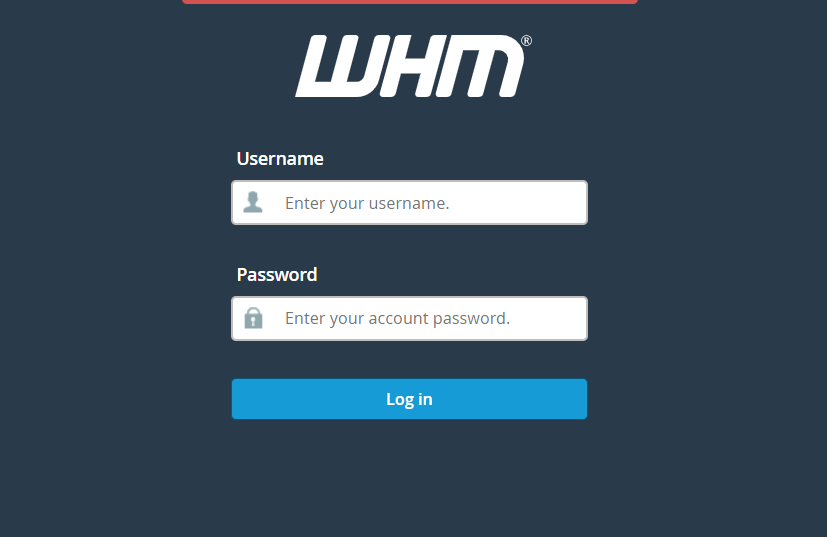
Login to the WebHost Manager (WHM) server using the root credentials.
Step2:
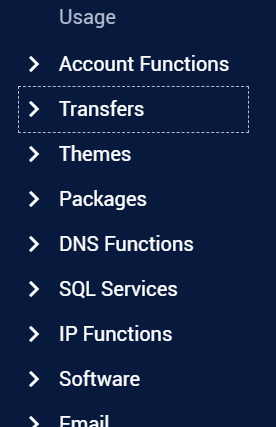
After logging into WHM, navigate to the Home page.
From the left-side menu or search bar:
Click on Transfers
Step3:
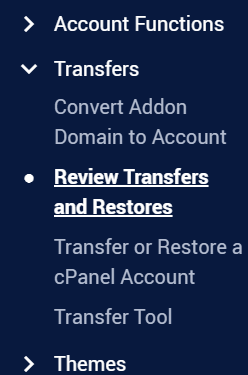
Under the Transfers section:
- Click on Review Transfers and Restores
This section displays the status of completed, failed, and currently running transfer or restore operations.
Step4:
Inside the Review Transfers and Restores page:
- Locate the RUNNING Sessions section
- Click on View next to the active session you want to monitor
This will display detailed logs, progress status, transfer information, and any errors related to the ongoing session.
Conclusion
By using the Review Transfers and Restores feature in WHM, administrators can easily monitor ongoing migrations and restore activities. Regularly reviewing running sessions helps identify issues early and ensures successful account transfers and backup restorations.