Introduction:
The “wheel” group is a Unix/Linux group that traditionally has special privileges, often associated with administrative tasks. Members of the “wheel” group can use the sudo command to execute commands with superuser (root) privileges.
Prerequisite:
- Root Access or sudo Privileges
- Knowledge of the User’s Username
- Access to the WHM
Procedure:
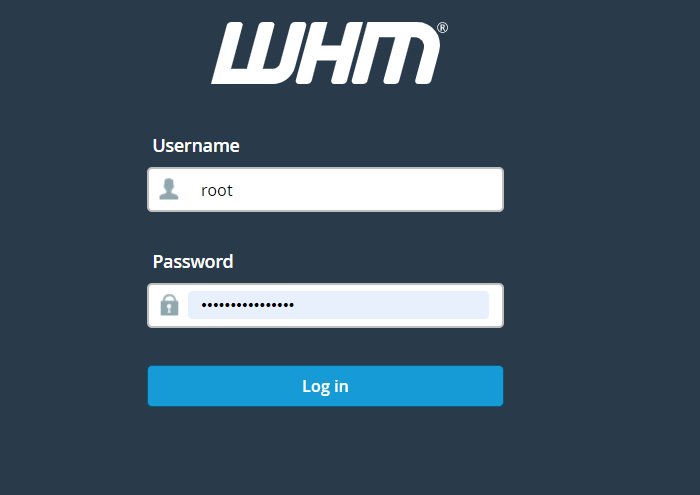
Step1:Log in to WHM.
Step2: Navigate to Home -> Security Centre
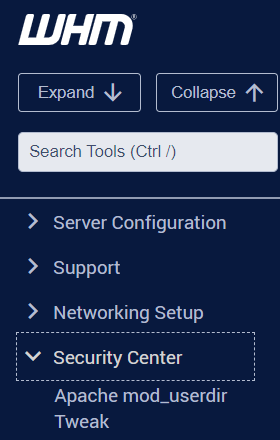
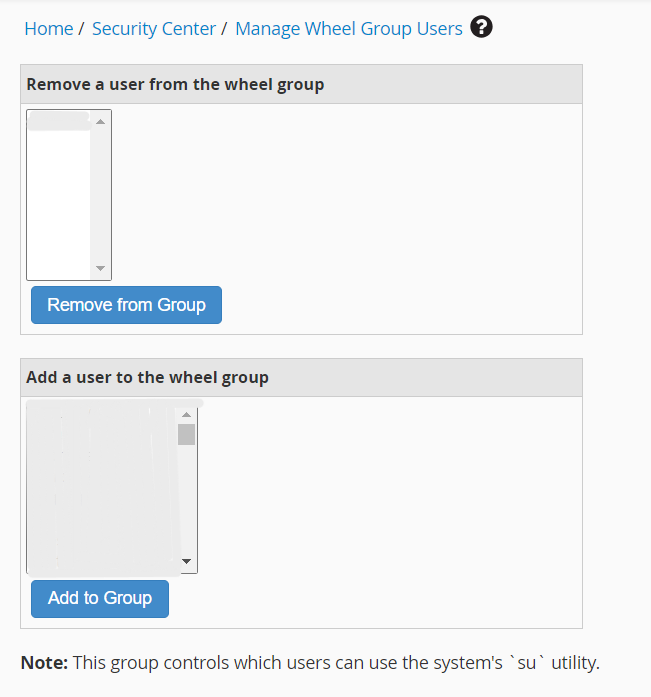
Step3:Click “Manage wheel group, users.”
Step4:You can add or remove the user’s access to administrator privileges.
Conclusion
Managing the wheel group through WHM allows administrators to control which users have elevated administrative privileges on the server. By adding or removing users from the wheel group as needed, you can maintain secure access control and ensure that only authorized users are granted sudo or root-level privileges. Regularly reviewing wheel group membership is recommended as part of server security best practices.