INTRODUCTION
A reseller is a cPanel account owner who also sells cPanel accounts to other users. A reseller purchases system resources from a hosting provider, and then allocates the resources to the cPanel accounts that they sell. Reseller accounts include additional privileges
Prerequisites
Before proceeding, ensure the following requirements are met:
- Administrator (root) access to WHM.
- A WHM server with cPanel installed.
- The reseller account must already exist.
- A stable internet connection.
- Basic understanding of WHM and cPanel account management.
IMPLEMENTATION
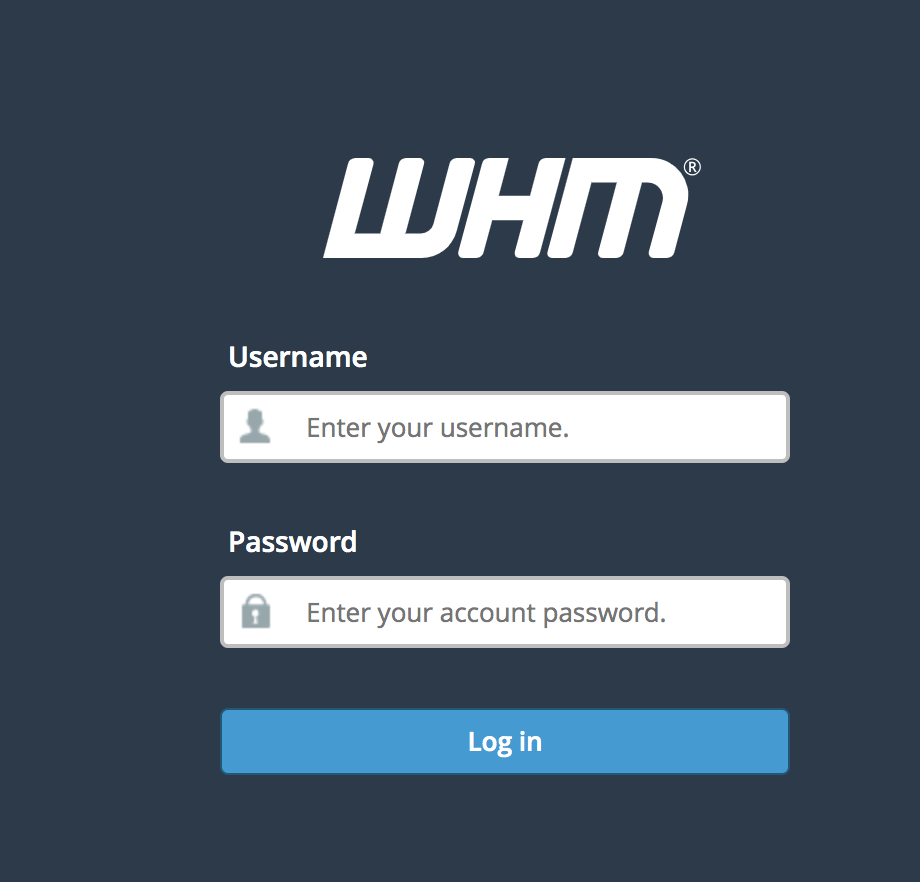
Step 1: Log in to the WHM
Step 2: Search for resellers from the search bar and select “Edit Reseller Nameservers and Privileges”

Step 3: Select the required reseller account that needs to manage and click on “submit”

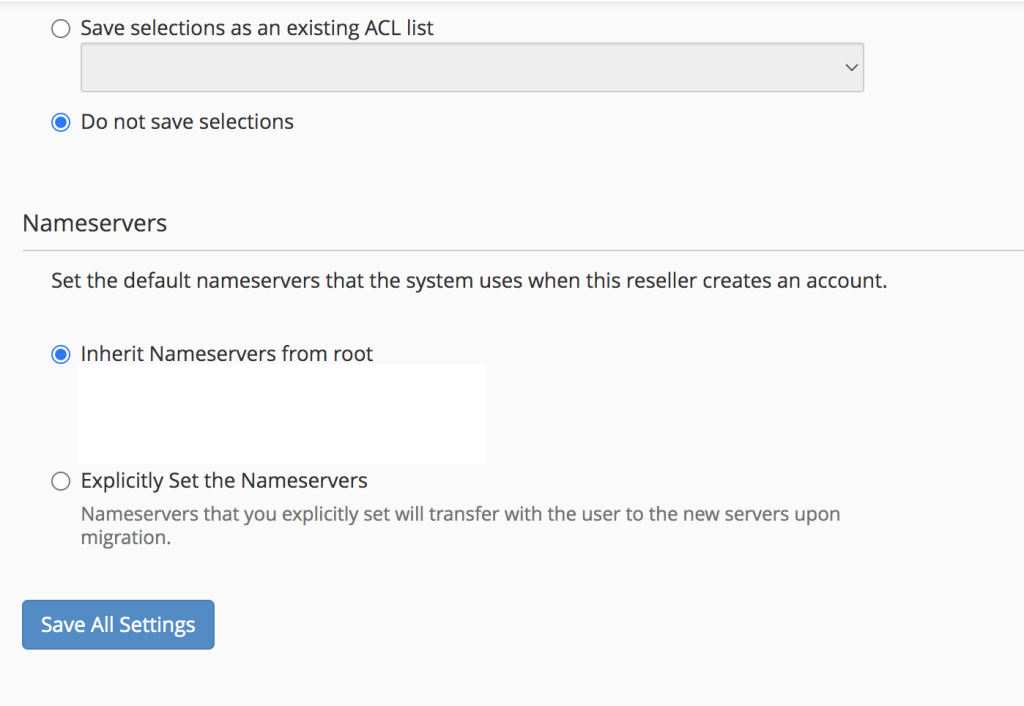
Step 4: Select the options to provide the required privileges to the selected reseller account and click on
“Save All Settings”
Conclusion
Managing reseller account access in WHM allows administrators to securely delegate hosting management tasks while maintaining control over server resources and permissions. By assigning only the required privileges and reviewing reseller permissions periodically, administrators can ensure a secure, organized, and efficient hosting environment.