Introduction
EasyApache 4 is a tool provided in WHM that allows server administrators to manage Apache, PHP versions, and related modules on cPanel servers. If a specific PHP version is no longer required, outdated, or needs to be removed for security and maintenance purposes, you can uninstall it easily through the EasyApache 4 interface.
Prerequisites
Before removing a PHP version, ensure the following:
- Root access to the WHM server.
- Access to the EasyApache 4 interface.
- Verify that no websites or applications are currently using the PHP version you plan to remove.
- It is recommended to create a backup or document the current PHP configuration before making changes.
Procedure
- Log in to WHM as the root user.
- Navigate to:Home » Software » EasyApache 4
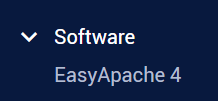
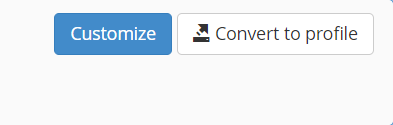
- Locate the active EasyApache profile and click the Customize button.
- Select the PHP Versions section from the left-side menu.

- Find the PHP version you want to remove.
- Click the toggle slider next to the PHP version. The status will change from Installed or Unaffected to Uninstall.
- Click Review from the left-side menu to review the pending changes.
- Verify the changes and ensure the correct PHP version is marked for removal.
- Click Provision to apply the changes and uninstall the selected PHP version.
- Wait for the provisioning process to complete successfully.
Conclusion
Removing unused PHP versions helps maintain a secure and optimized hosting environment. After the EasyApache provisioning process completes, the selected PHP version will be removed from the server. Always verify that no hosted websites depend on the PHP version before uninstalling it to avoid application downtime or compatibility issues.