Introduction
Plesk allows administrators to change the user role assigned to an existing user. Changing the role can update the user’s access and permissions based on their current responsibilities.
This guide explains how to change an existing user’s role in Plesk.
Prerequisites
Before changing a user role, make sure you have:
- Access to the Plesk Panel.
- Appropriate permissions to manage users.
- An understanding of the access level required for the user.
Steps to Change an Existing User Role in Plesk
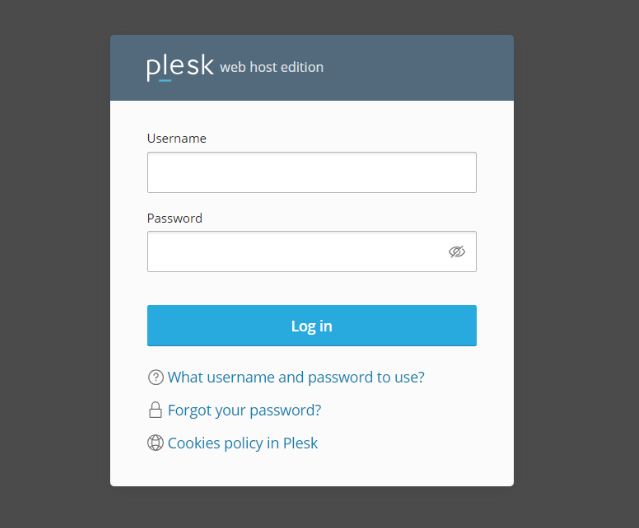
1. Log in to the Plesk Panel
Log in to the Plesk Panel using an account with the required permissions to manage users.
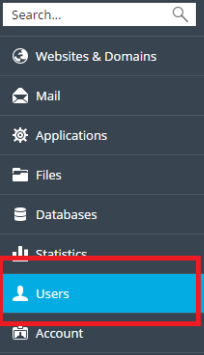
2. Navigate to Users
From the Plesk Panel, go to Users to view the available user accounts.
3. Select the User
Find and select the user whose role you want to change.
Choose the correct user before making any changes to avoid modifying the wrong account.
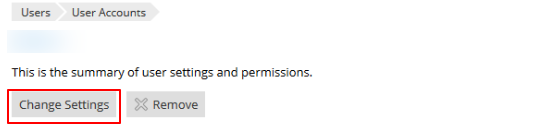
4. Click Change Settings
Click Change Settings to open the user’s settings and account information.
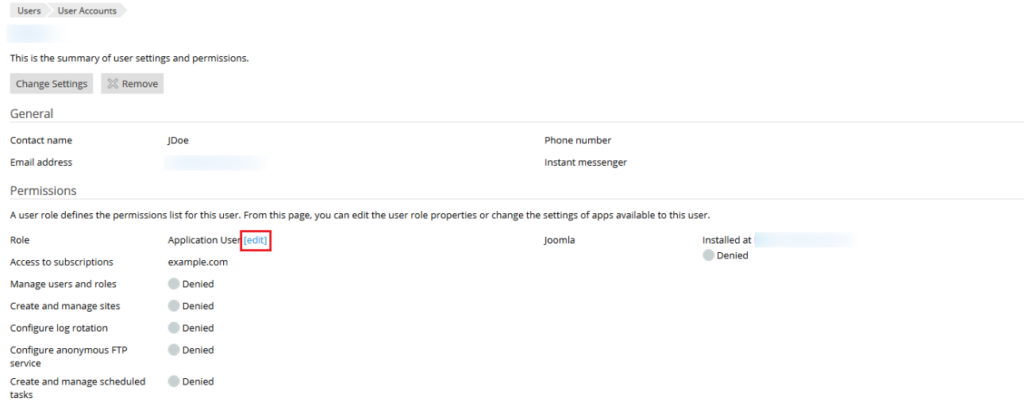
5. Select the Required User Role
Under User Role, select the role you want to assign to the user.
Choose the role based on the level of access and permissions the user needs.
6. Click OK
After selecting the required role, click OK to save the changes.
7. Verify the Update
Check that the User Information Updated message appears.
This confirms that the user’s role has been successfully updated.
Result
The user’s role is successfully updated with the selected permissions. The user will have access based on the permissions defined for the newly assigned role.
Best Practices
- Select the user role according to the user’s responsibilities.
- Grant only the permissions required for the user’s work.
- Verify the user’s access after changing the role, if required.
- Review user roles regularly to ensure permissions remain appropriate.
Conclusion
Changing an existing user role in Plesk is a simple way to update a user’s access when their responsibilities change. By selecting the appropriate role and reviewing the user’s permissions, administrators can maintain proper access control within the Plesk Panel.
Frequently Asked Questions (FAQ)
1. Why would I need to change a user’s role in Plesk?
You may need to change a user’s role when their responsibilities change or when they require a different level of access.
2. Can I change the role of an existing user?
Yes. You can select an existing user and change their assigned role from the user’s settings.
3. Will changing the role change the user’s permissions?
Yes. The user’s available access is based on the permissions assigned to the selected user role.
4. How do I know if the role was changed successfully?
After saving the changes, verify that the User Information Updated message appears.
5. Should I give a user the highest level of access?
No. Select a role that provides only the access required for the user’s responsibilities.
Talk to Our Technology Experts
Need help managing users, roles, or subscription access in Plesk? Our team can assist with Plesk configuration, access management, security, troubleshooting, and ongoing server administration.