Introduction
WHM (Web Host Manager) allows server administrators and resellers to manage hosting accounts efficiently. In some situations, you may need to transfer a cPanel account from one reseller to another or change the account owner due to organizational changes, account migrations, or administrative requirements. WHM provides a straightforward option to modify the ownership of an existing account without affecting the website data, email accounts, or databases.
Prerequisites
Before changing the owner of an account in WHM, ensure that:
- You have root-level access or sufficient privileges in WHM.
- The destination reseller account already exists on the server.
- The account you want to transfer is active and functioning properly.
- You have verified that the new owner has adequate package limits and resources to accommodate the account.
- It is recommended to create a backup of the account before making administrative changes.
- You have access to the WHM interface through a web browser.
IMPLEMENTATION
WHM root log-in credential is required
To Change the Owner of an Account
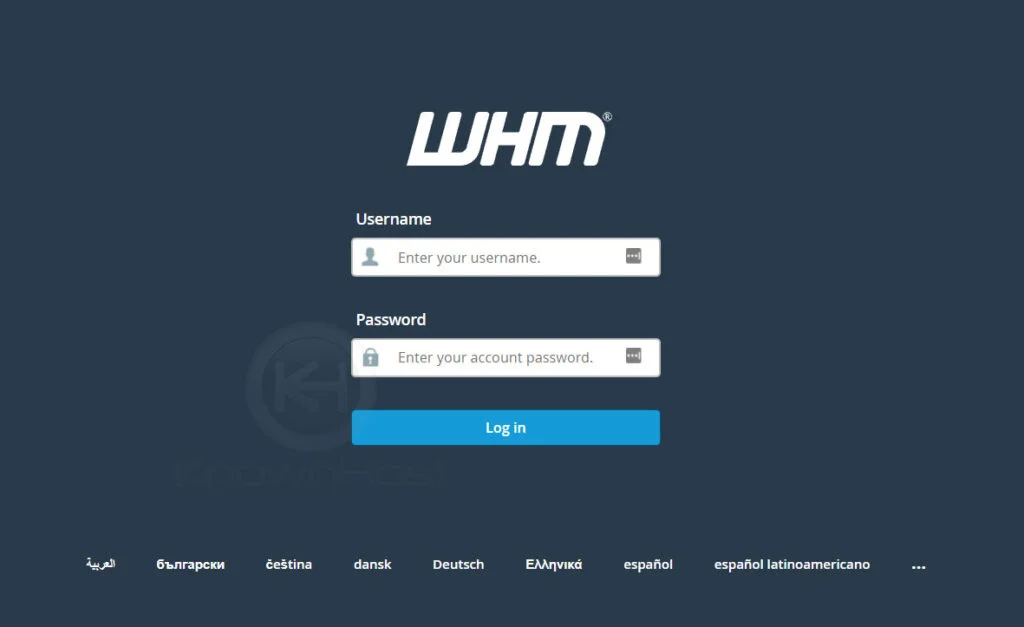
Step 1: Log in to your WHM root account.
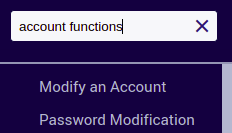
Step 2: Search for Account Functions on the left navigation menu.

Step 3: Click Modify an Account on the Account Functions section.
Step 4: Choose the account to which you want to change the owner

And then click modify on the bottom.
Step 5: Now change the owner of the account.

Step 6: Then click save.
The owner of the account has now been changed.
Conclusion
Changing the owner of an account in WHM is a quick administrative task that allows hosting accounts to be reassigned to different resellers or administrators without impacting the hosted data. By ensuring the proper permissions and verifying resource allocations beforehand, you can safely transfer account ownership and maintain organized account management within your hosting environment.