
Post Date: November 06, 2026
Introduction
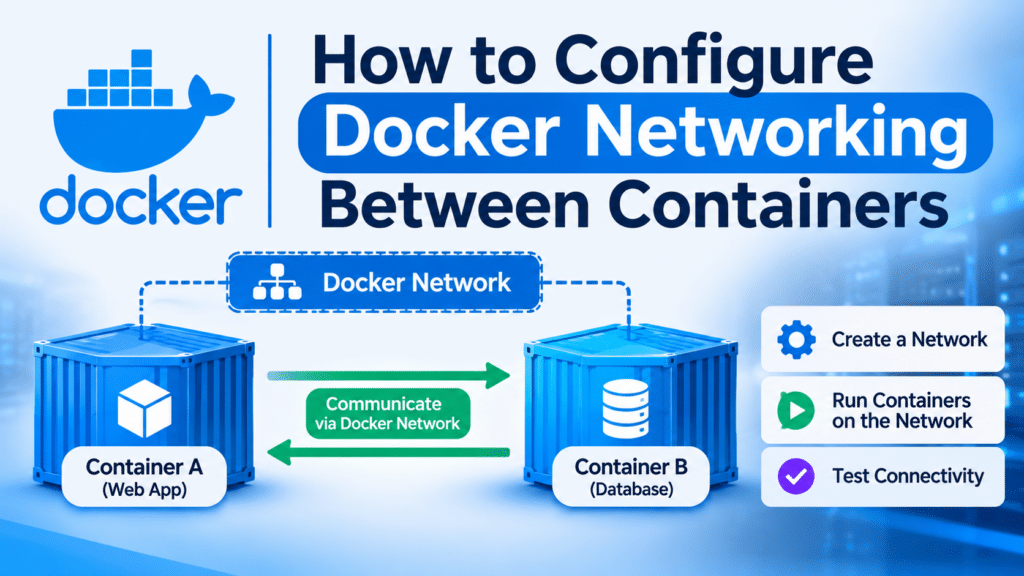
Docker Networking Between Containers allows multiple Docker containers to communicate with each other through an isolated network. It is useful when running applications such as web servers, backend services, and databases in separate containers.
In this tutorial, we will create a custom Docker bridge network, connect two containers, and verify communication between them using simple commands.
Prerequisites
- Ubuntu 22.04 / 24.04 server.
- Minimum 2 GB RAM.
- 2 CPU cores.
- Root or sudo access.
Implementation
1. Install Docker
Update the package repository and install Docker.
sudo apt update
sudo apt install docker.io -y
Start and enable Docker.
sudo systemctl enable --now dockerVerify Docker installation.
docker --version
2. Check Docker Networks
List the existing Docker networks.
sudo docker network lsDocker provides default networks such as bridge, host, and none.

3. Create a Custom Bridge Network
Create a custom network named my-network.
sudo docker network create --driver bridge my-networkVerify the network.
sudo docker network ls
4. Create the First Container
Create an Nginx container named web-server and connect it to the custom network
sudo docker run -d \
--name web-server \
--network my-network \
nginx
3. Create the Second Container
Create another Nginx container named app-server and connect it to the same network
sudo docker run -d \
--name app-server \
--network my-network \
nginx
Check both containers.
sudo docker ps
6. Verify Container Communication
Execute the following command to test communication from web-server to app-server
sudo docker exec web-server curl http://app-serverExpected output:
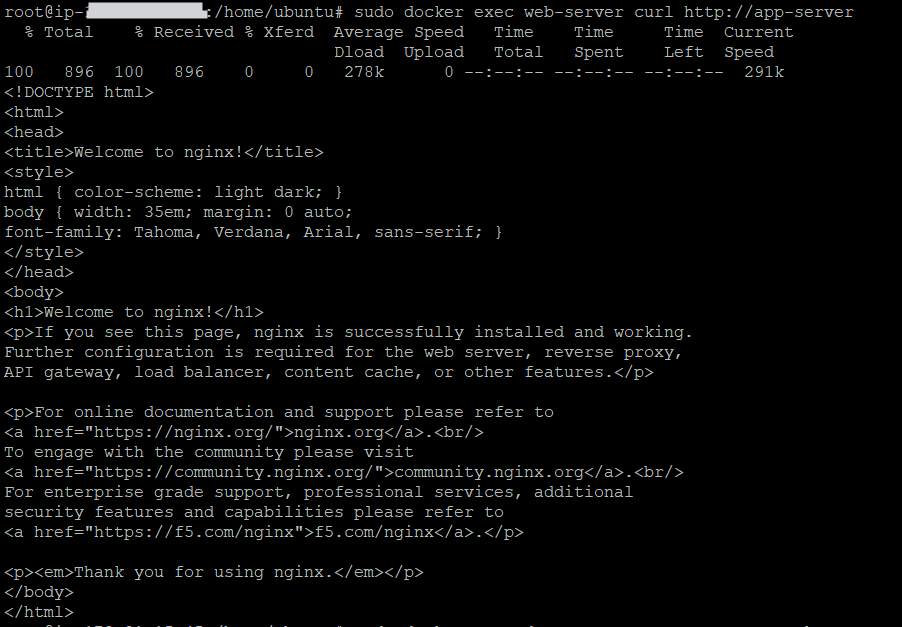
If you receive the Nginx welcome page, communication between the containers is successful.
7. Verify Network Configuration
Inspect the custom Docker network. Verify that both web-server and app-server appear under the connected containers.
sudo docker network inspect my-network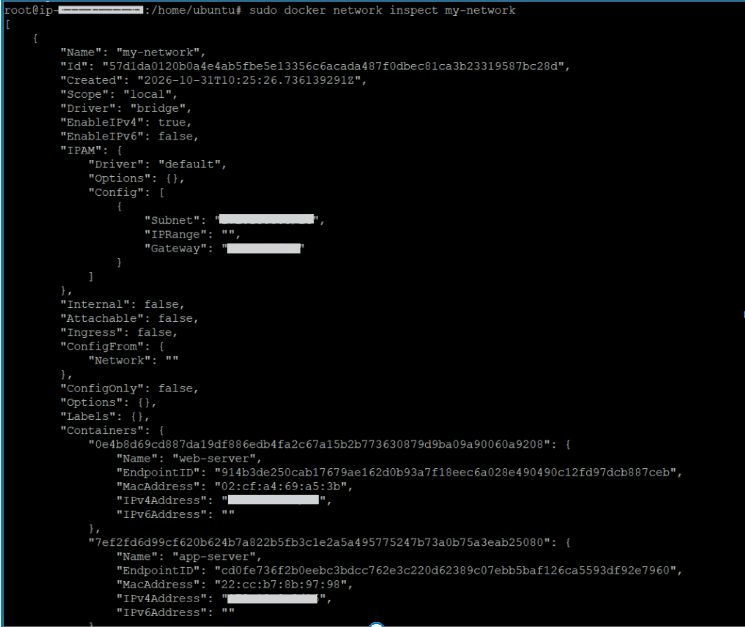
Conclusion
In this tutorial, we learned how to configure Docker networking between containers using a custom bridge network. We created two Nginx containers, connected them to the same network, and verified communication using container names.
Custom bridge networking helps containers communicate securely and makes it easier to manage multi-container applications.
At Pheonix Solutions, we share hands-on Docker and DevOps guides to help developers and system administrators learn container management, configure container networks, and enable seamless communication between Docker containers.
FAQs
1. What is Docker networking?
Docker networking allows multiple containers to communicate with each other and external networks.
2. What is a Docker bridge network?
A bridge network is a default Docker networking driver that allows containers on the same network to communicate with each other.
3. How do I create a custom Docker network?
Use the following command:
docker network create --driver bridge my-networkRelated Articles
How to Save Docker Images as a TAR File
How to Convert a Docker Container to Image
Need Help with Docker Networking and Container Management?
Need help with Docker network configuration, container-to-container communication, Docker troubleshooting, or managing containerised applications? Our experts can assist with Docker installation, network configuration, container management, DevOps automation, and other infrastructure requirements. Get in touch with our team here.