
Post Date: January 25, 2019
Last Updated: October 06, 2026
Introduction
Let’s Encrypt SSL provides free SSL certificates that help secure websites by encrypting communication between the website and its visitors. SSL certificates protect sensitive information and allow websites to use secure HTTPS connections.
In this guide, we will explain how to install Let’s Encrypt SSL for a domain hosted on CentOS WebPanel. The process is straightforward and can be completed through the AutoSSL Free option available in CentOS WebPanel.
Prerequisites
Before proceeding, ensure you have the following:
- Root access to CentOS WebPanel.
- A valid domain name hosted on the server.
- The domain’s DNS records should point to the server’s IP address.
Implementation
Step 1
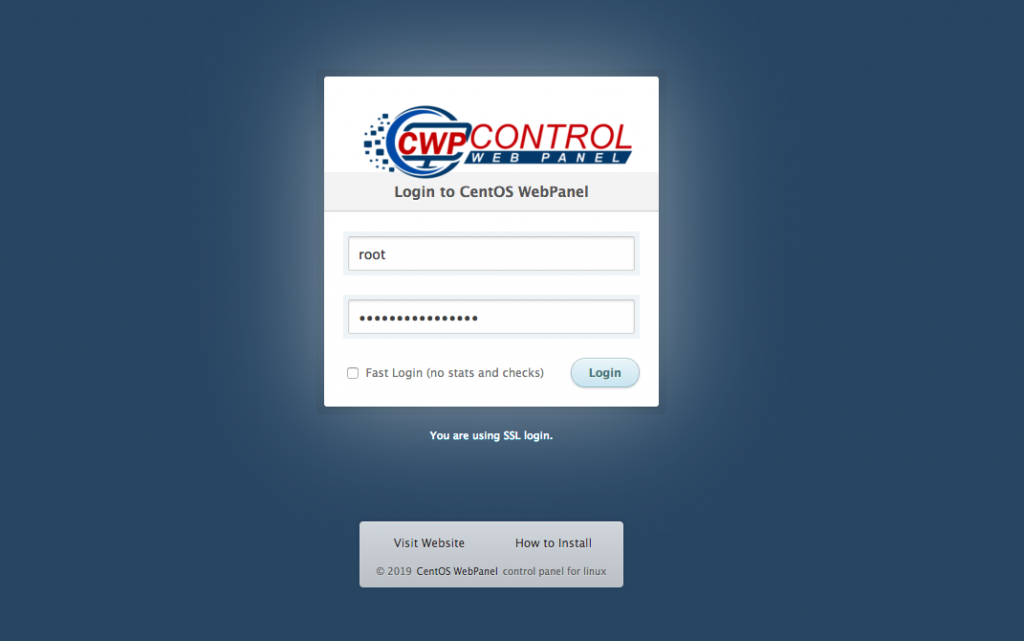
Log in to CentOS WebPanel as root to begin the Let’s Encrypt SSL installation
Step 2
Under the Navigation option, type SSL in the search box and select SSL Certificates.
Step 3
Click “AutoSSL Free”
Select a username from the list. Ex. pheonix
Select the domain name. Ex. pheonixsolutions.com
Click “Install SSL”
Step 4
Finally, verify the SSL on the SSL Shopper website. Please find the Link.
Conclusion
By following the above steps, you can successfully install a free Let’s Encrypt SSL certificate for a domain through CentOS WebPanel. Once installed, verify that the certificate is active and the website is accessible securely over HTTPS. For more information about free SSL certificates, visit the official Link.
FAQs
1. What is Let’s Encrypt SSL?
Let’s Encrypt is a free, automated, and publicly trusted SSL certificate authority that provides SSL certificates for websites.
2. Do I need root access to install Let’s Encrypt SSL in CentOS WebPanel?
Yes. Root access to CentOS WebPanel is required to install the SSL certificate using the WebPanel interface.
3. Is Let’s Encrypt SSL free?
Yes. Let’s Encrypt provides SSL certificates free of charge.
Related Articles
How to change the admin email for Let’s Encrypt
Need Help with Let’s Encrypt?
Need help with Let’s Encrypt SSL certificates, certificate renewal, or server security? Our experts can help with SSL certificate management, web hosting, server administration, DevOps and cloud solutions, and other infrastructure requirements. Get in touch with our team here.