Introduction
The Disk Usage tool in cPanel helps you analyze how your hosting space is being used. It allows you to identify large files and directories so you can manage storage efficiently.
Prerequisites
Access to cPanel
Valid login credentials
Implementation
Step 1:
Log in to your cPanel.
Step 2:
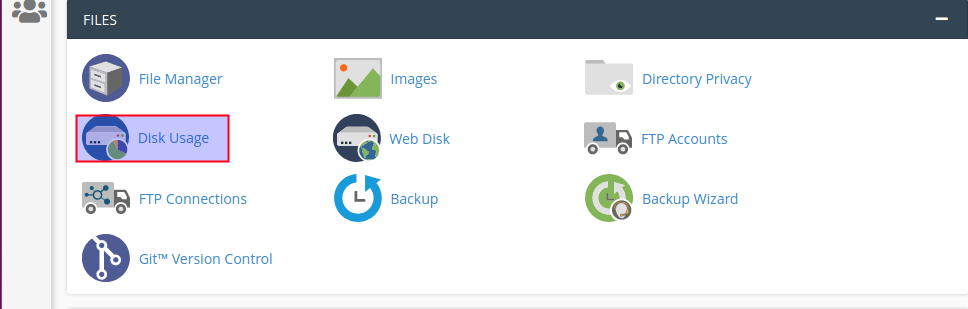
Click Disk Usage under the Files section.
Step 3:
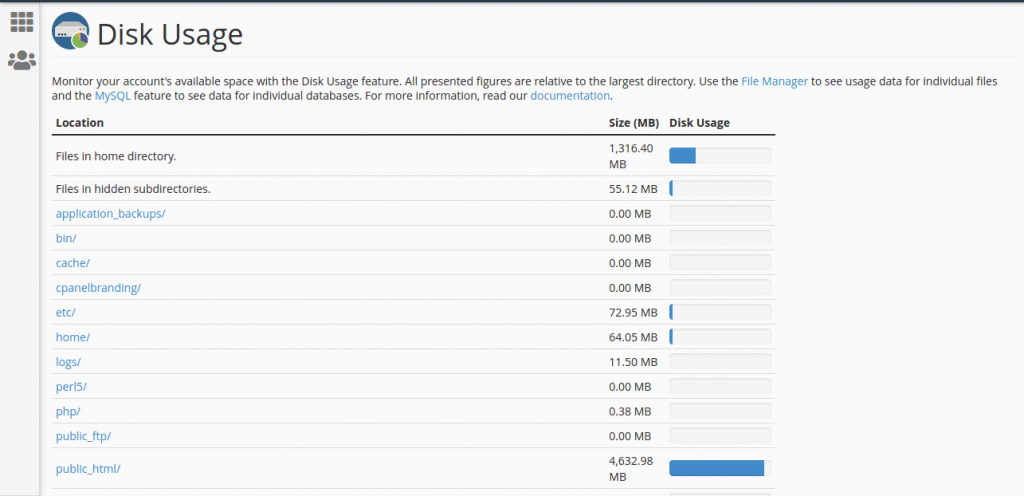
You can see the disk usage size by scrolling down the page.
Step 4:
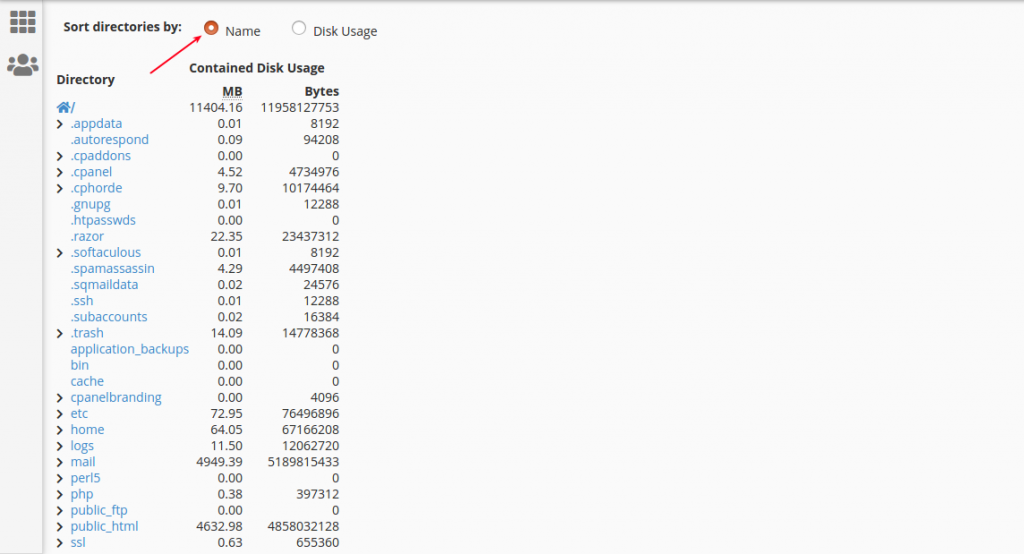
Click Name option, you can see the name-wise disk usage.
Step 5:
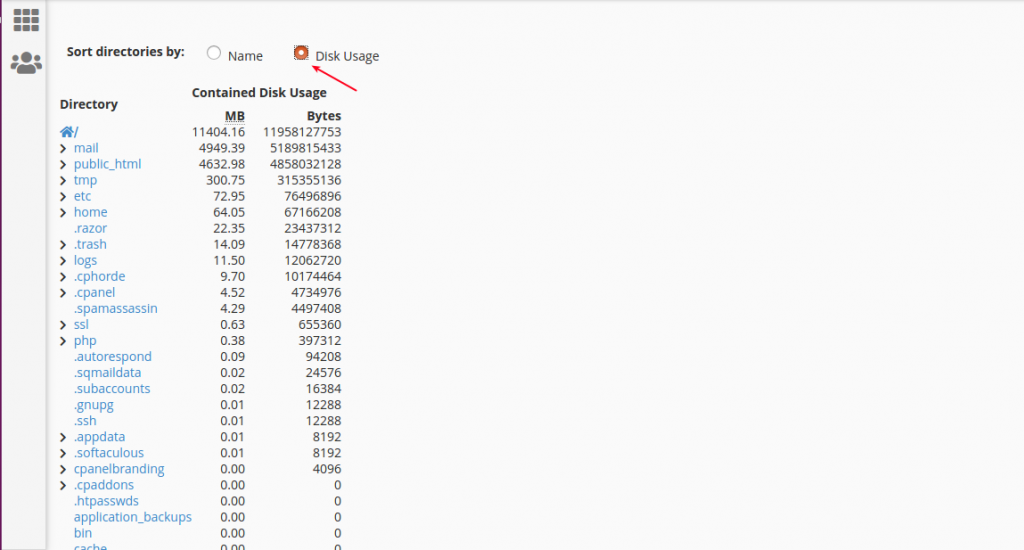
Click Disk Usage option, you can see the descending order disk usage.
Step 6:
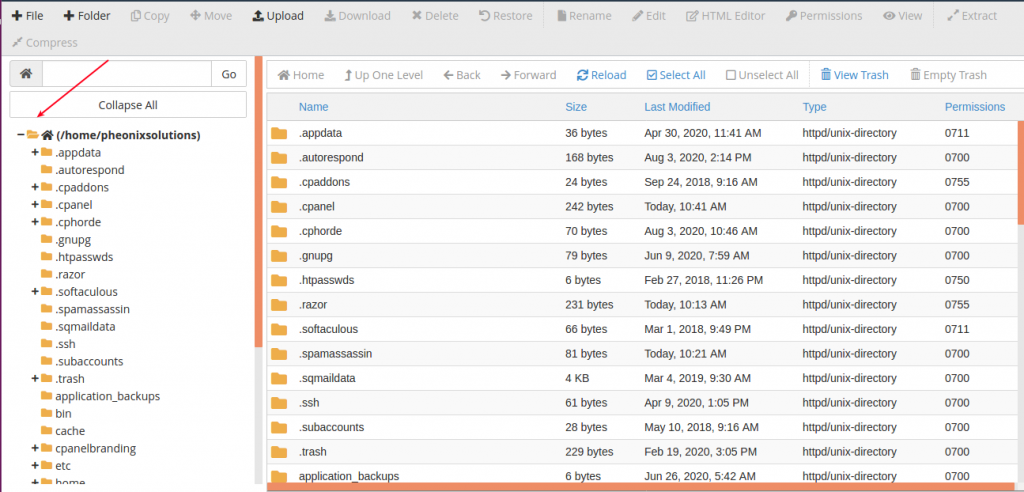
Go to File Manager, you can see the files and folders.
Conclusion
Using the Disk Usage tool in cPanel, you can easily monitor storage consumption and manage files effectively to optimise your hosting space.