Please follow the below steps to increase disk space for a user in WHM.
Introduction
Managing disk space is an essential part of server administration. In Web Host Manager, administrators can easily adjust the disk quota allocated to individual user accounts. Increasing disk space ensures that users can store more website files, emails, and databases without interruptions.
Prerequisites
Before proceeding, make sure you have:
- Access to WHM with root or reseller privileges
- The username or domain name of the account you want to modify
- Basic understanding of hosting account limits and quotas
Implementation
Follow the steps below to increase disk space for a user:
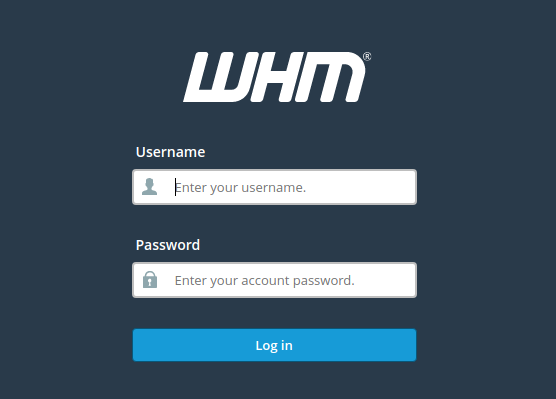
- Login to your WHM.
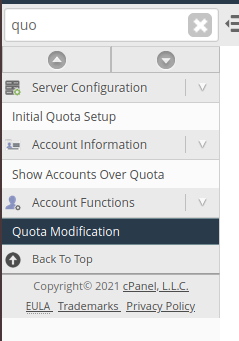
2. Select Quota Modification under Account Functions.
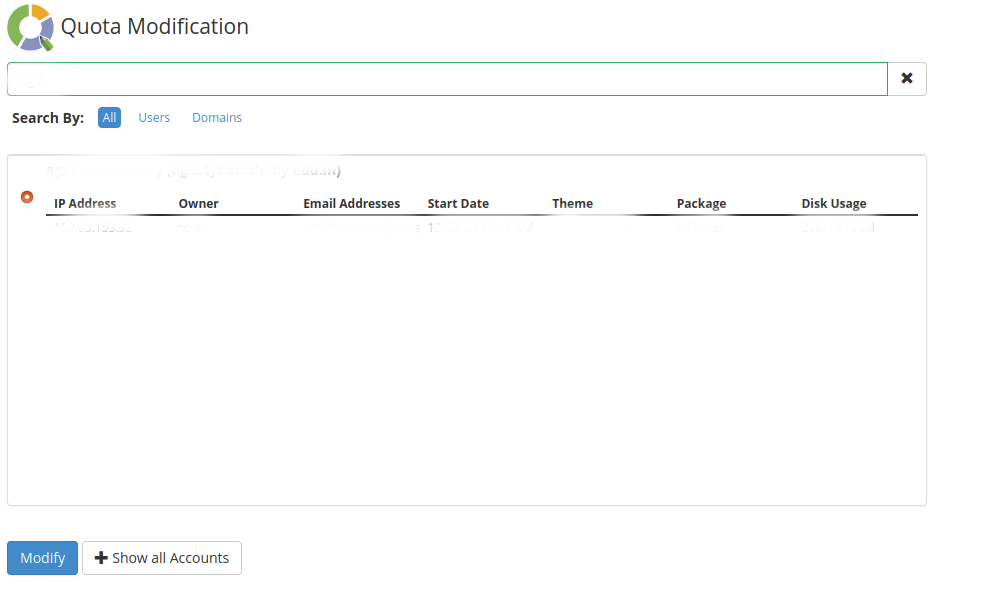
3. Select the domain/username and click Modify.
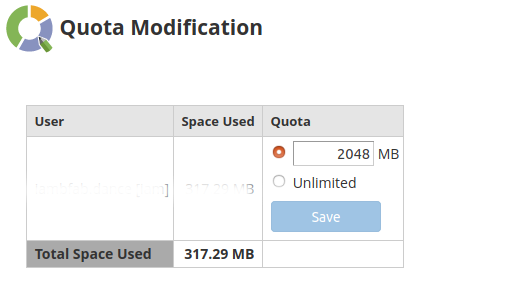
4. Change the quota value for the account and click save.
Conclusion
Increasing disk space in WHM is a quick and effective way to manage user resources. By adjusting quotas, you can prevent storage-related issues and ensure smooth website performance. Regular monitoring of disk usage is recommended to maintain optimal server health and avoid unexpected limitations.