Introduction
In cPanel, you can configure a custom document root for a domain. This allows the domain to load website files from a specific directory instead of the default public_html location.
Prerequisites
- Access to cPanel
- Domain already added to the hosting account
- Desired directory path created
Implementation
Step 1:
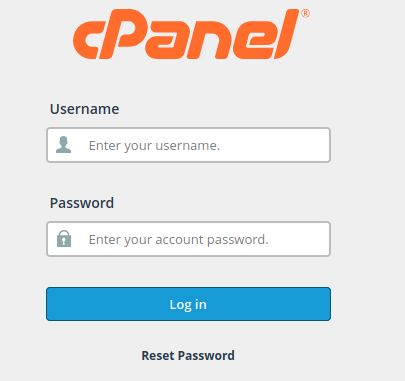
- Log in to the cPanel.
Step 2:
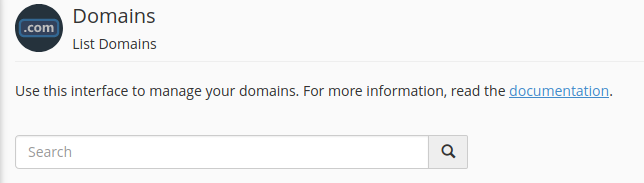
- Under the Domains section, click on Domains
- Navigate to:
HOME >>> DOMAINS

Step 3:
- Enter your domain name in the search box
Step 4:
- Click on “Manage.”
- Select the domain

Step 5:
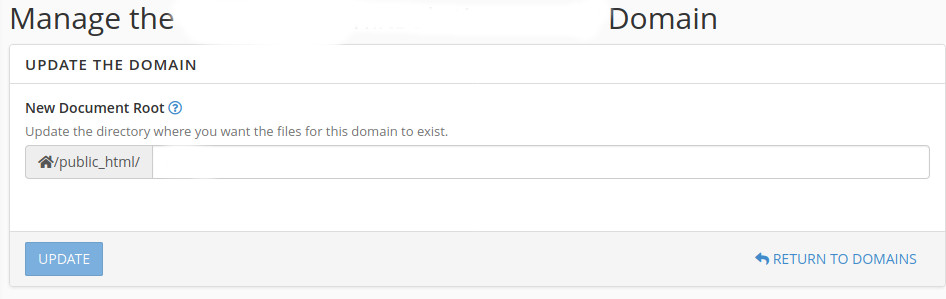
- In the New Document Root field, specify the required document root path
- Click on Update
Now, the new document root is updated.
Conclusion
By updating the document root in cPanel, you can control which directory serves files for your domain.