Introduction
A PHP handler determines how PHP scripts are processed and executed on a web server. Different PHP handlers offer varying levels of performance, security, and resource usage. Common PHP handlers include DSO, CGI, suPHP, FastCGI, LSAPI, and PHP-FPM.
Changing the PHP handler can help improve website performance, enhance security, or ensure compatibility with specific applications. In hosting environments such as cPanel/WHM, selecting the appropriate PHP handler is an important part of server management.
Prerequisites
Before proceeding, ensure the following requirements are met:
- Root access or sudo privileges on the server
- WHM/cPanel installed (for WHM method)
- EasyApache 4 installed and configured
- Basic understanding of PHP versions and web server configuration
- Backup of existing server configuration and websites
You can verify the current PHP version using:
php -vIMPLEMENTATION
Please follow the below steps to set a specific PHP handler for a particular version of PHP or multiple versions of PHP.
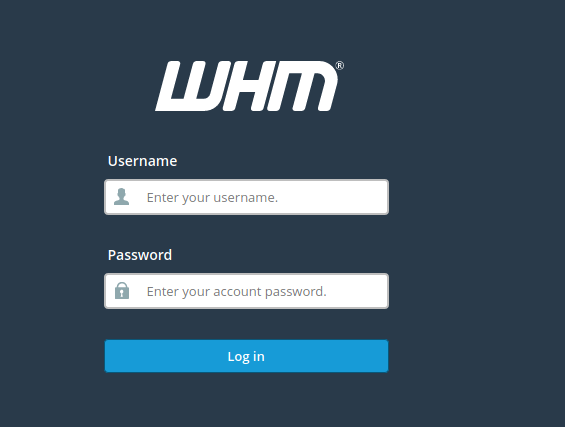
- Log into WHM.
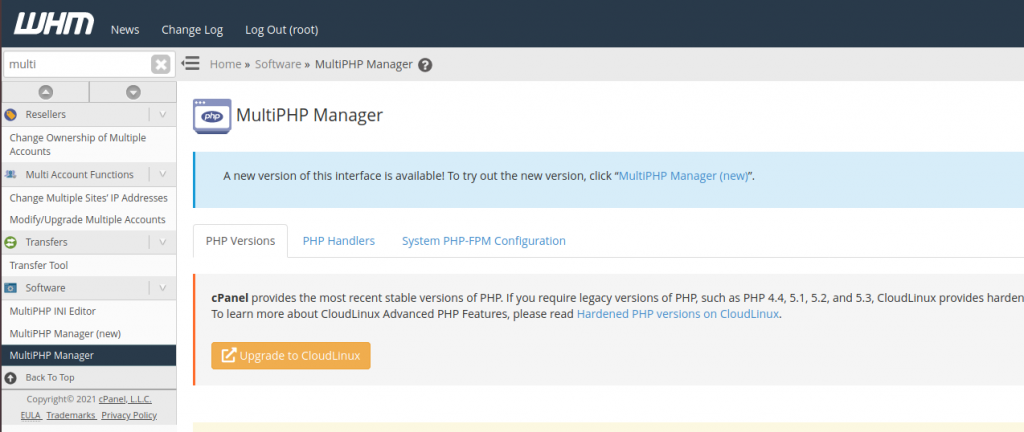
2. Navigate to MultiPHP Manager.
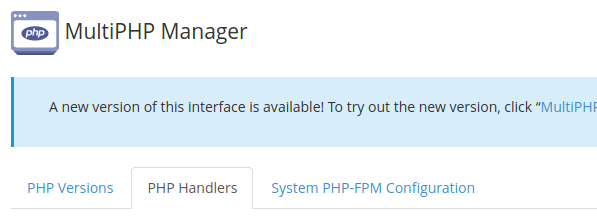
3. Click the PHP Handlers tab.
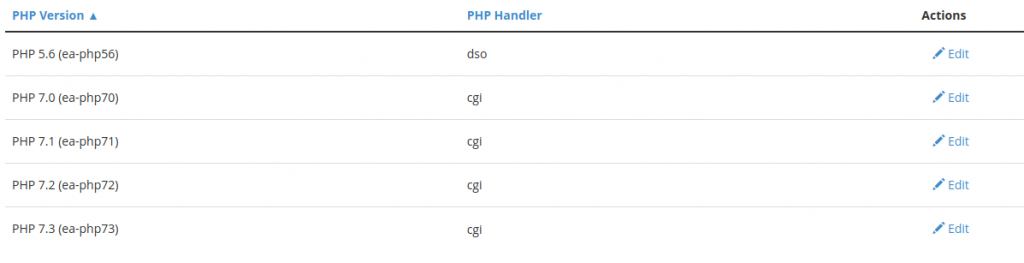
4. Click Edit under the Actions column for the PHP version you want to change the PHP handler for and select the desired PHP handler.
5. Click Apply to save your changes.
Conclusion
Changing the PHP handler helps optimize website performance, security, and compatibility based on hosting requirements. WHM provides an easy interface for managing PHP handlers, while command-line methods offer additional flexibility for administrators. After modifying the PHP handler, always verify website functionality and monitor server performance to ensure the new configuration works as expected.