Introduction
In WHM, you can change IP addresses for multiple cPanel accounts at once using the Change Multiple Sites’ IP Addresses feature. This is useful when migrating to a new shared IP or adding additional IPs to the server.
Prerequisites
- Root access to WHM
- New IP address already added to the server
- Existing cPanel accounts available on the server
Implementation
Step 1:
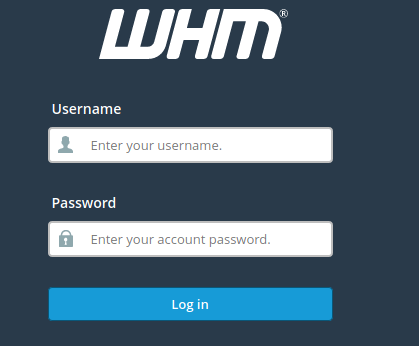
Log in to root WHM.
Step 2:
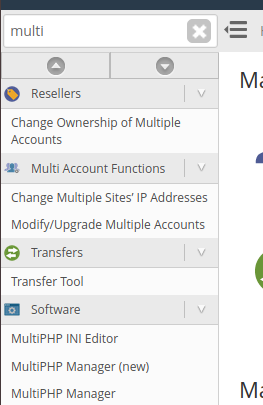
Navigate to:
Home → Multi Account Functions → Change Multiple Sites’ IP Addresses
You can also use the search box on the top left to find it.
Step 3:
Select the accounts you want to modify by checking the box next to each domain.
Step 4:
After selecting the required accounts, click on:
Change IPs of Selected Accounts
Step 5:
Using the dropdown menus, choose the new IP address for each account.
Step 6:
Click on the Change IPs button.
Conclusion
Using the bulk IP change feature in WHM, you can quickly assign new IP addresses to multiple accounts with minimal effort.