Introduction
Web Host Manager allows administrators to configure server contact information used for notifications, alerts, and important server-related communication.
Prerequisites
Before proceeding, ensure:
- Root access to WHM
- Valid email address for server notifications
Implementation
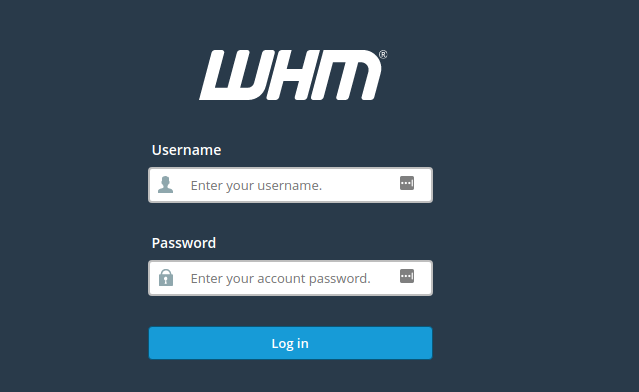
1) Log into your WHM as Root.
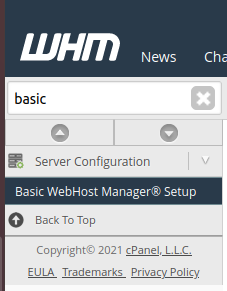
2) In the Search Tab, search for “Basic WebHost Manager”
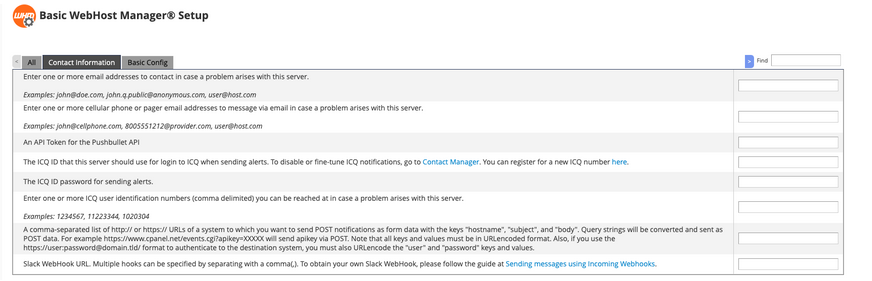
3) Click on “Contact Information” tab and proceed to fill out/update all the information you wish to enter.
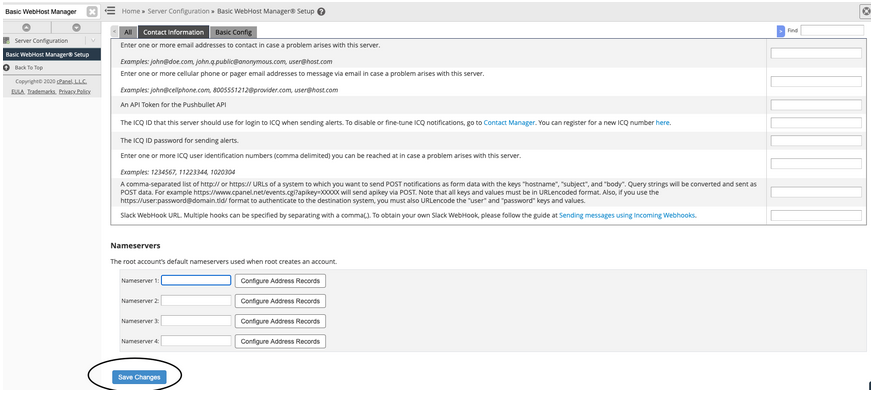
4) Once completed, scroll to the bottom of the page and click “Save Change”
Conclusion
Keeping contact information updated in Web Host Manager ensures administrators receive important server alerts, warnings, and service notifications without interruption.