Introduction
The File Manager in cPanel includes a Trash feature that temporarily stores deleted files and folders. Emptying the Trash folder helps free up disk space and permanently removes unwanted files from the account.
Prerequisites
Before proceeding, ensure the following:
- You have access to the WHM or cPanel account.
- The cPanel account is active and accessible.
- You have the necessary permissions to manage files within the account.
Implementation
Step1:
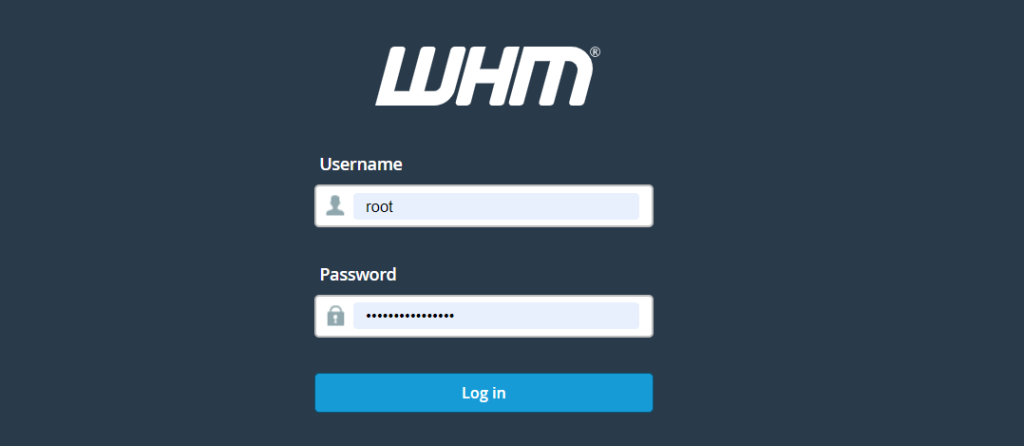
Log into the WHM console
Step2:
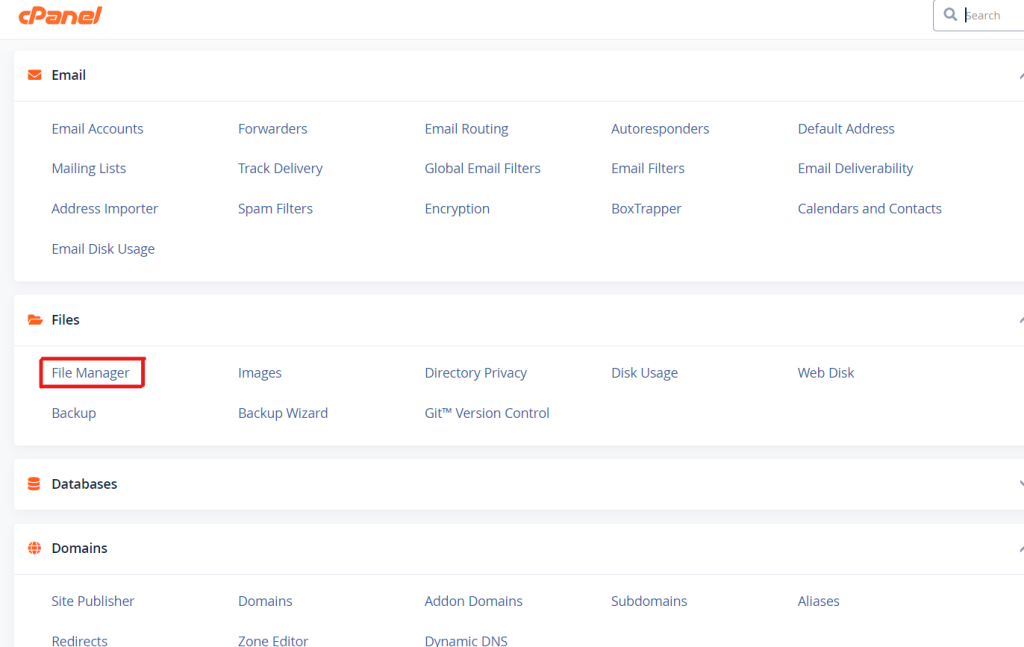
Navigate to the following location
cPanel > Files > File Manager
Step3:
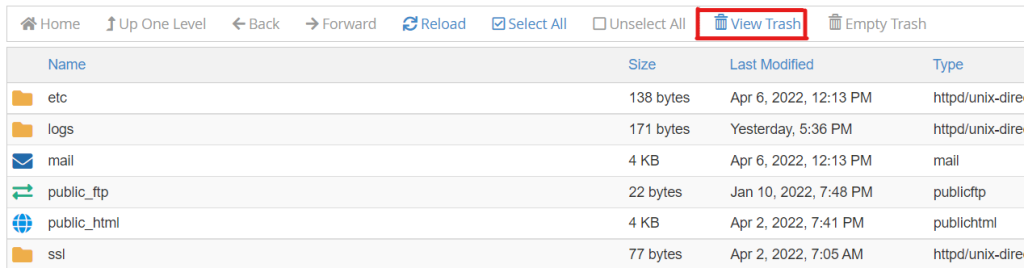
Click the “View Trash” button.
Step4:
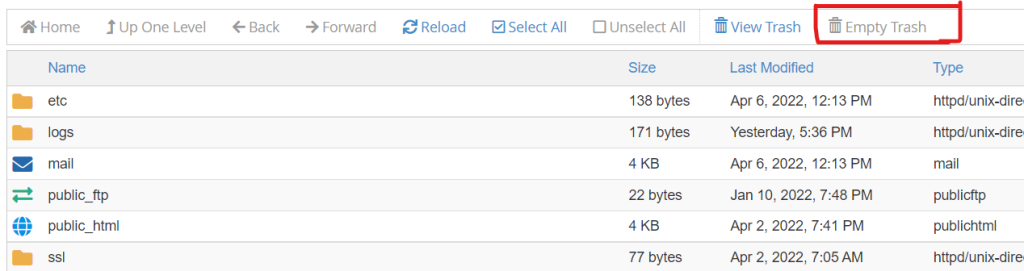
Click the “Empty Trash” button.
Step5:
Confirm by clicking the “Empty Trash” button in the pop-up box.
Conclusion
Emptying the Trash folder in cPanel File Manager permanently removes deleted files and helps reclaim disk space. Regularly clearing the Trash can assist in maintaining available storage within your hosting account.