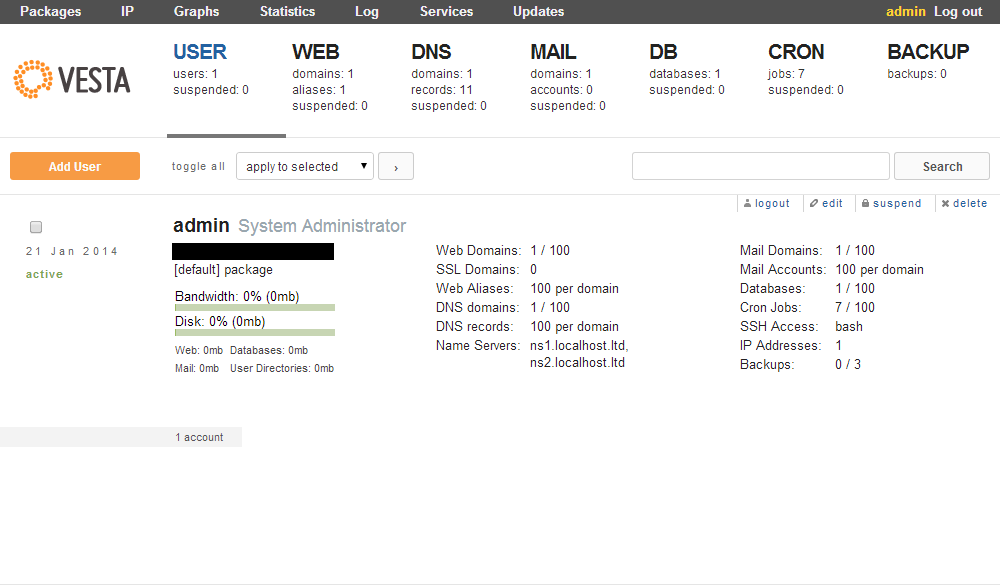
How to install VestaCP on Linux server
Date: 16.04.2020
Introduction:
Vesta control panel (VestaCP) is an open-source hosting control panel, which can be used to manage multiple websites, create and manage email accounts, FTP accounts, and MySQL databases, manage DNS records.
Minimal System Requirments:
RAM – 512 Mb, HDD – 20 Gb, CPU – 1 GHz
Supported OS:
RHEL / CentOS – 5, 6, 7
Debian – 7, 8, 9
Ubuntu – 12 . 04 – 18 . 10
Install Instructions:
Step – 1: Connect to your server as root via SSH.
ssh root@your server IP and port
Step – 2: Download the installation script.
curl -O http://vestacp.com/pub/vst-install.sh
Step – 3: We run this script.
bash vst-install.sh
The install script shows us some information on the software that will be installed:
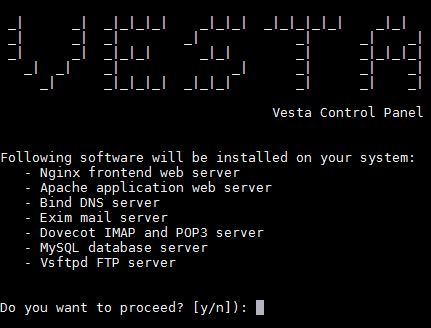
Press “y” and “enter” to proceed with the installation.
After that, you will be prompted to enter a valid email address. Vesta will use this address to try to send you your login credentials. Don’t worry if you have entered the address incorrectly. All the information you will need will be displayed in the terminal window after installation, and you will be able to change the admin email address as soon as Vesta is installed.
Step – 4: Log in to Vesta.
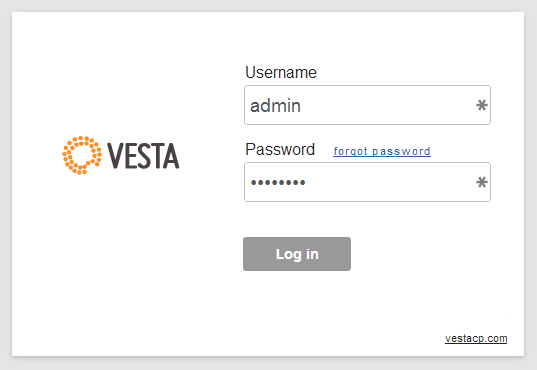
Vesta is installed, open your browser and go to the address. The address will be as below:
https://<your-server-IP-address-or-URL>:8083
We can use credentials to log in to the Vestacp page.
Conclusion:
After logging in, we can continue to configure users, web sites, DNS servers, databases, etc.